Bioacoustics field companion

Hear everything.
See it too.

Chirps

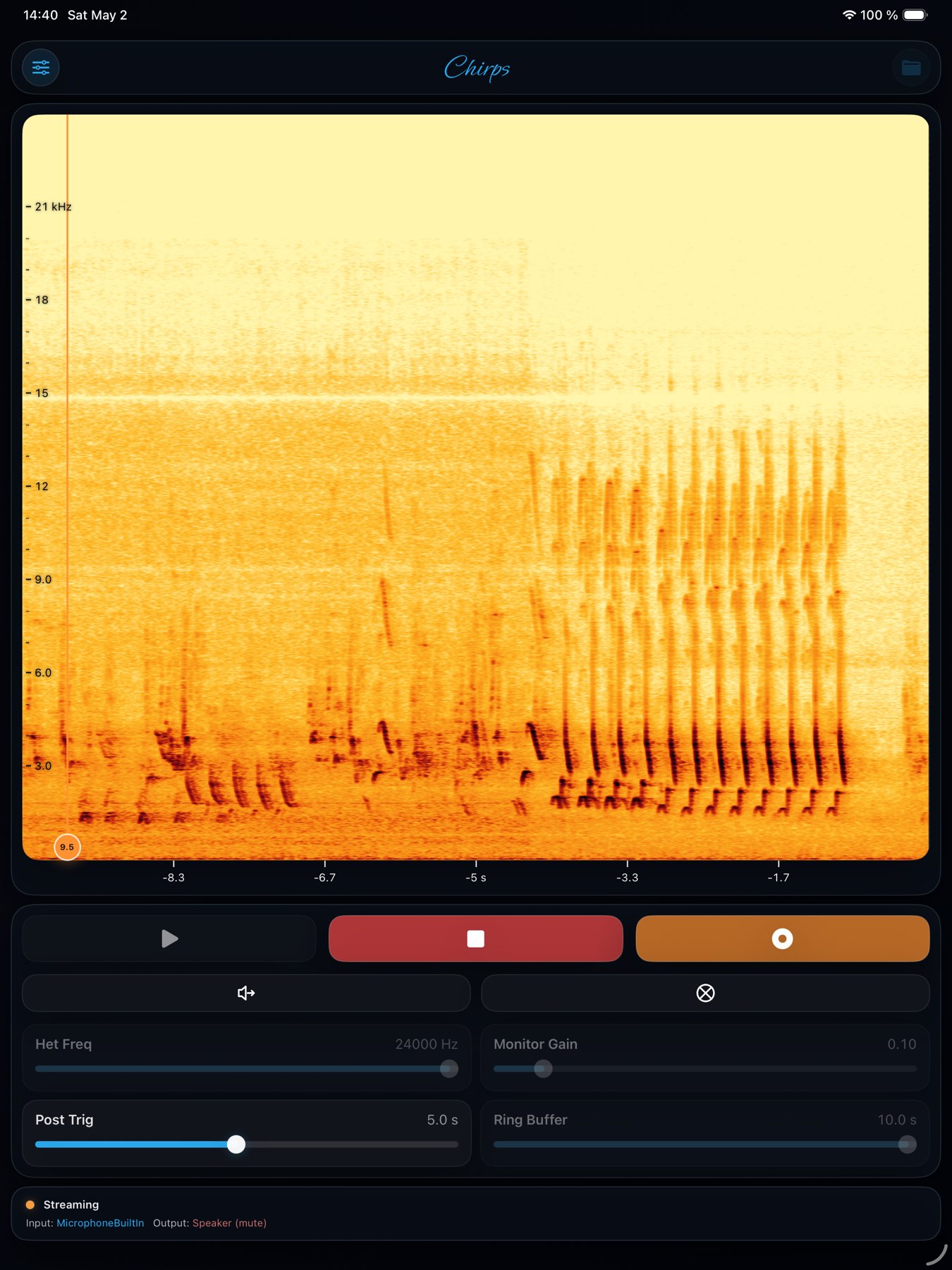
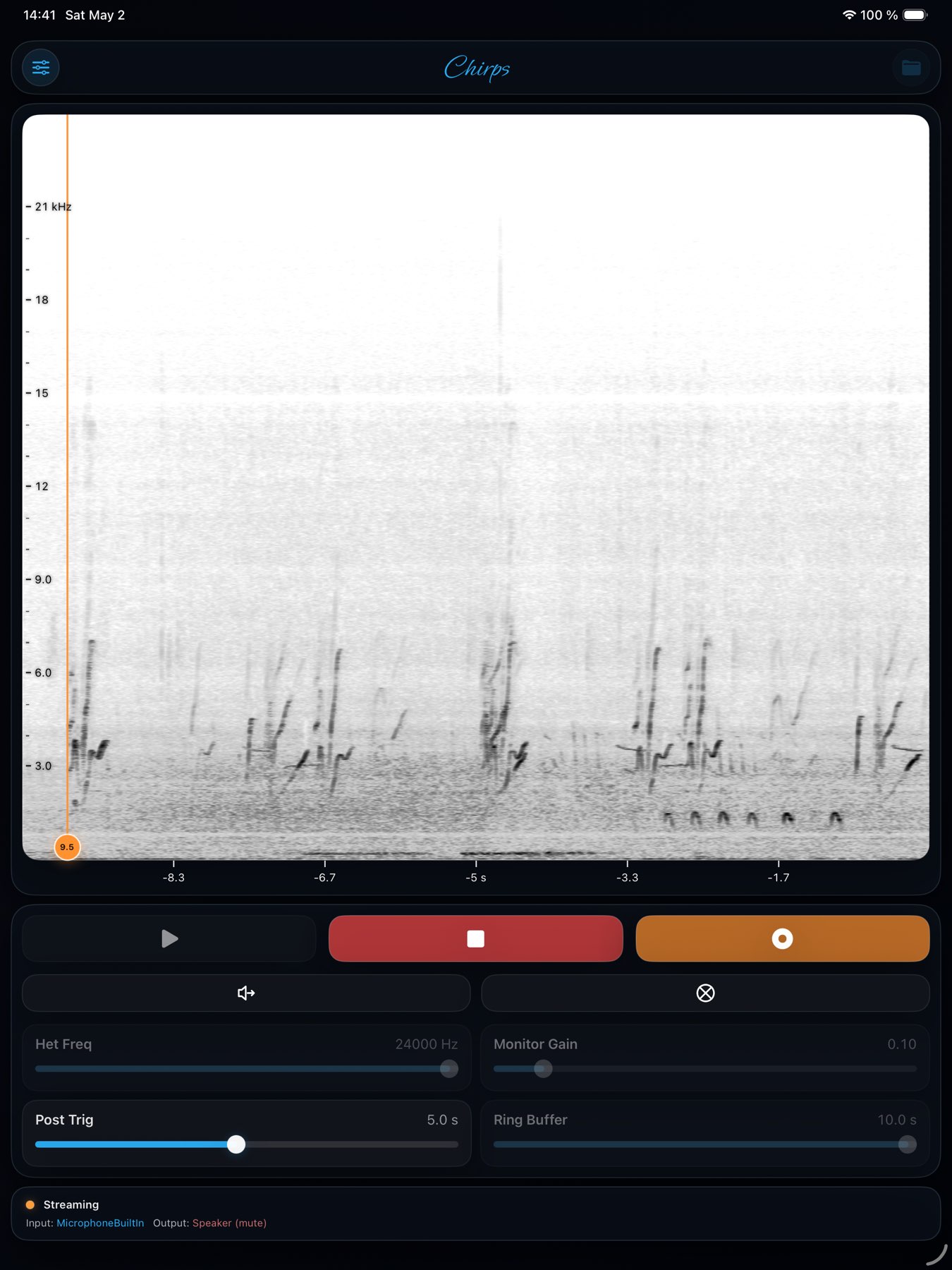
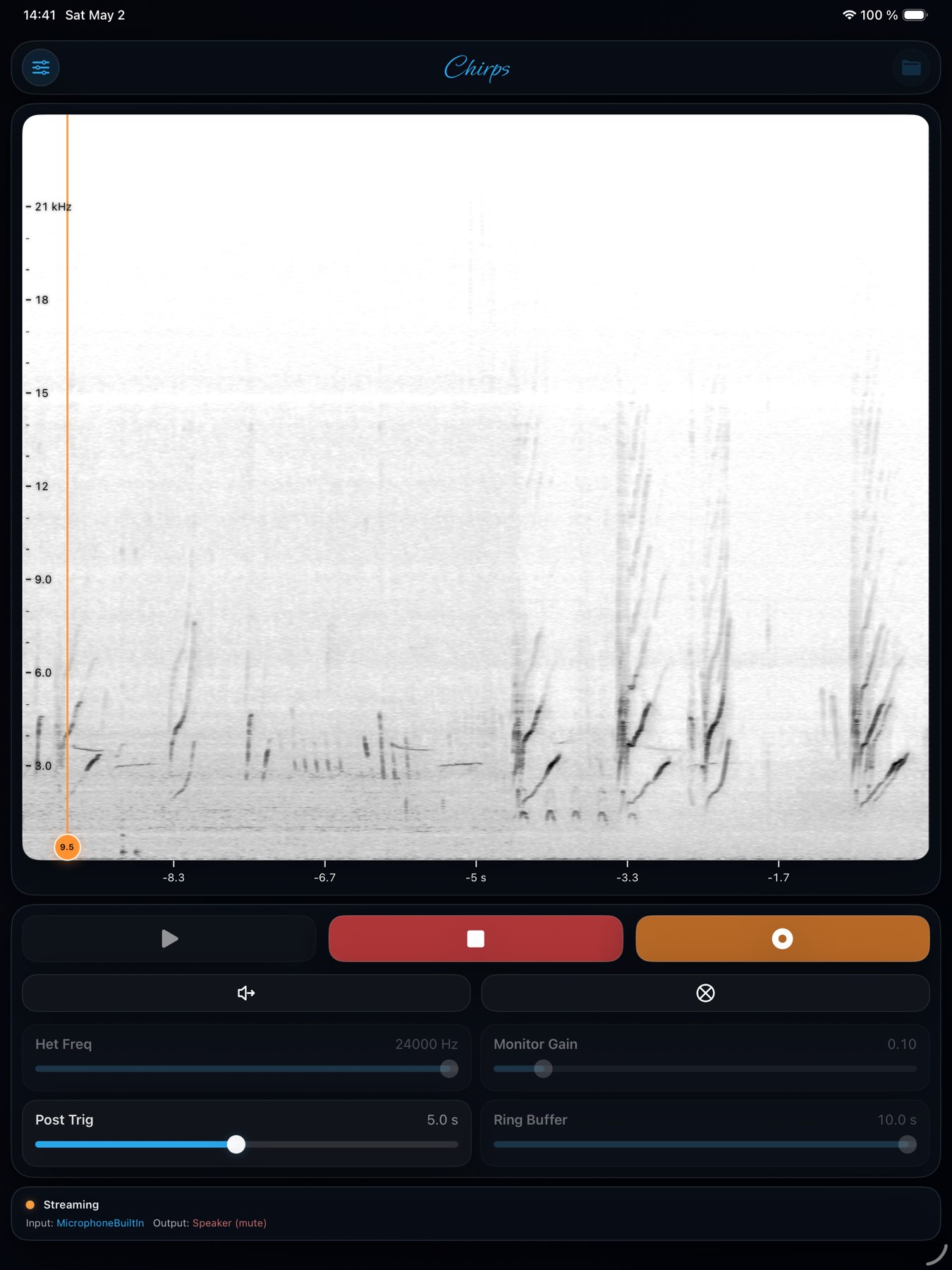
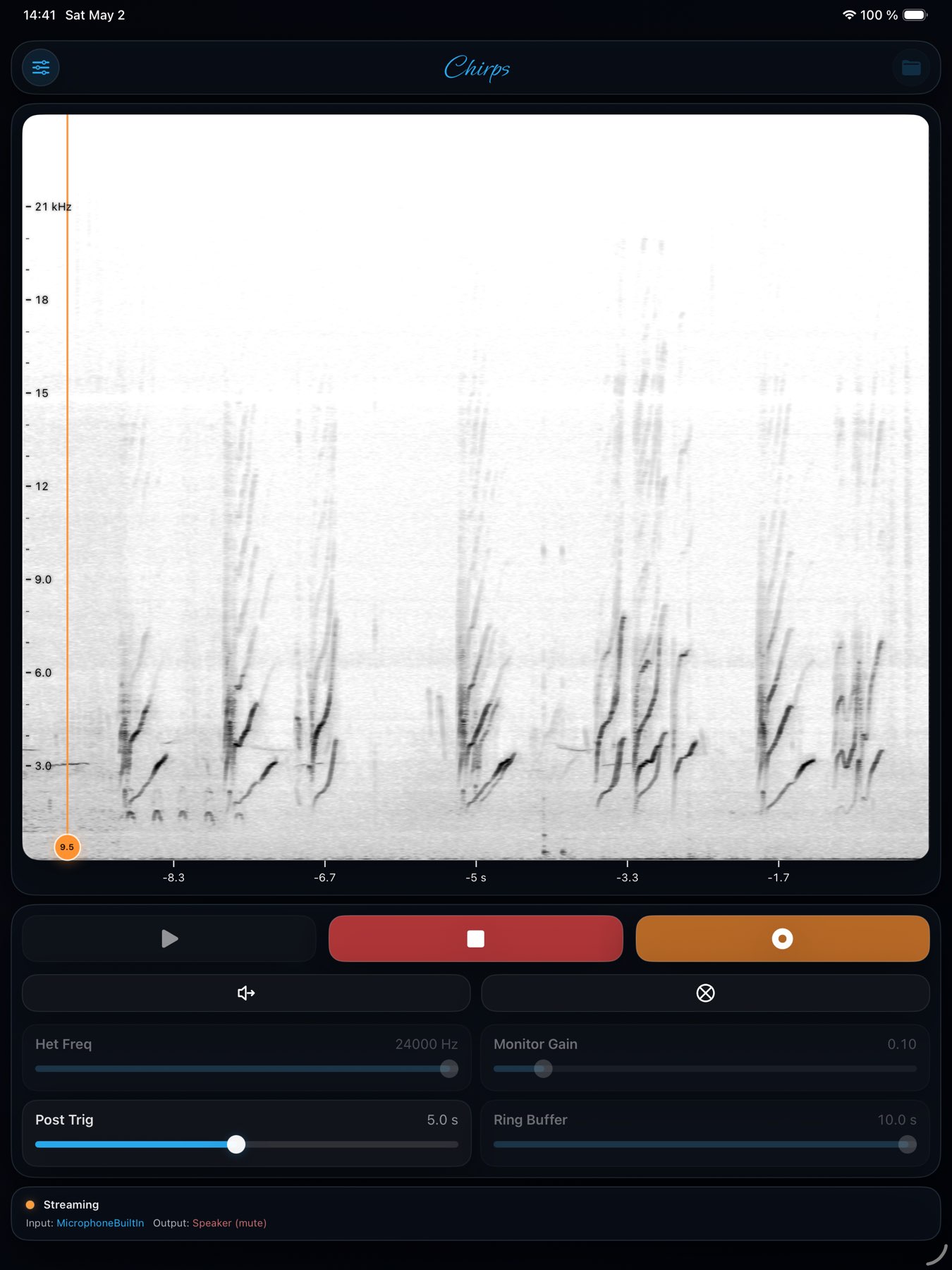
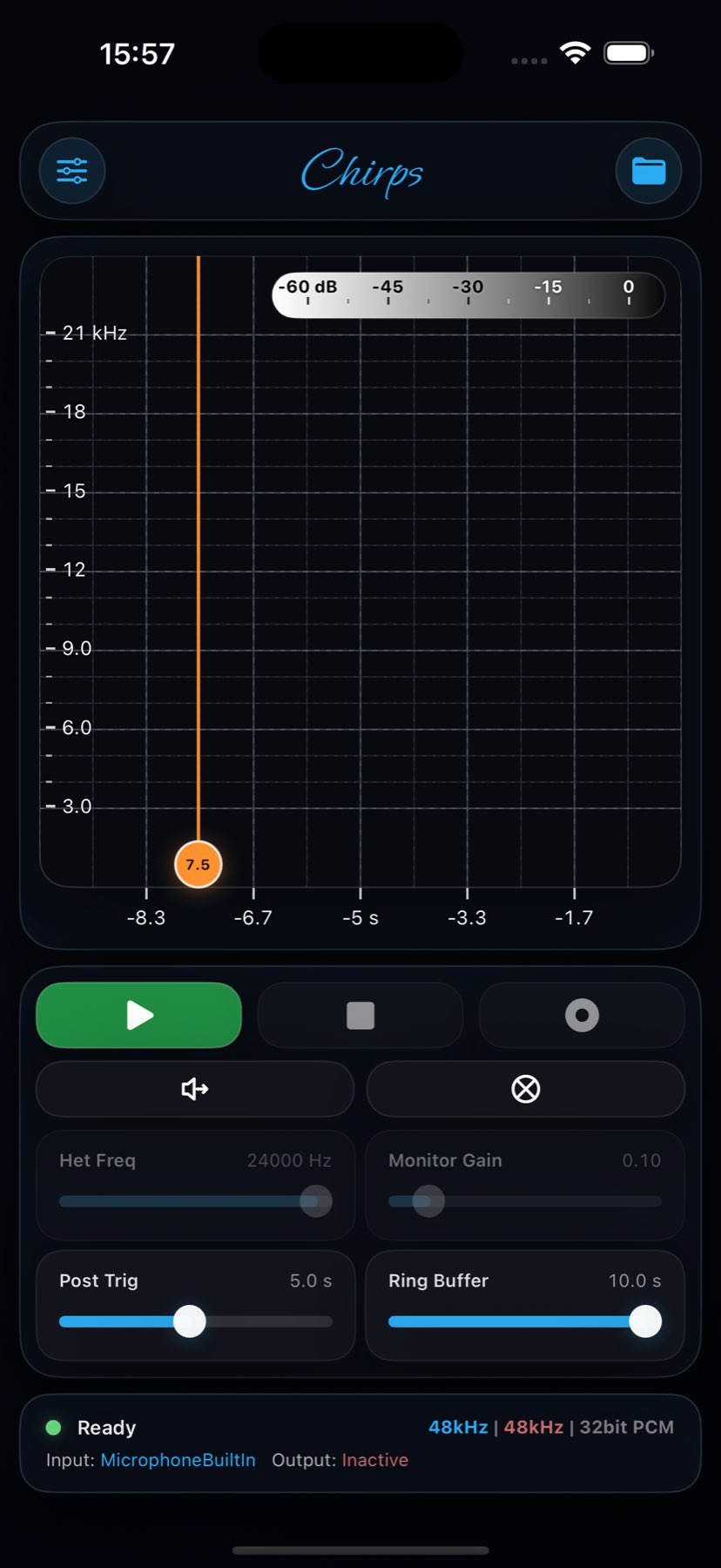
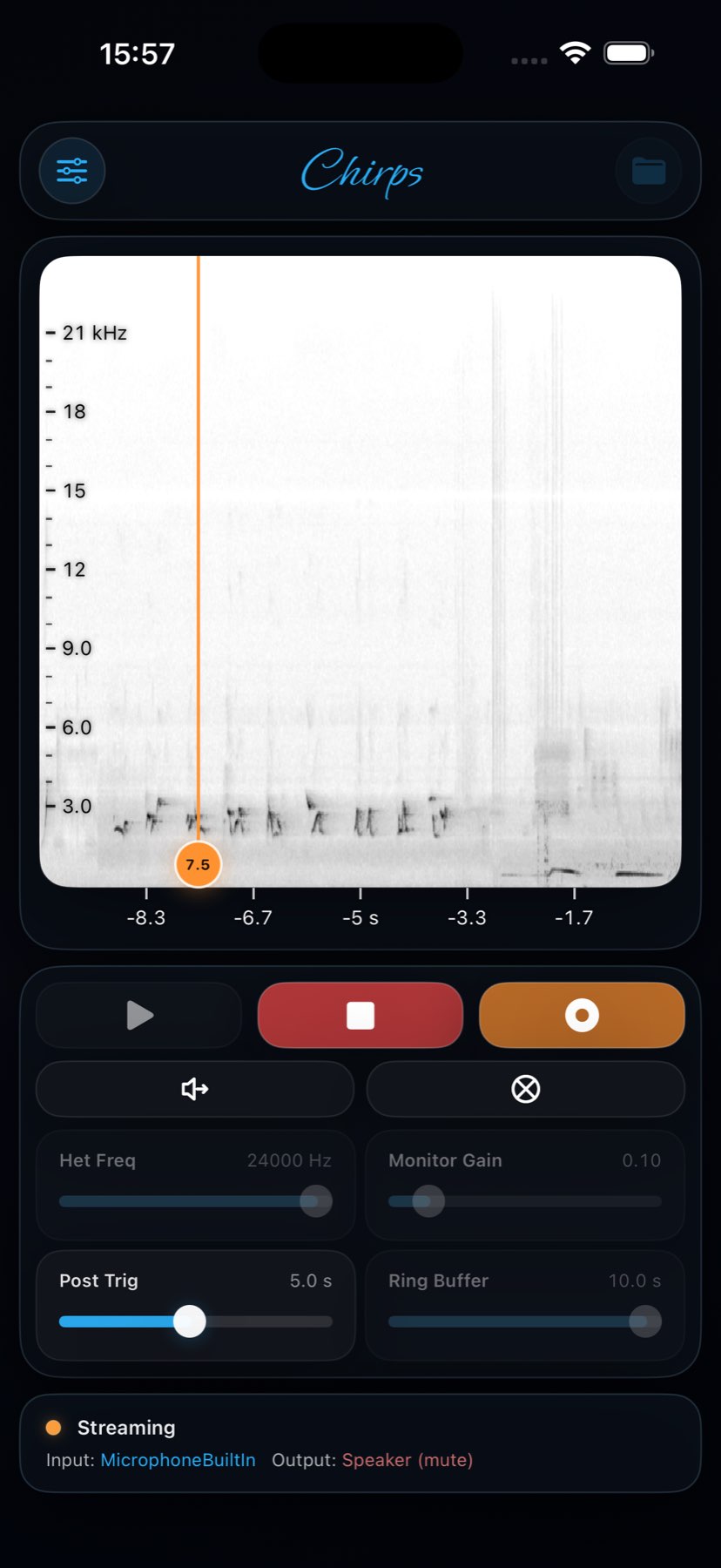
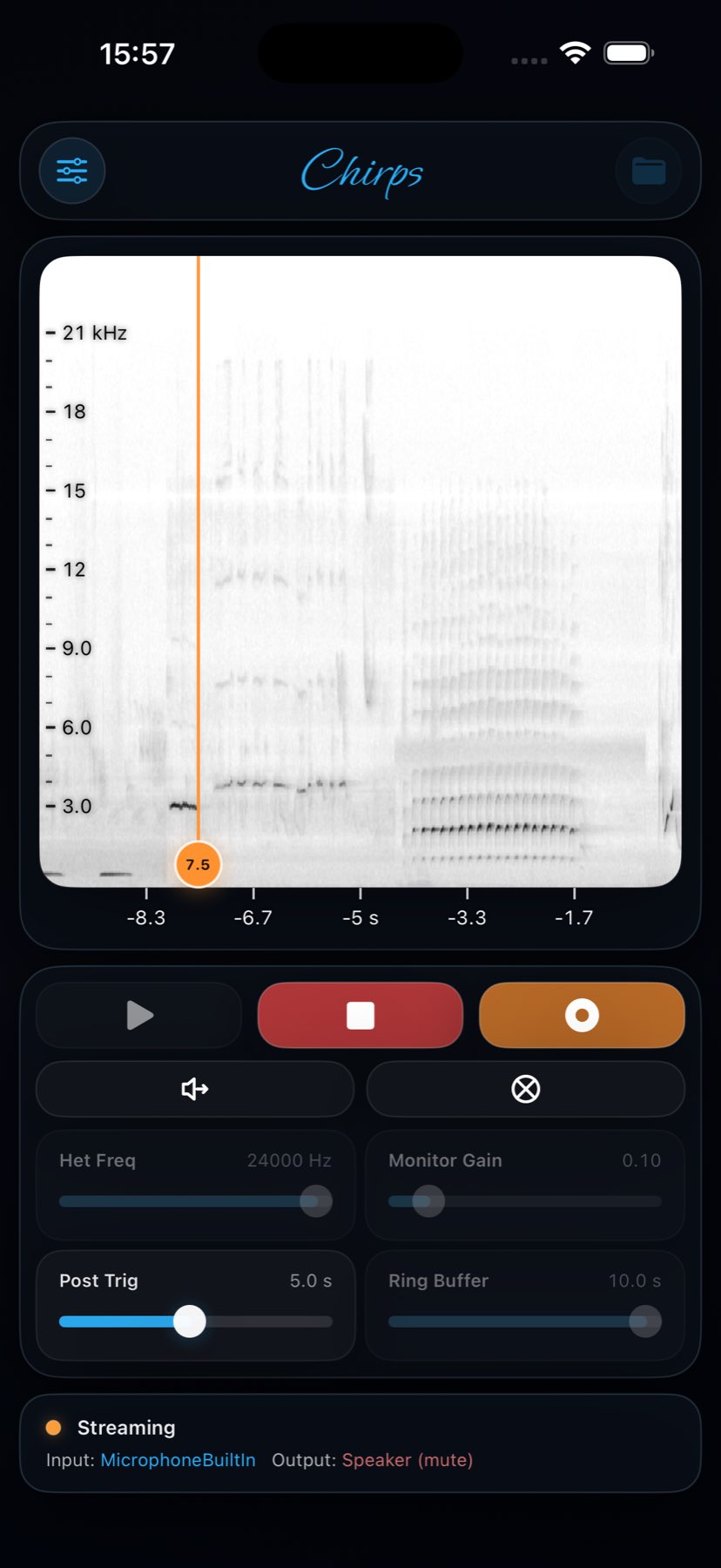
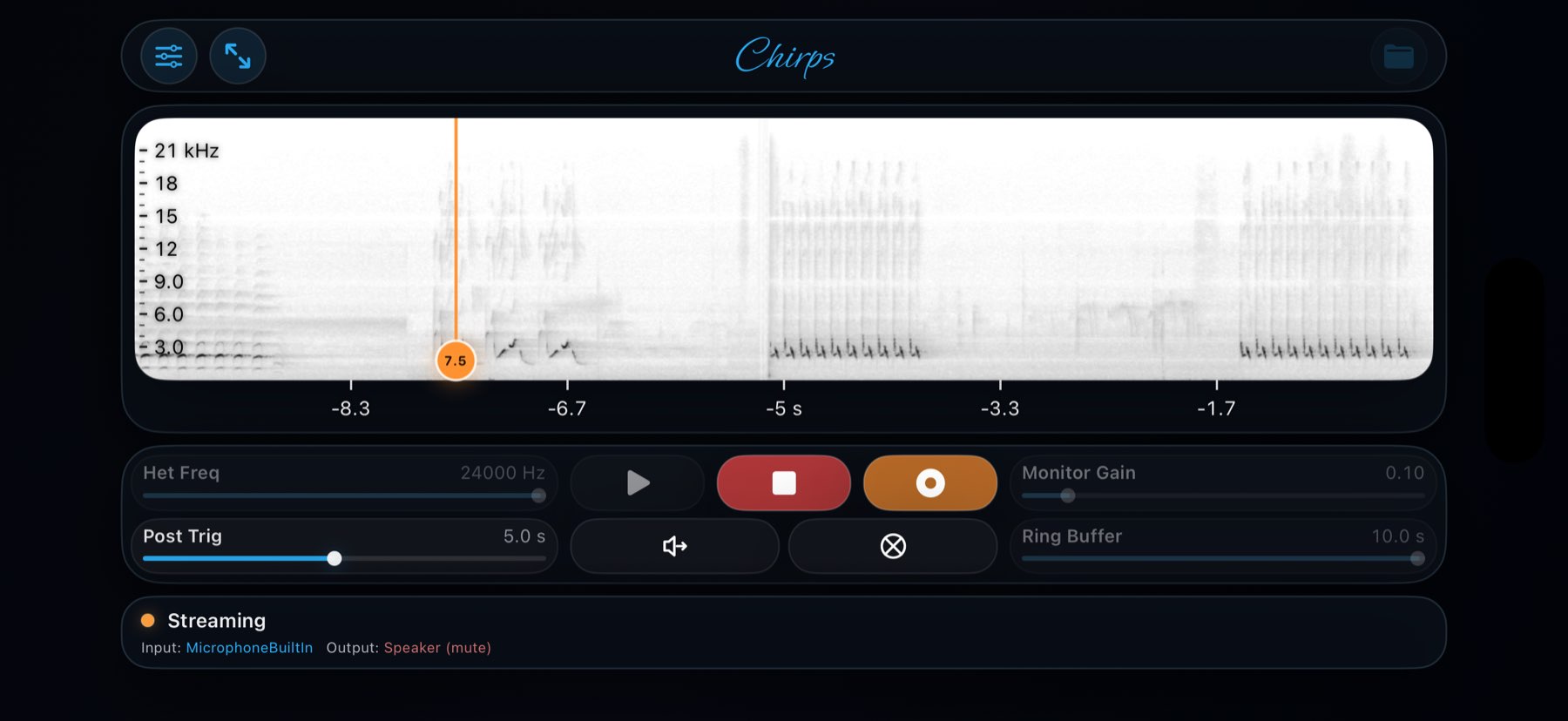
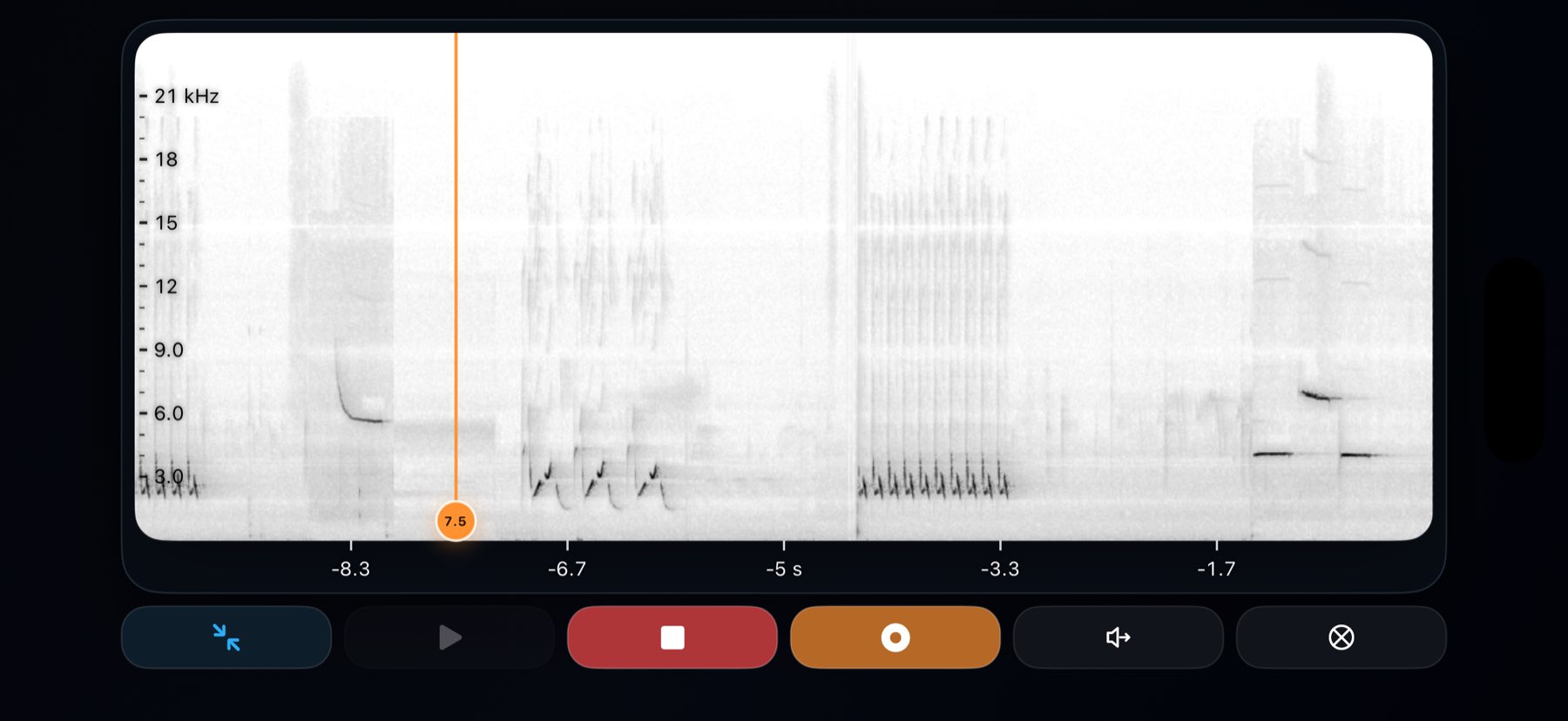
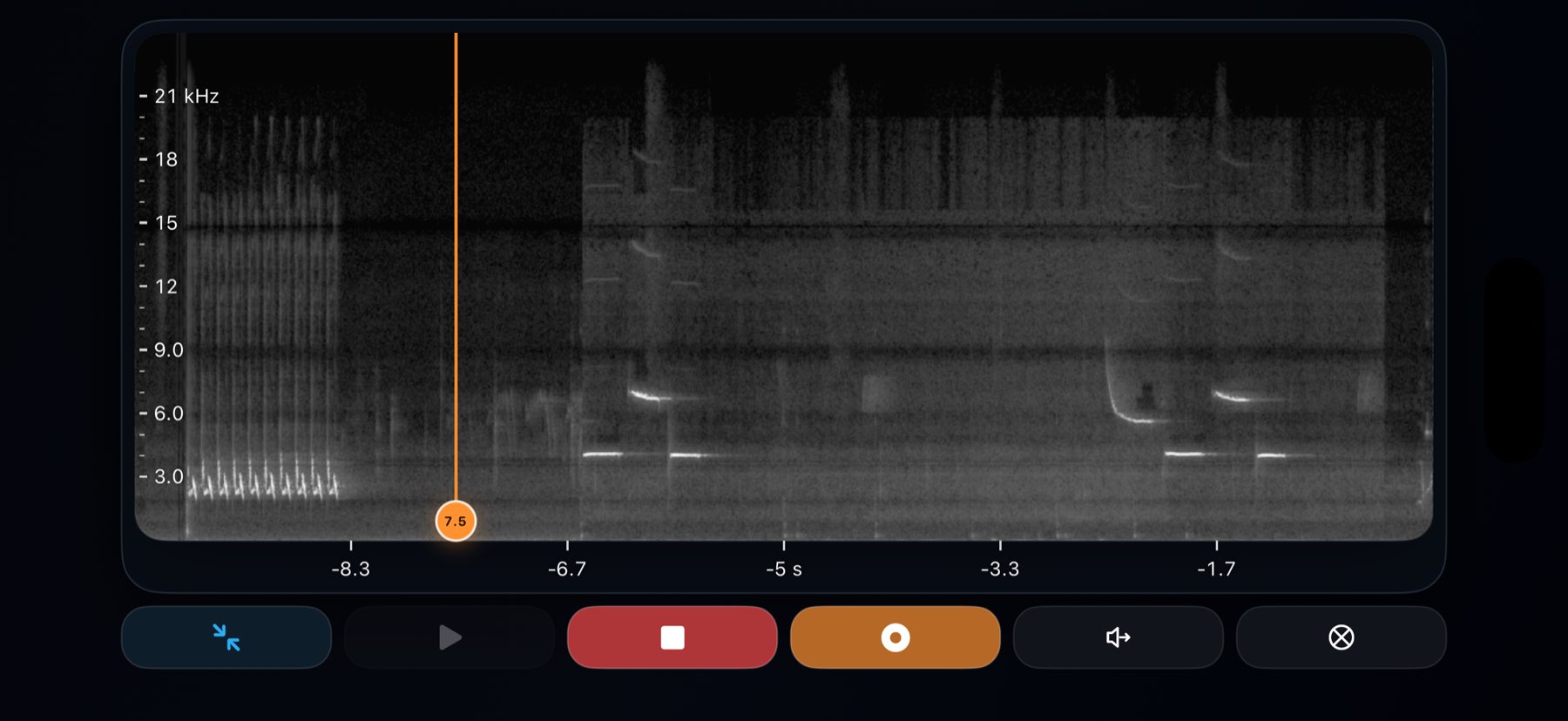
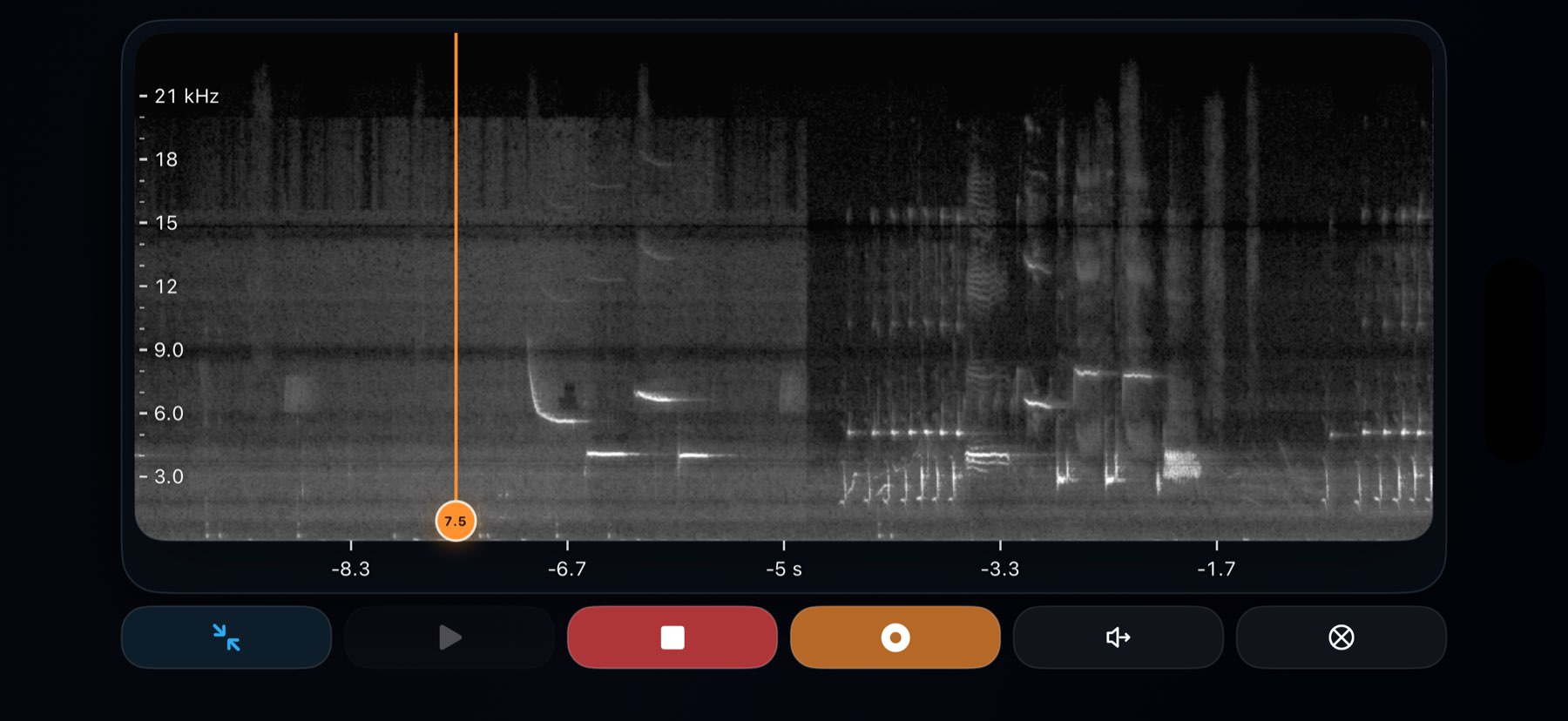
Real-time spectrogram and waveform on iPhone and iPad. Built for field researchers, recordists, and anyone interested in bioacoustic data.

Coming soon to the App Store

Built for the full field session

From live listening to structured notes and export-ready figures, Chirps keeps capture, context, review, and delivery together on one device.

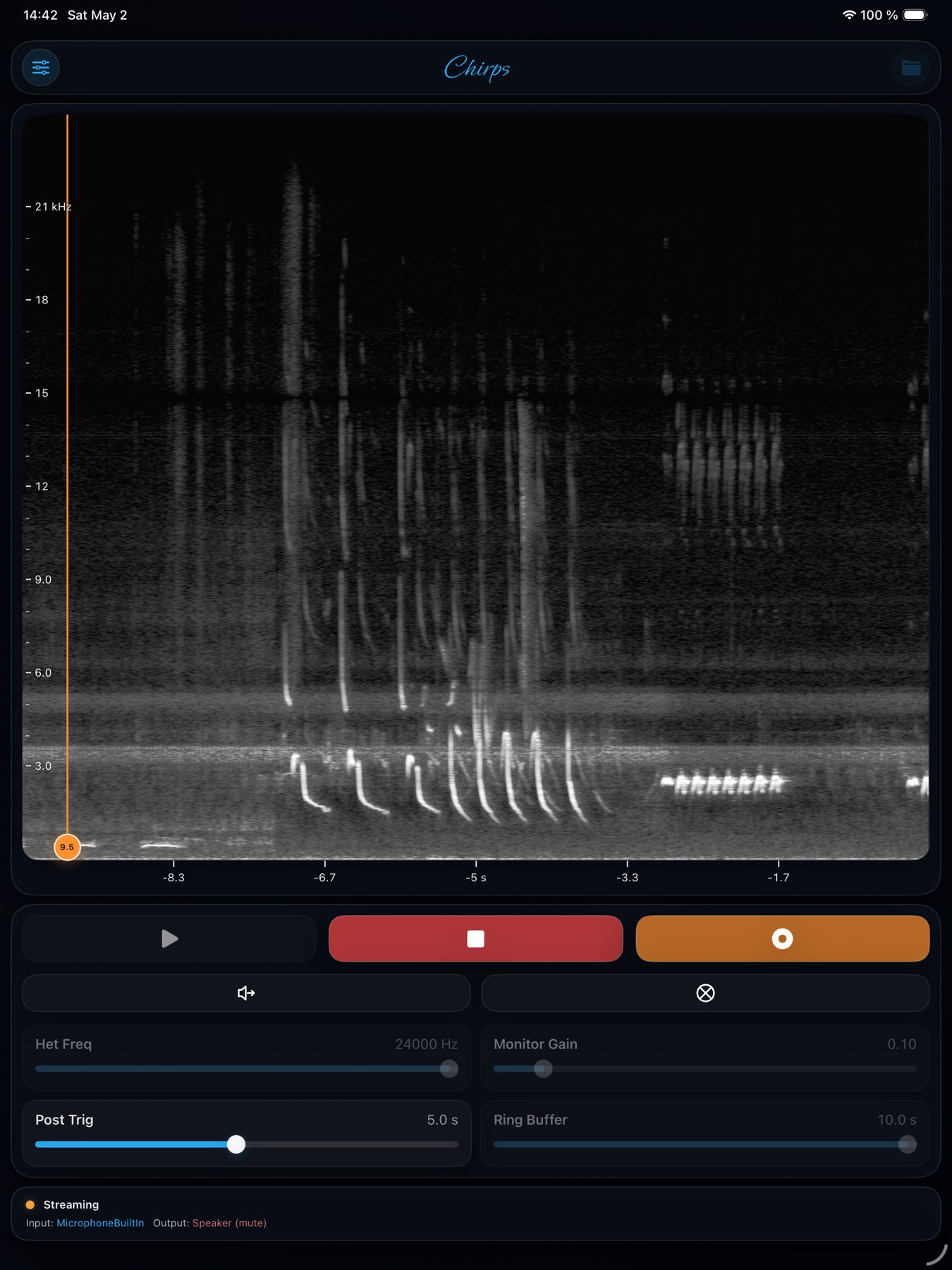
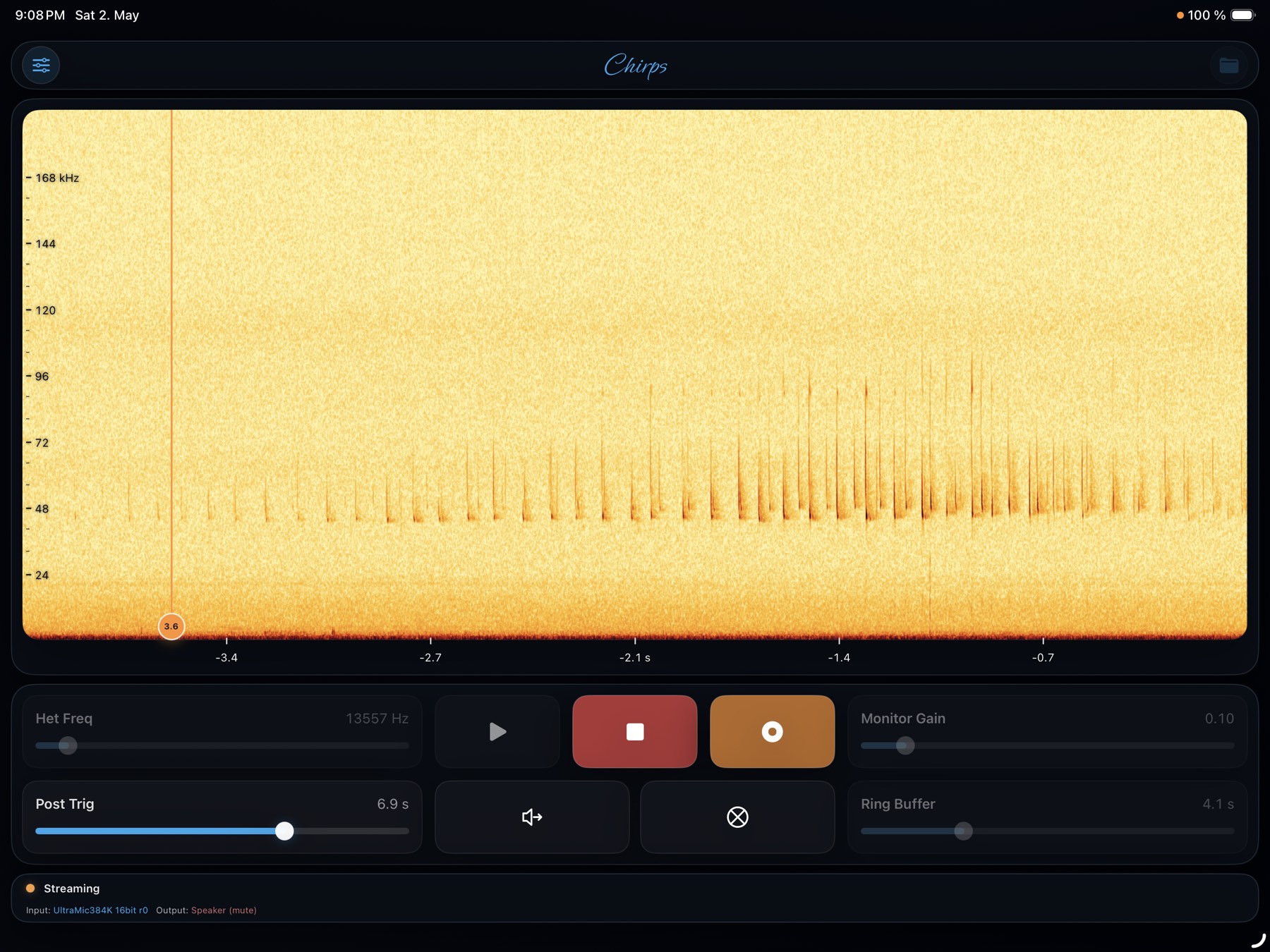
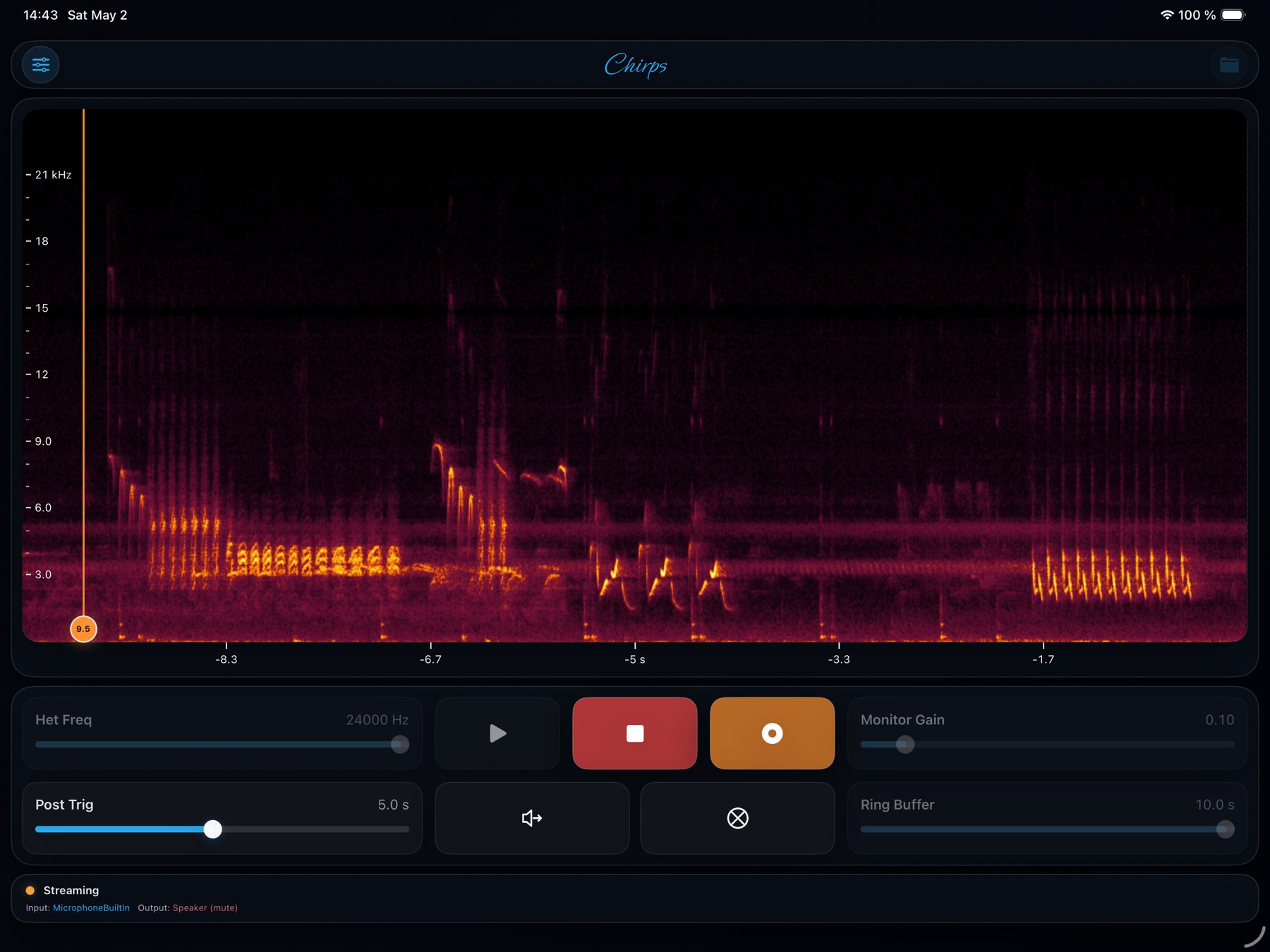
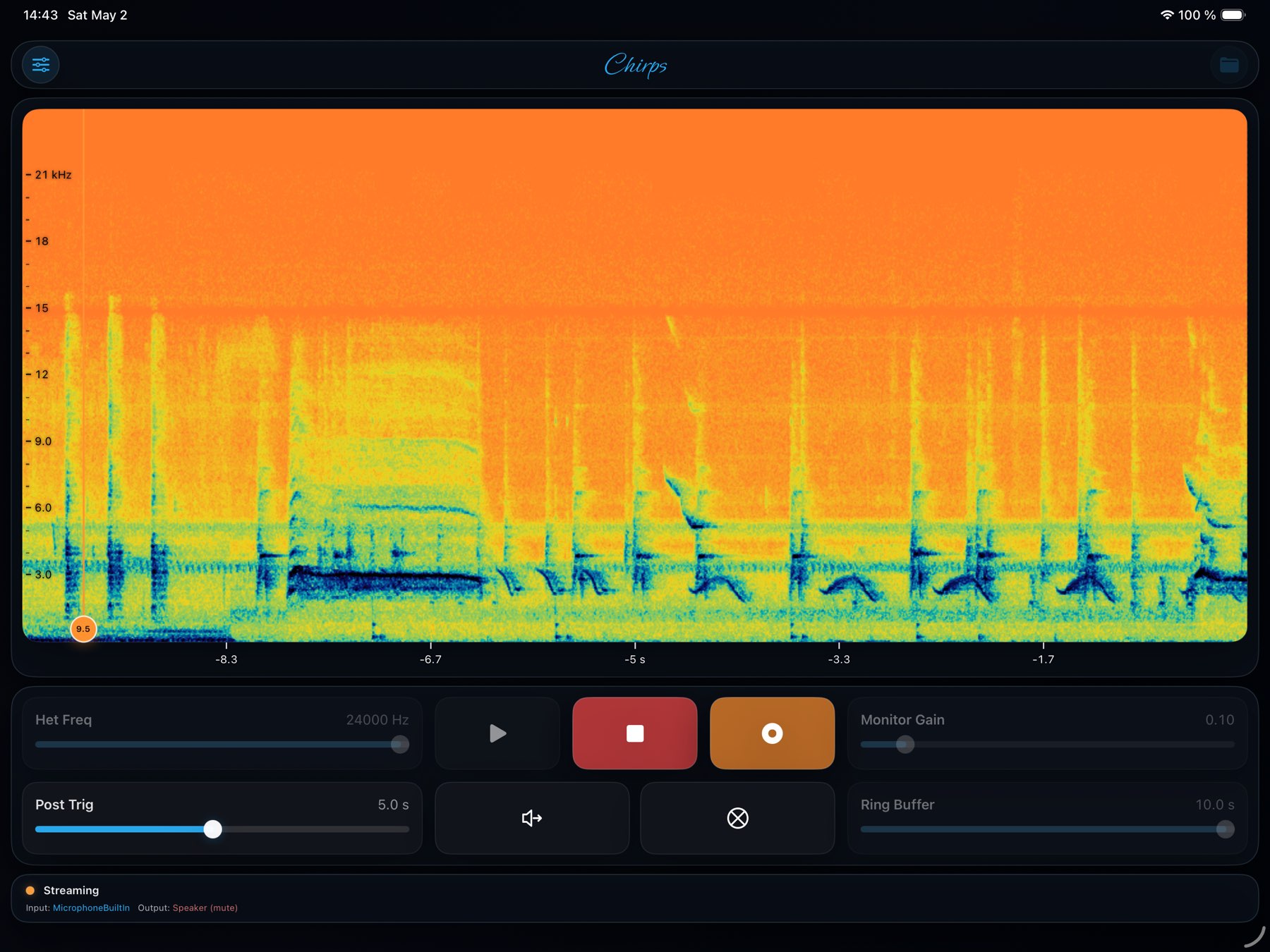
Spectrogram + waveform

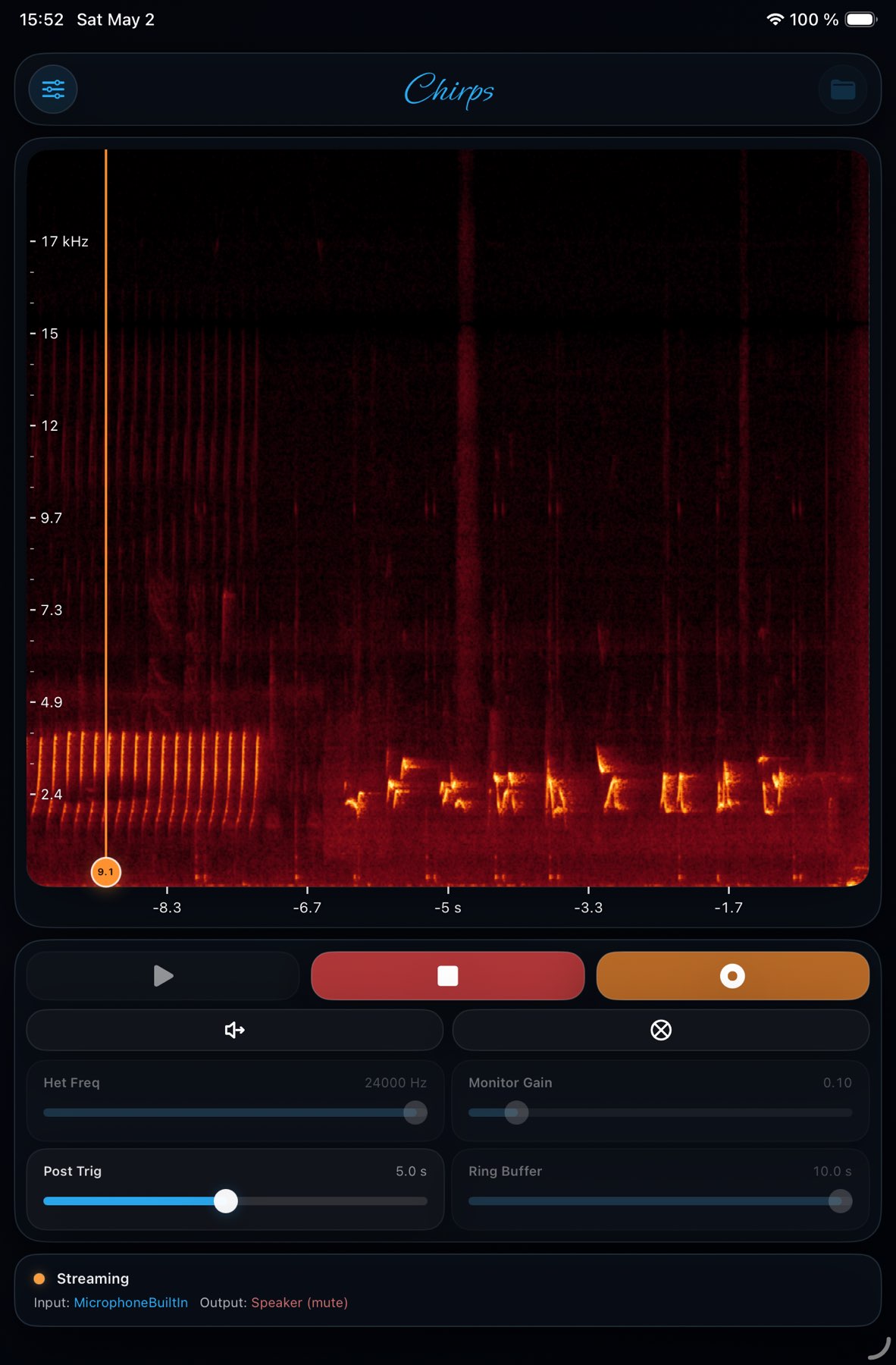
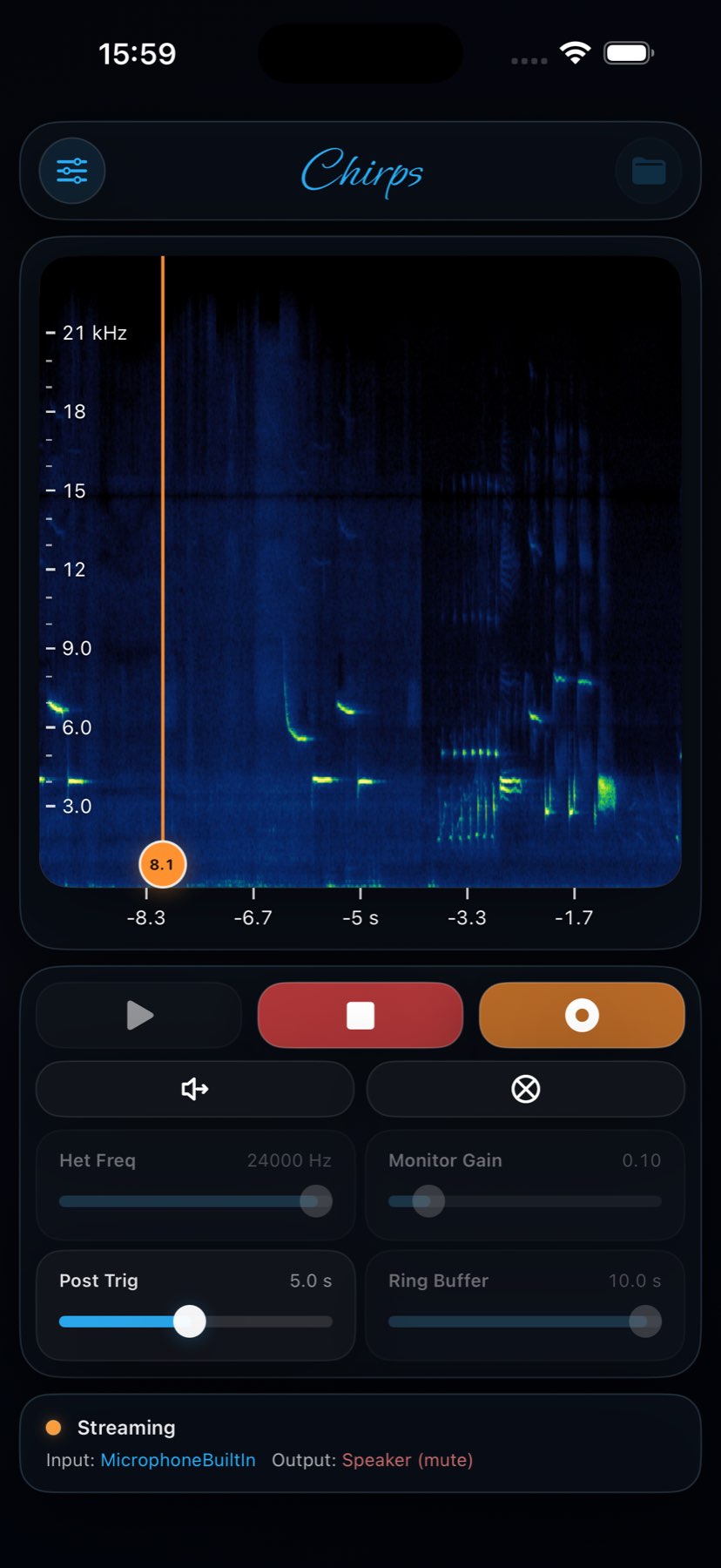
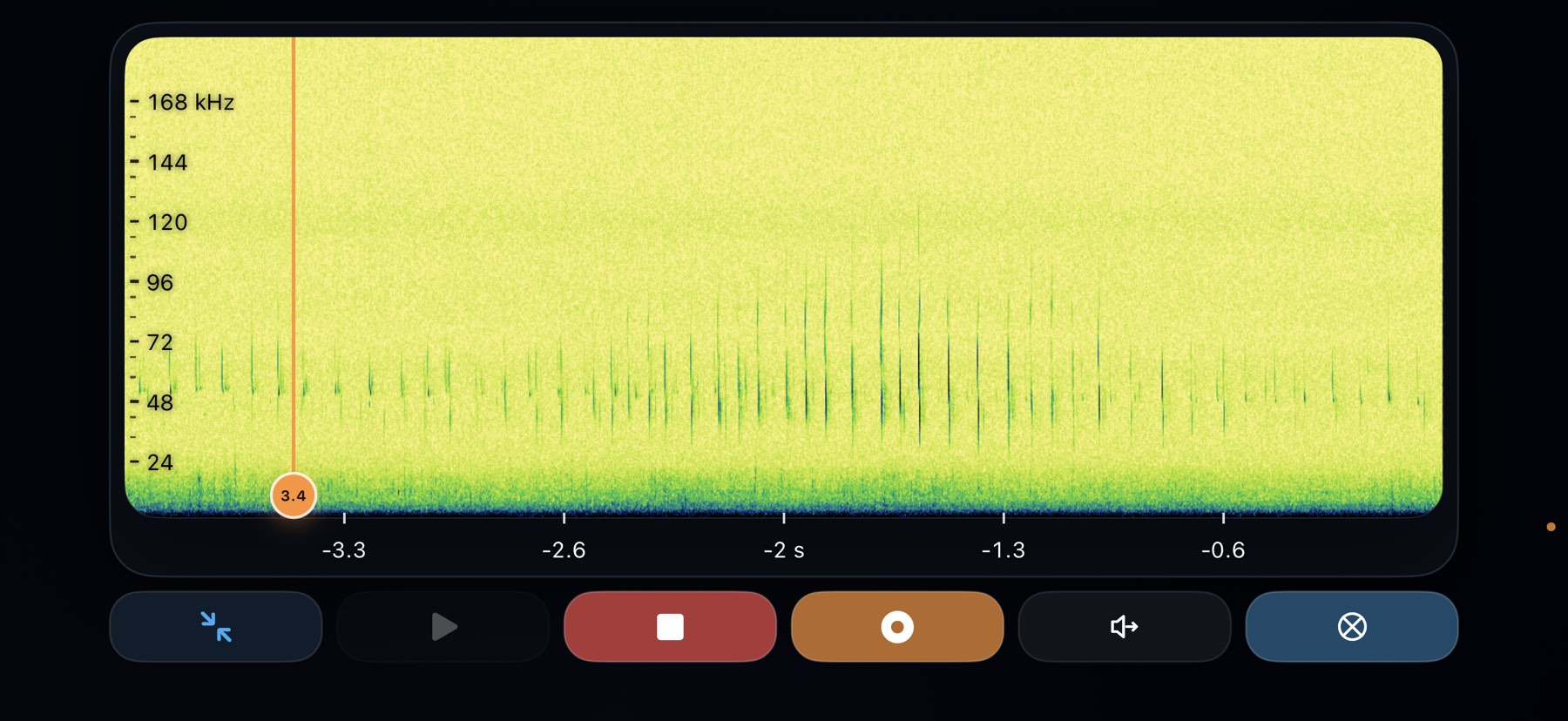
See the signal while it is happening

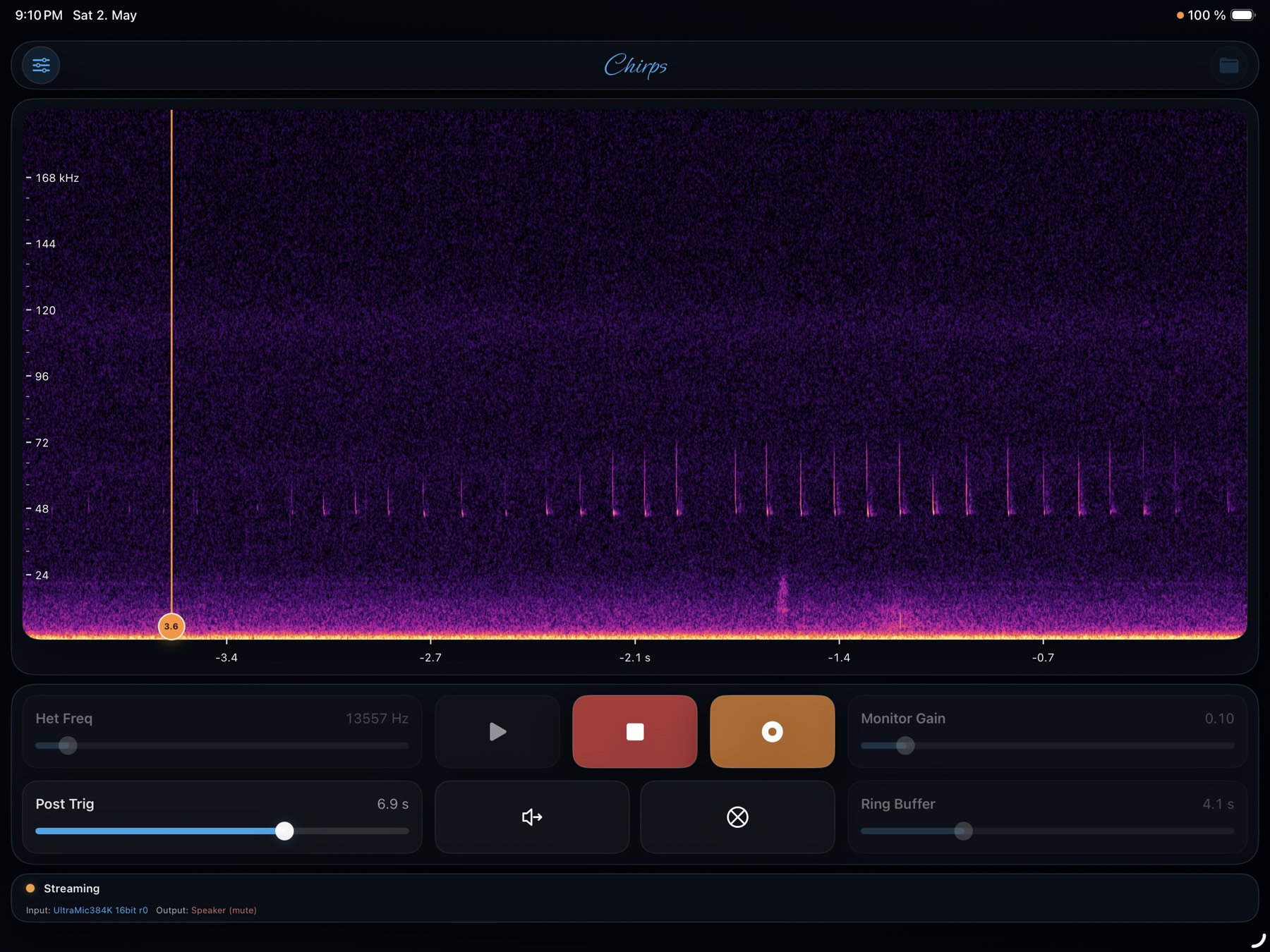
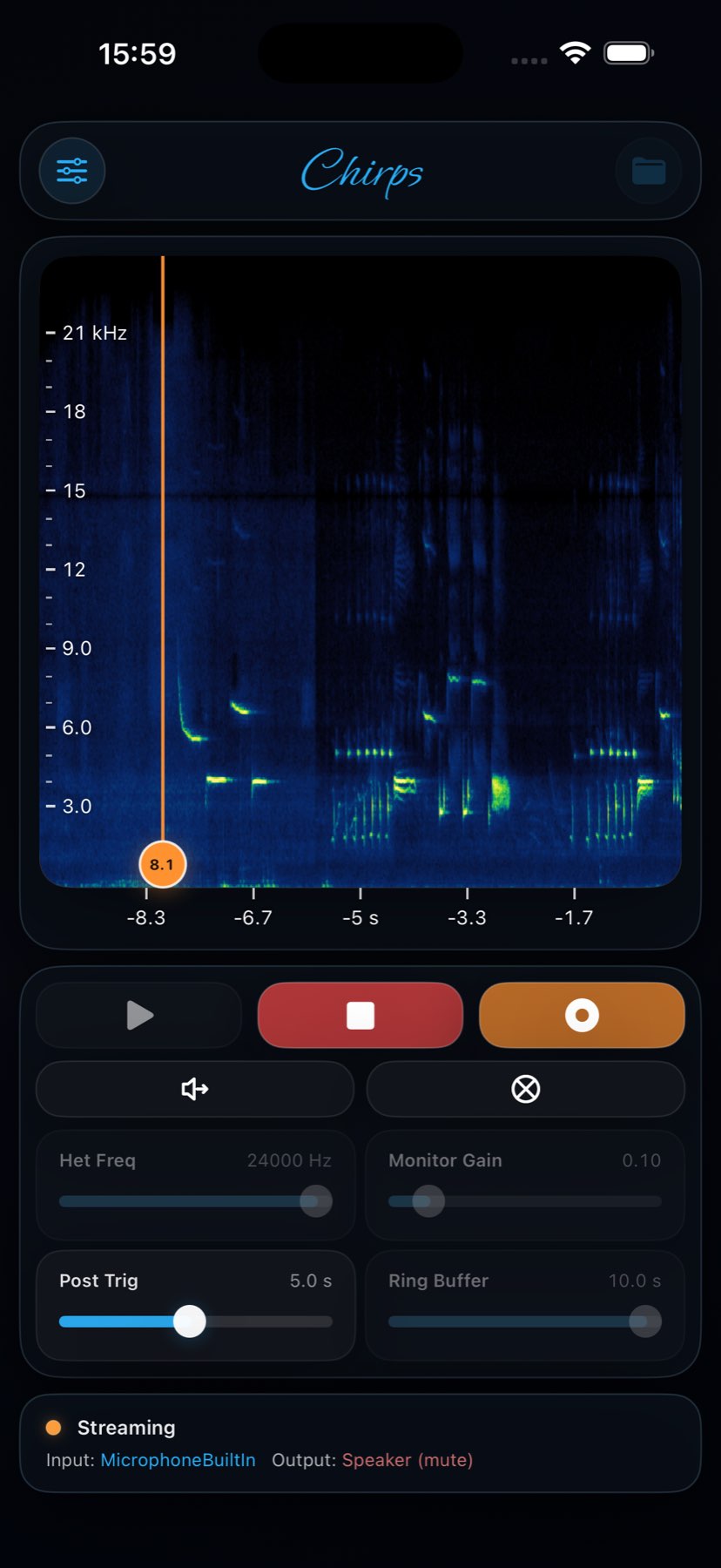
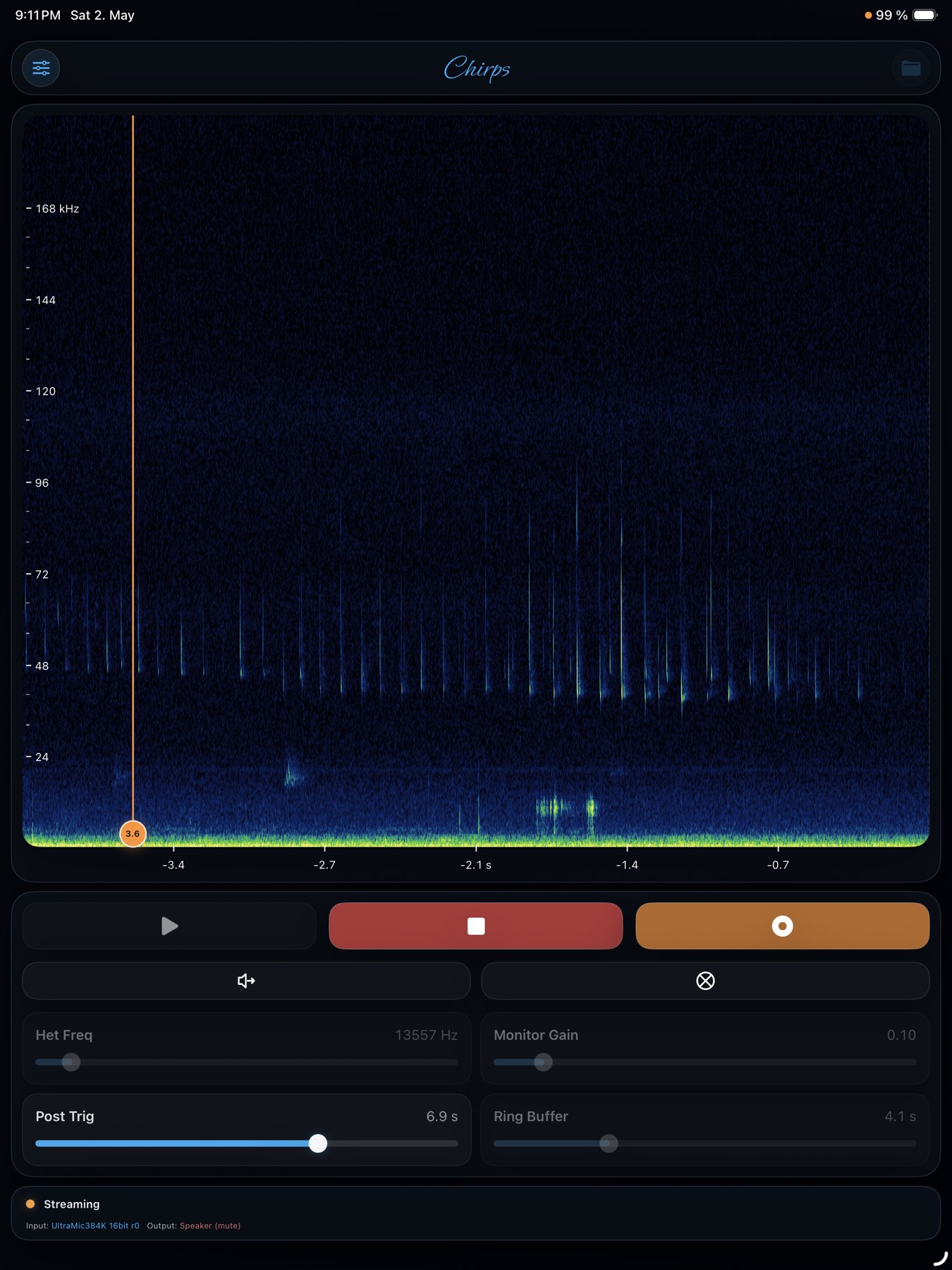
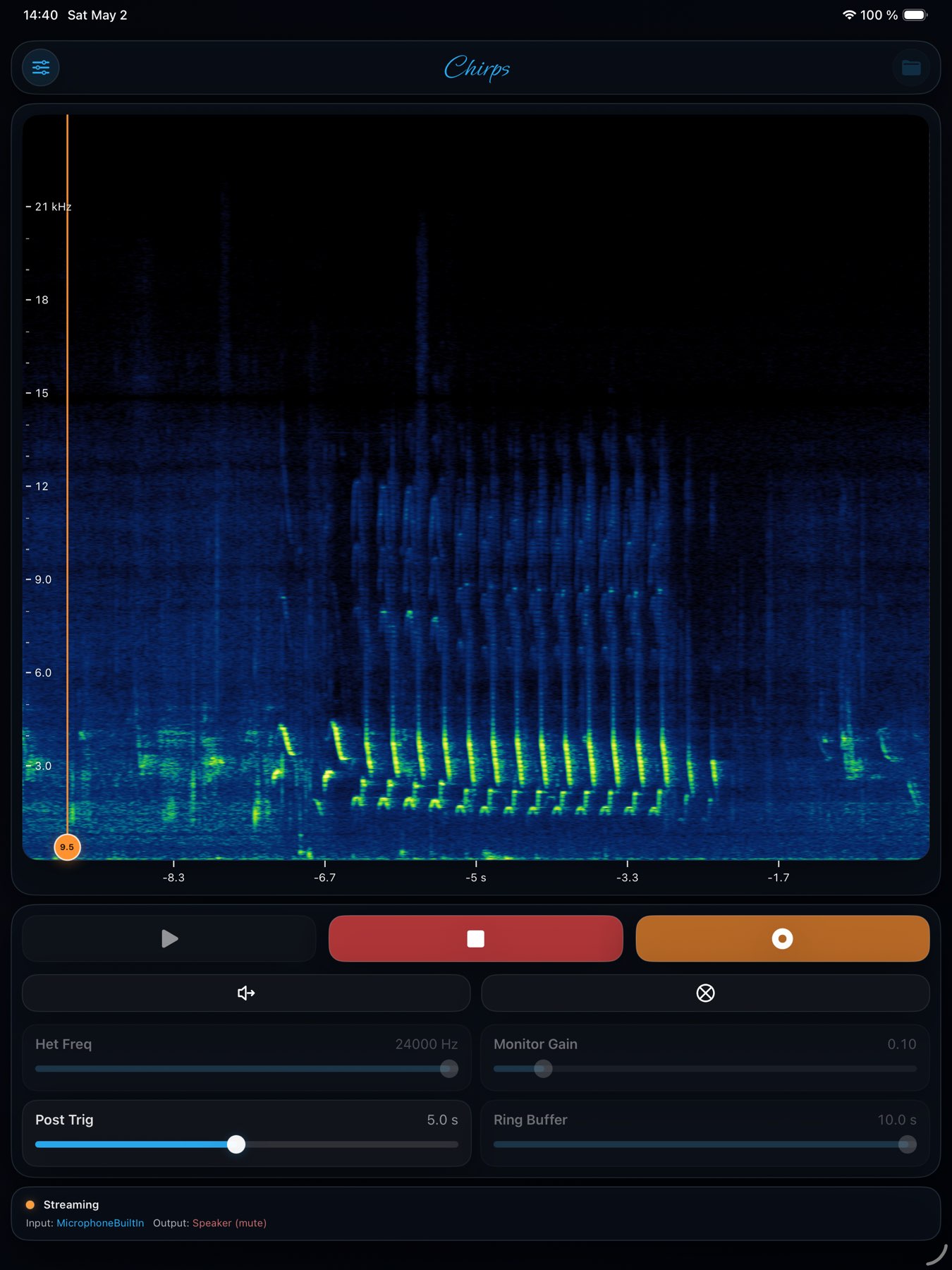
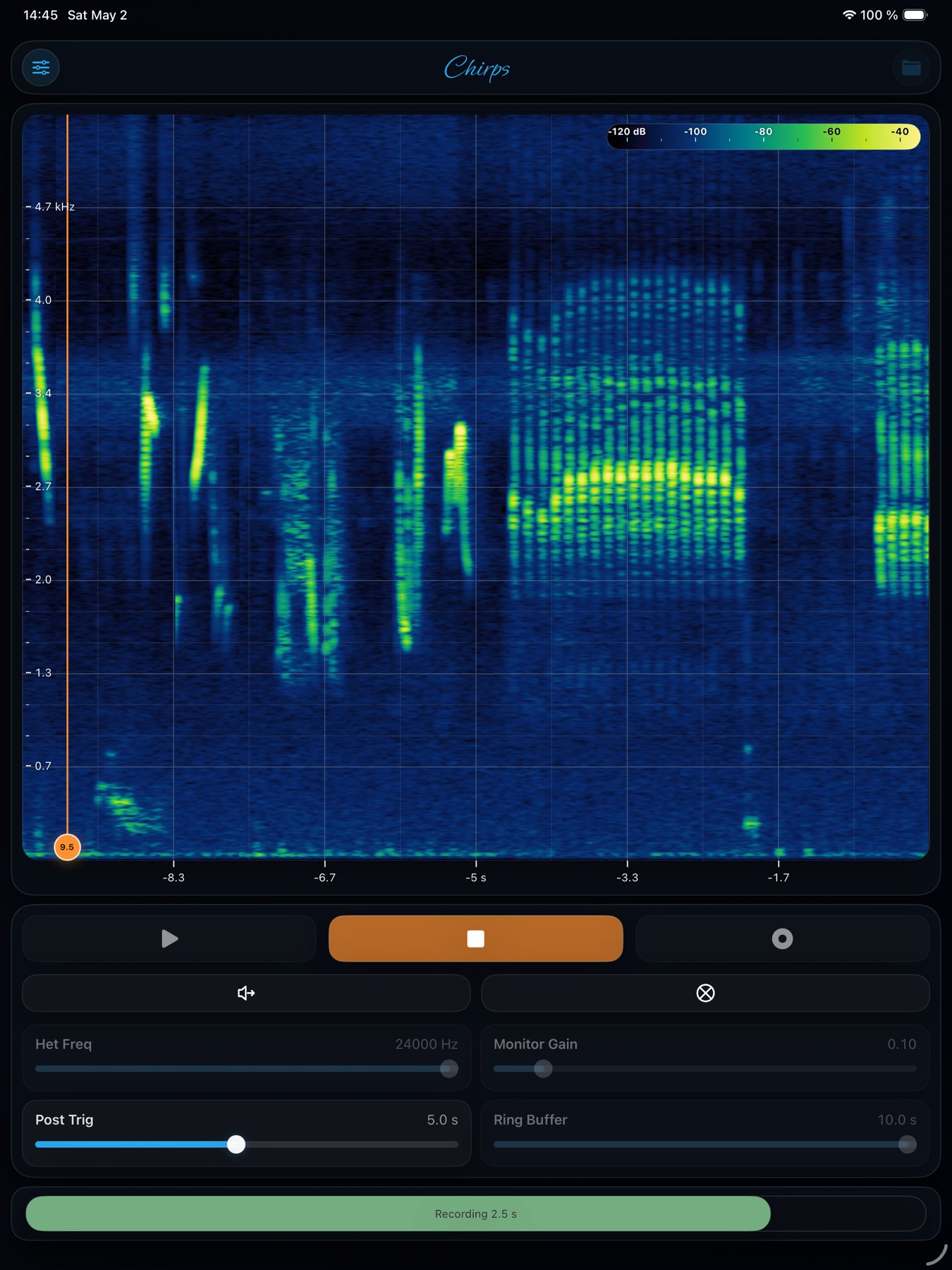
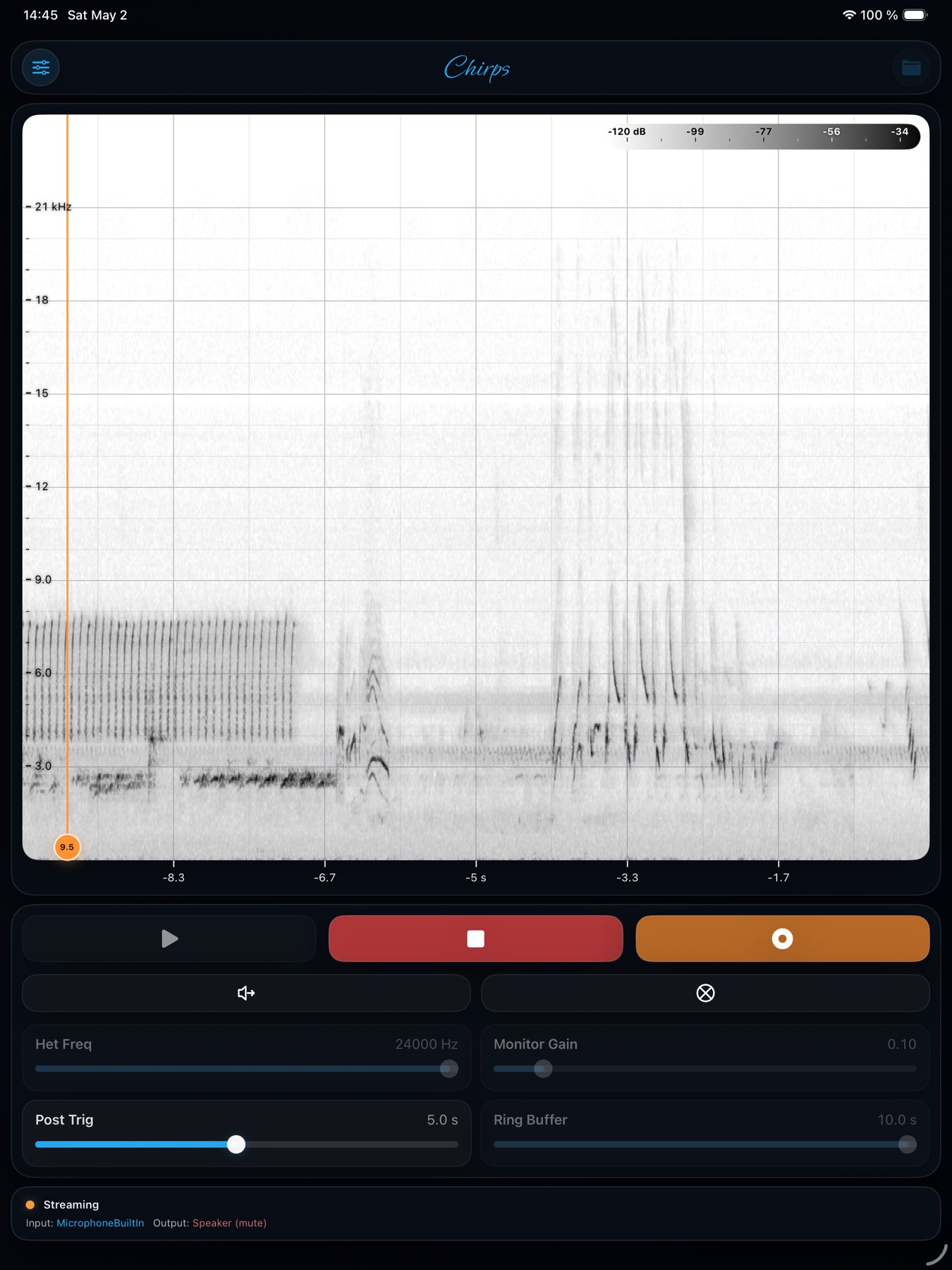
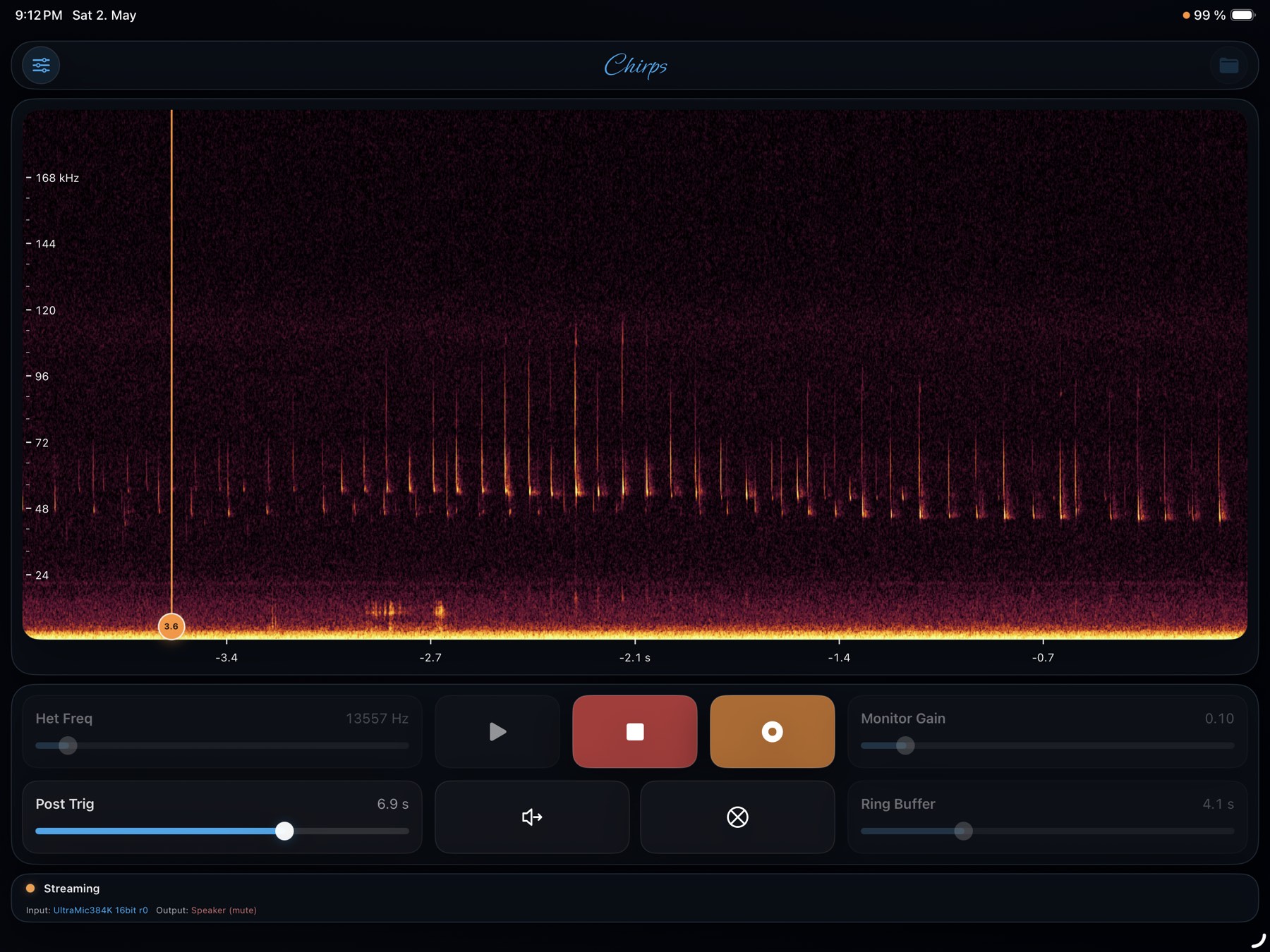
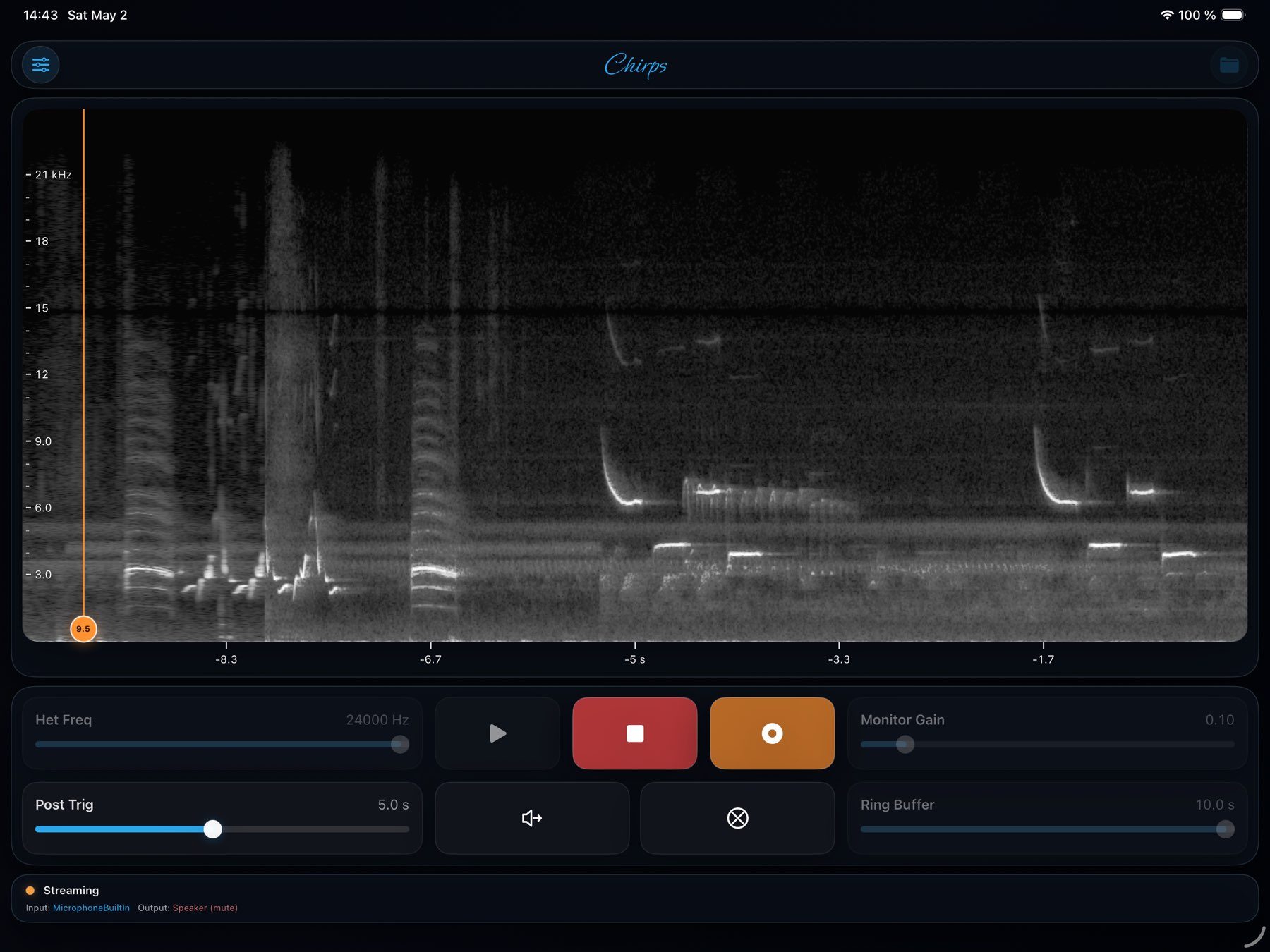
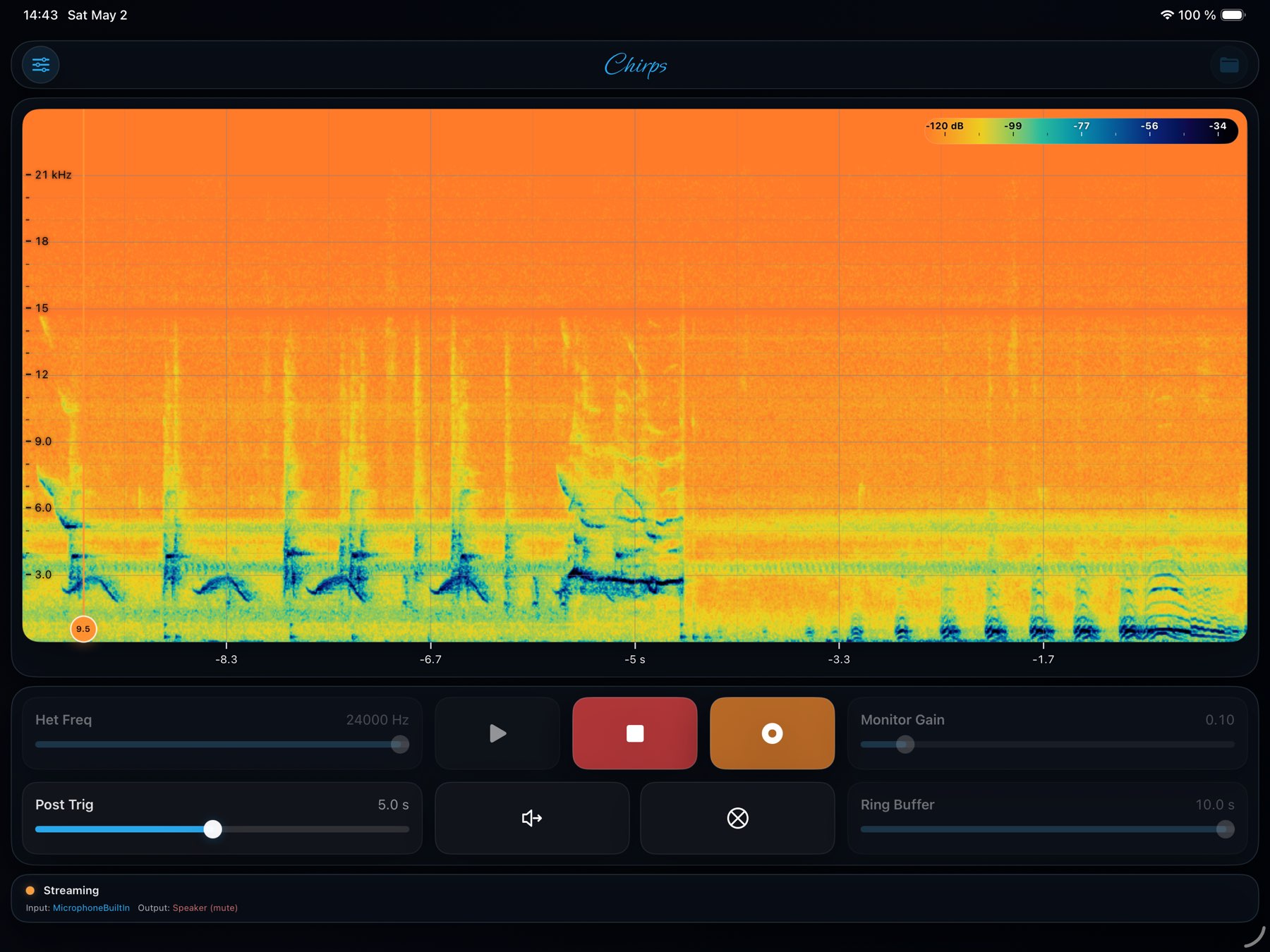
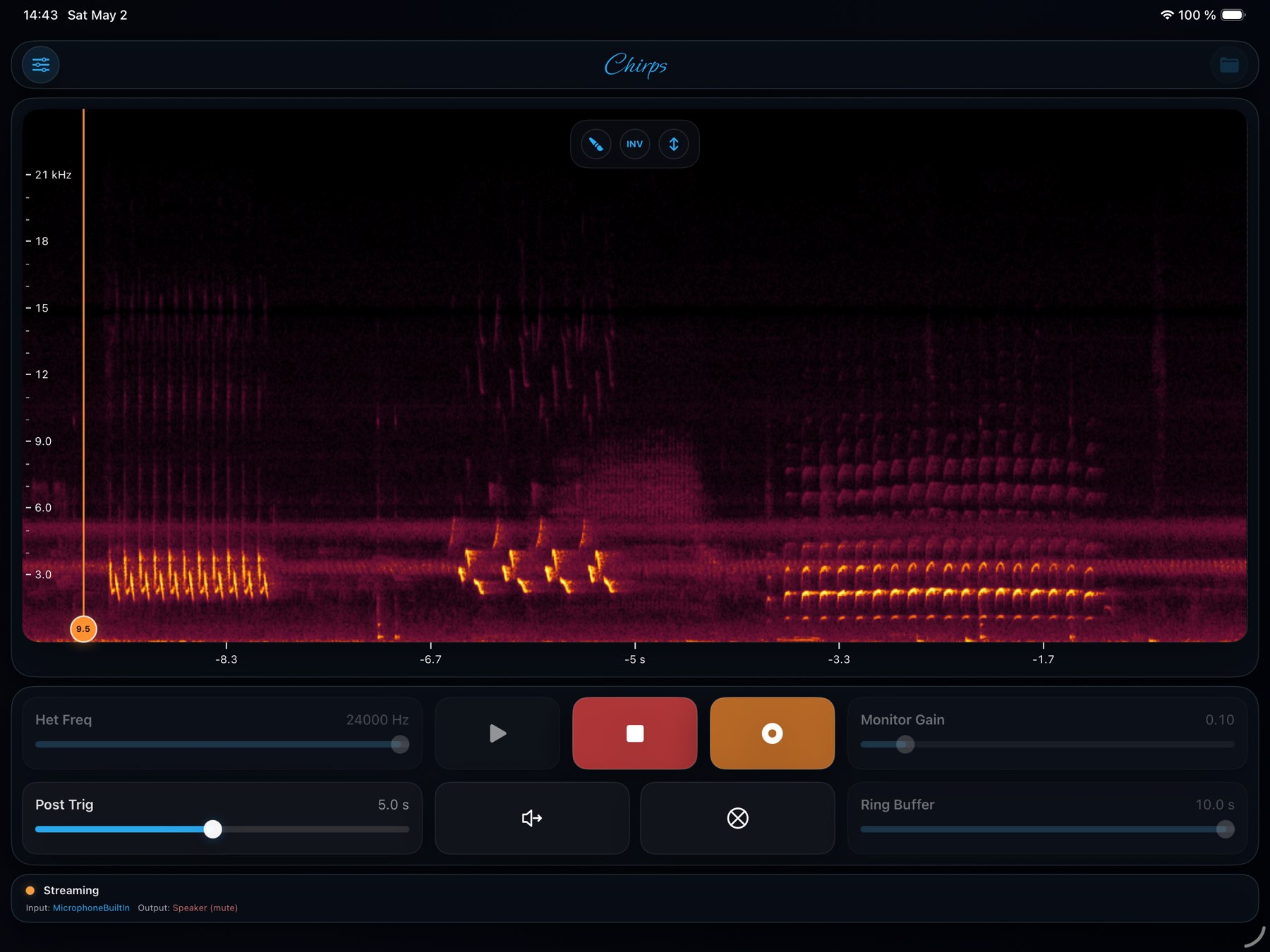
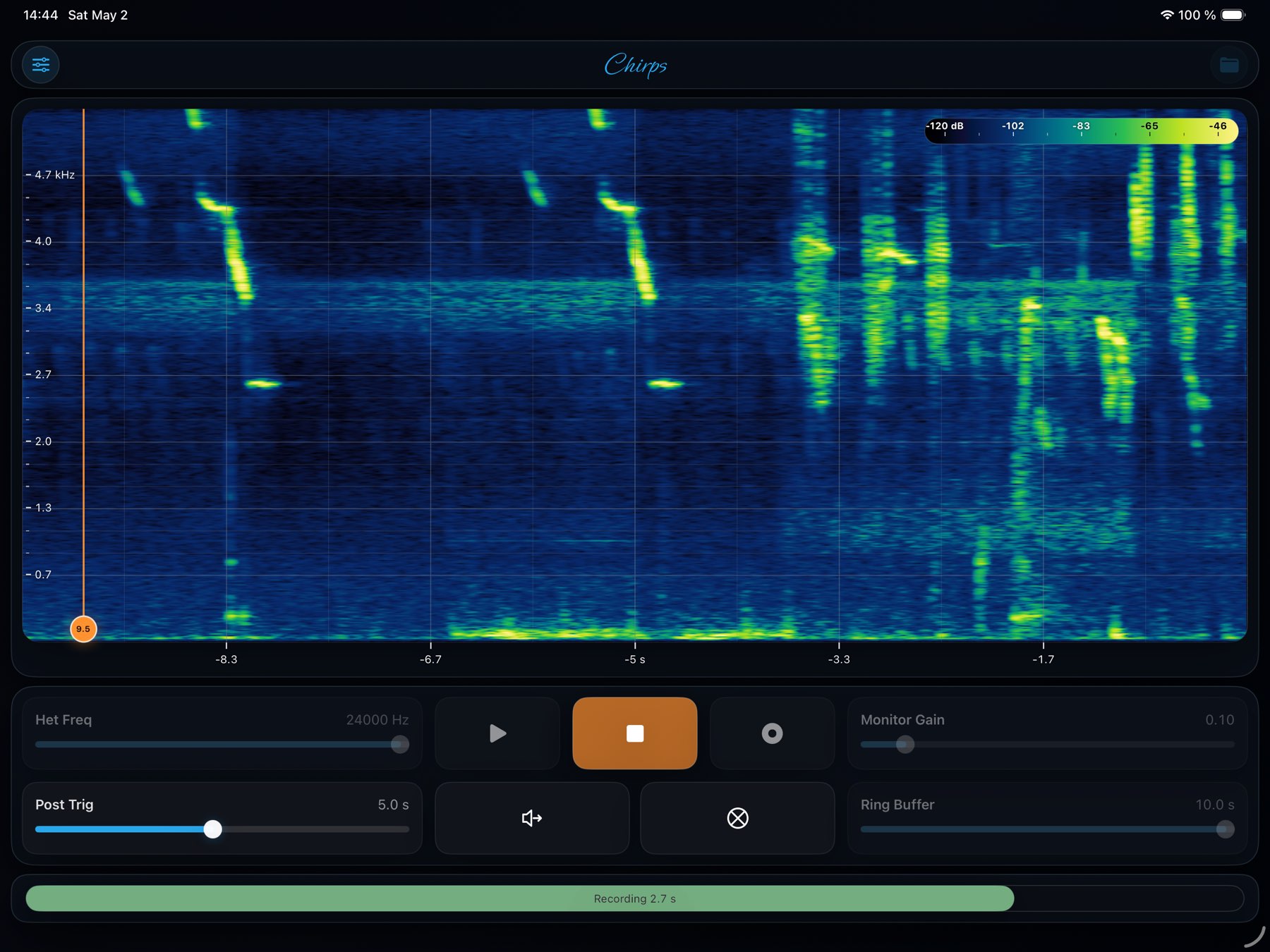
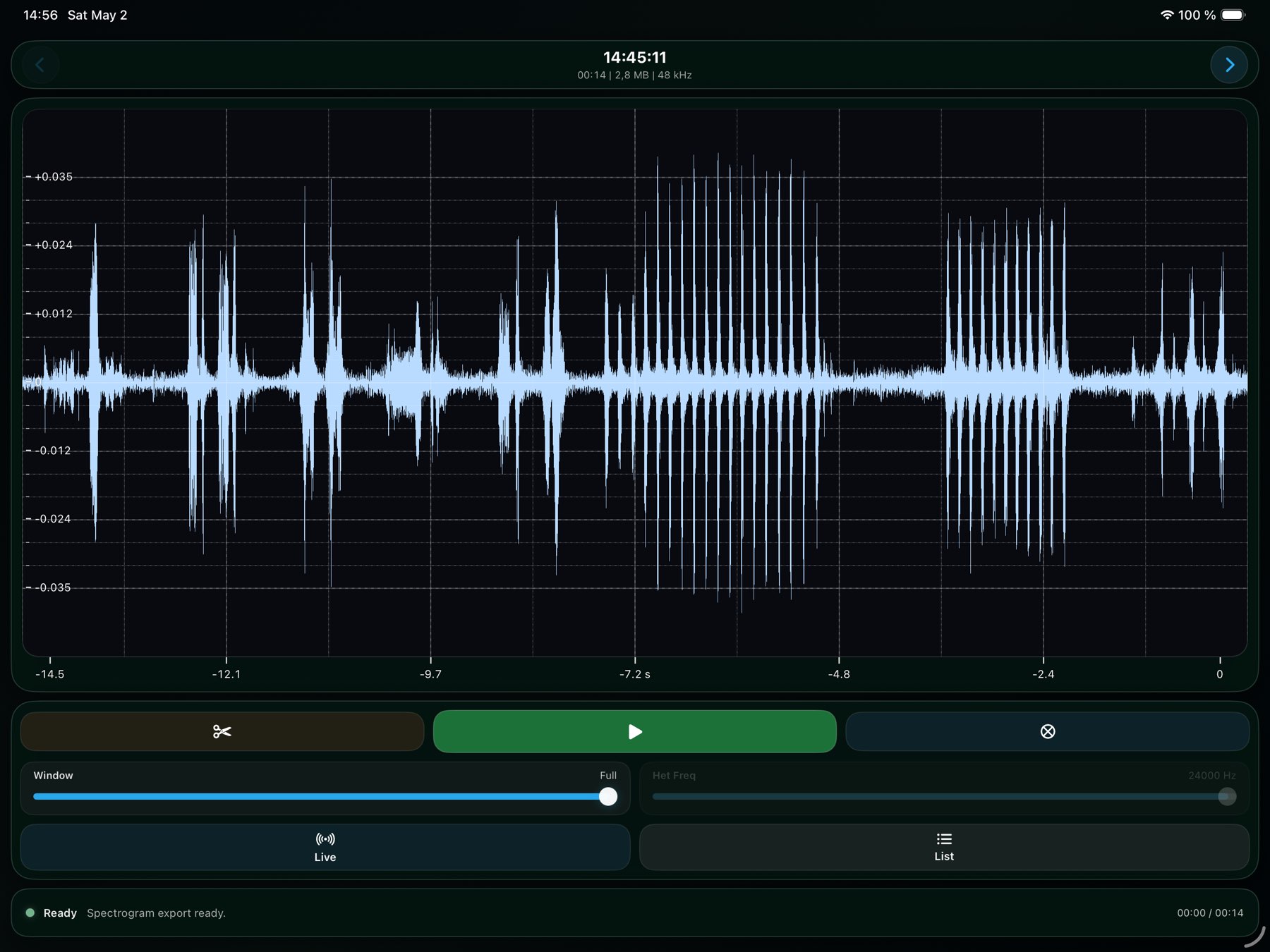
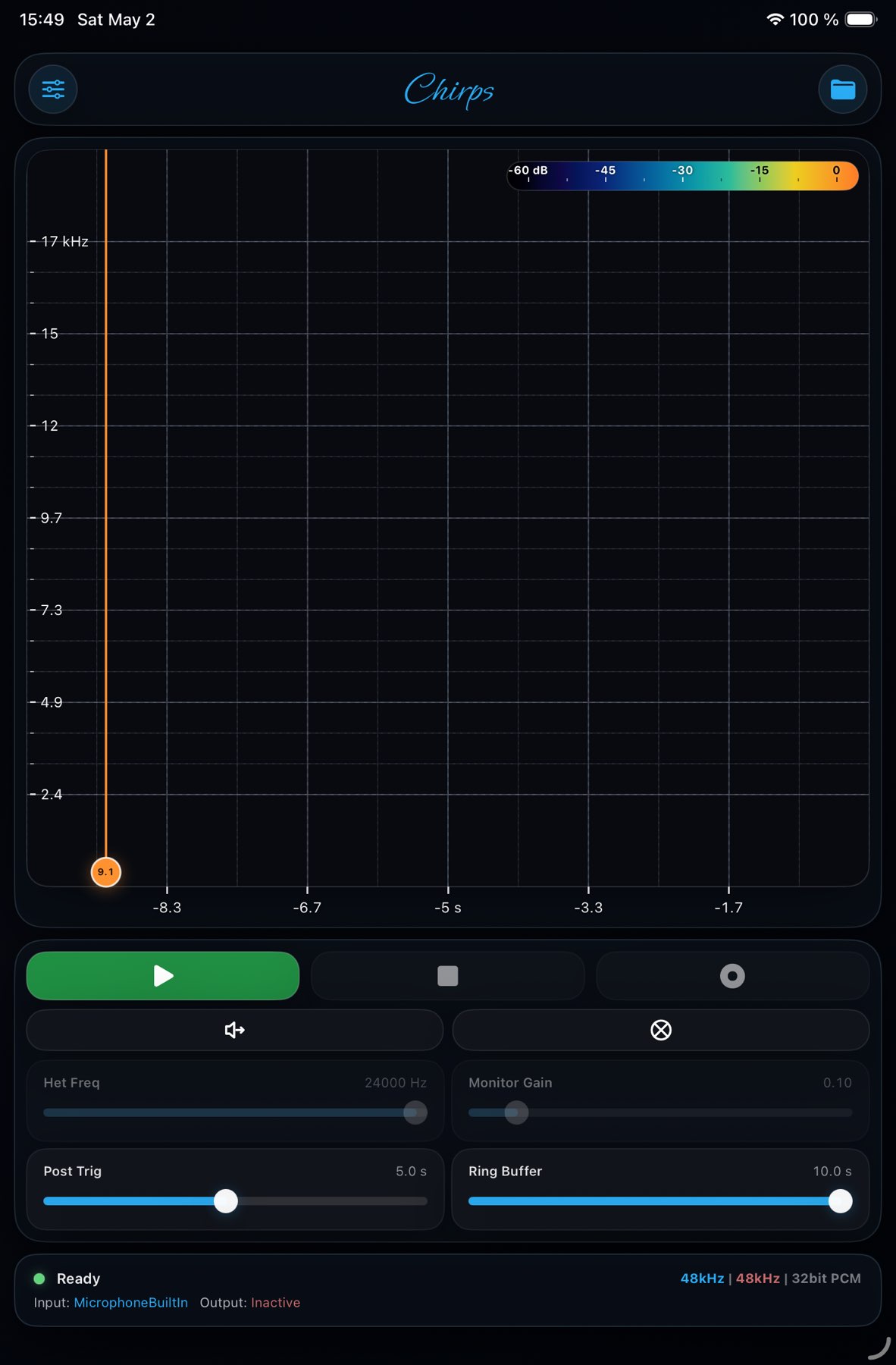
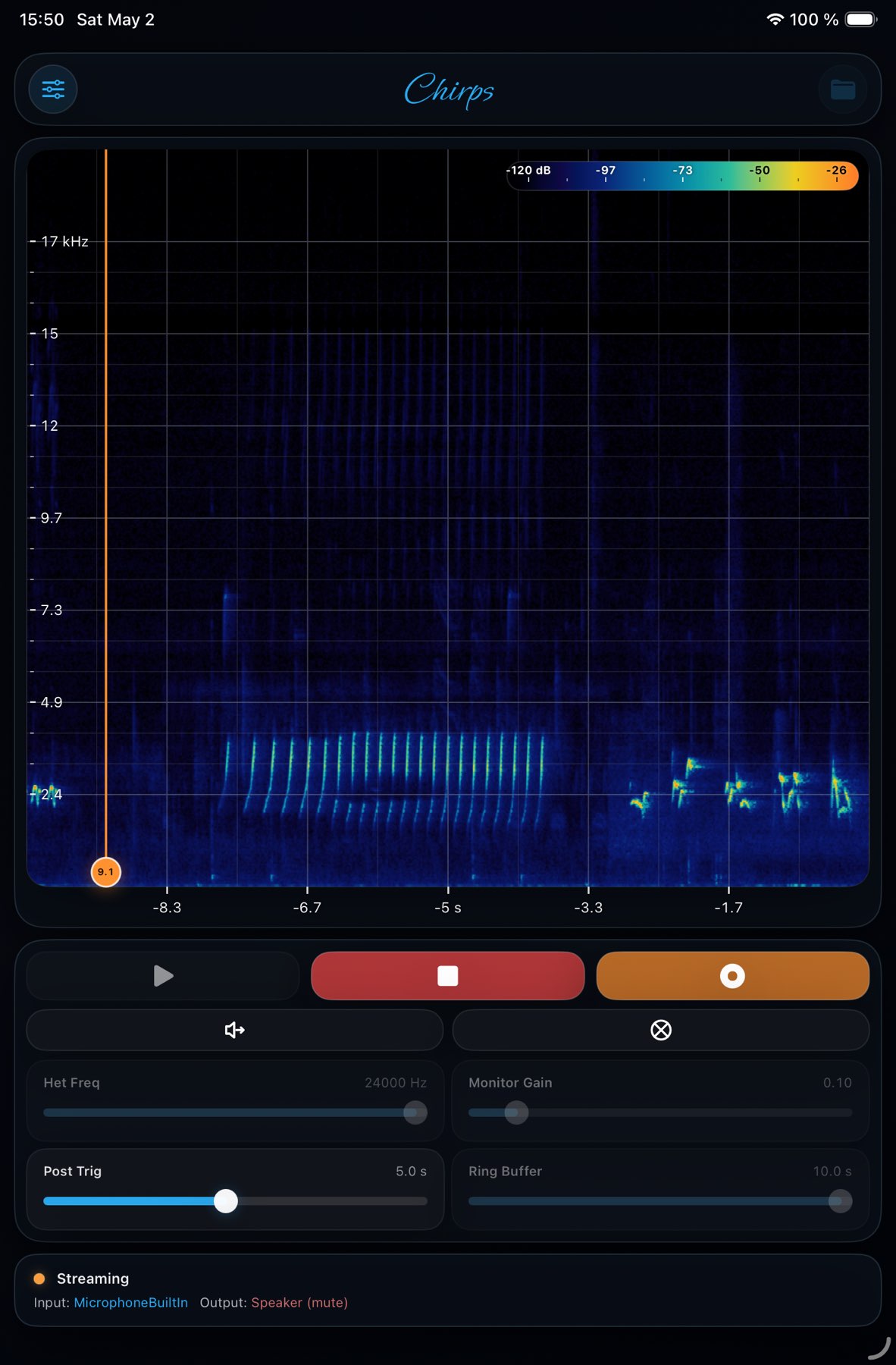
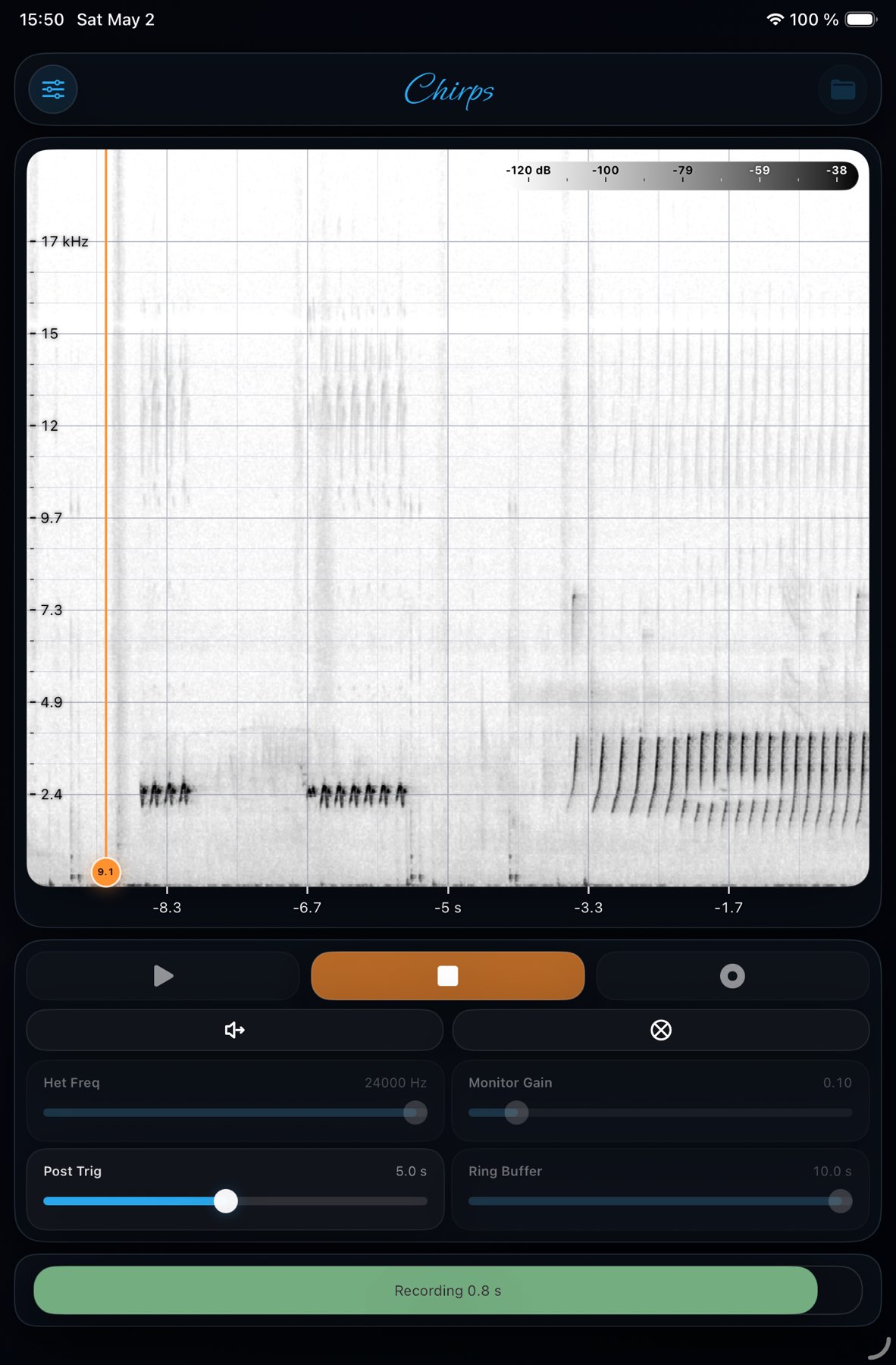
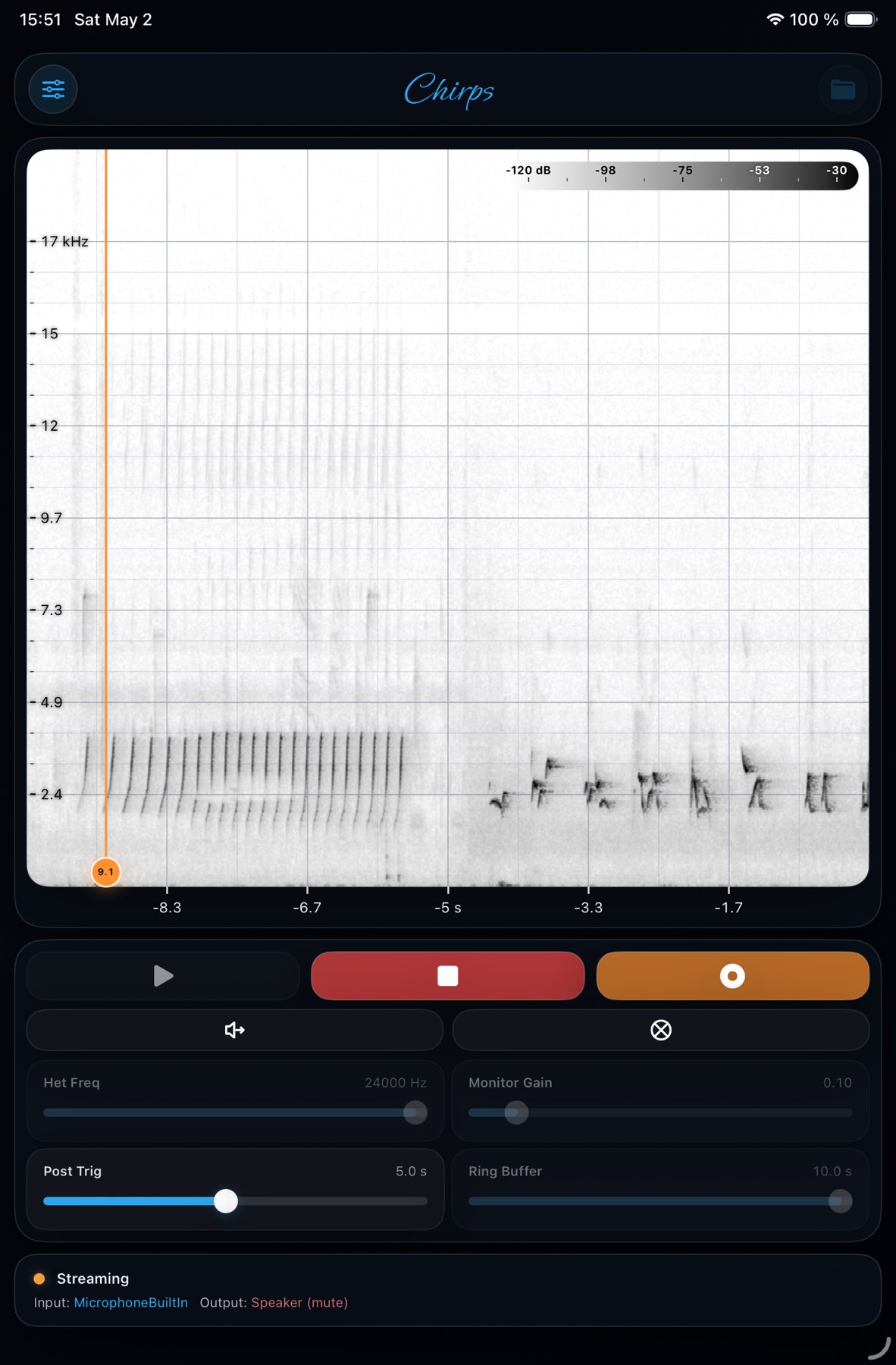
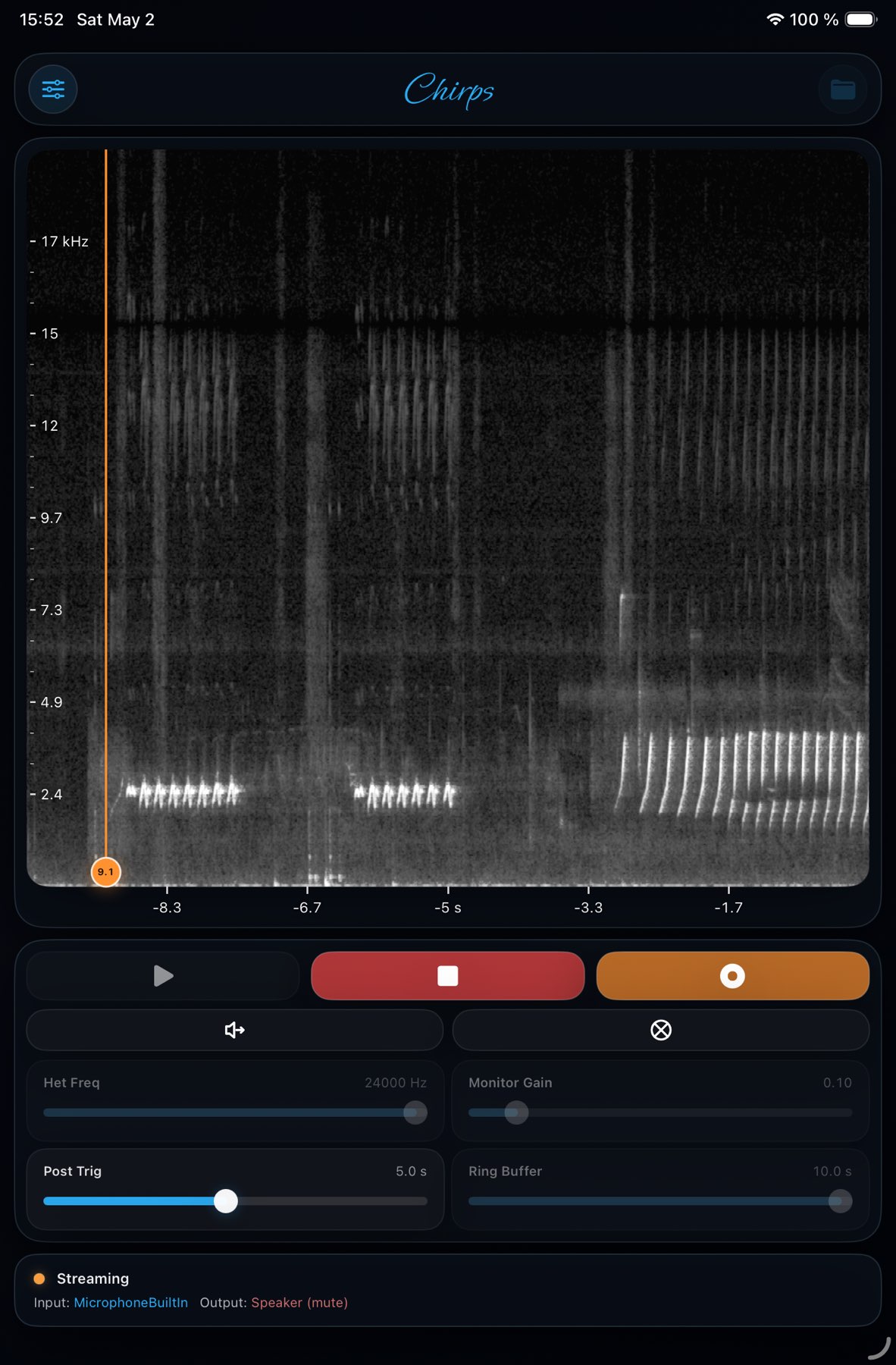
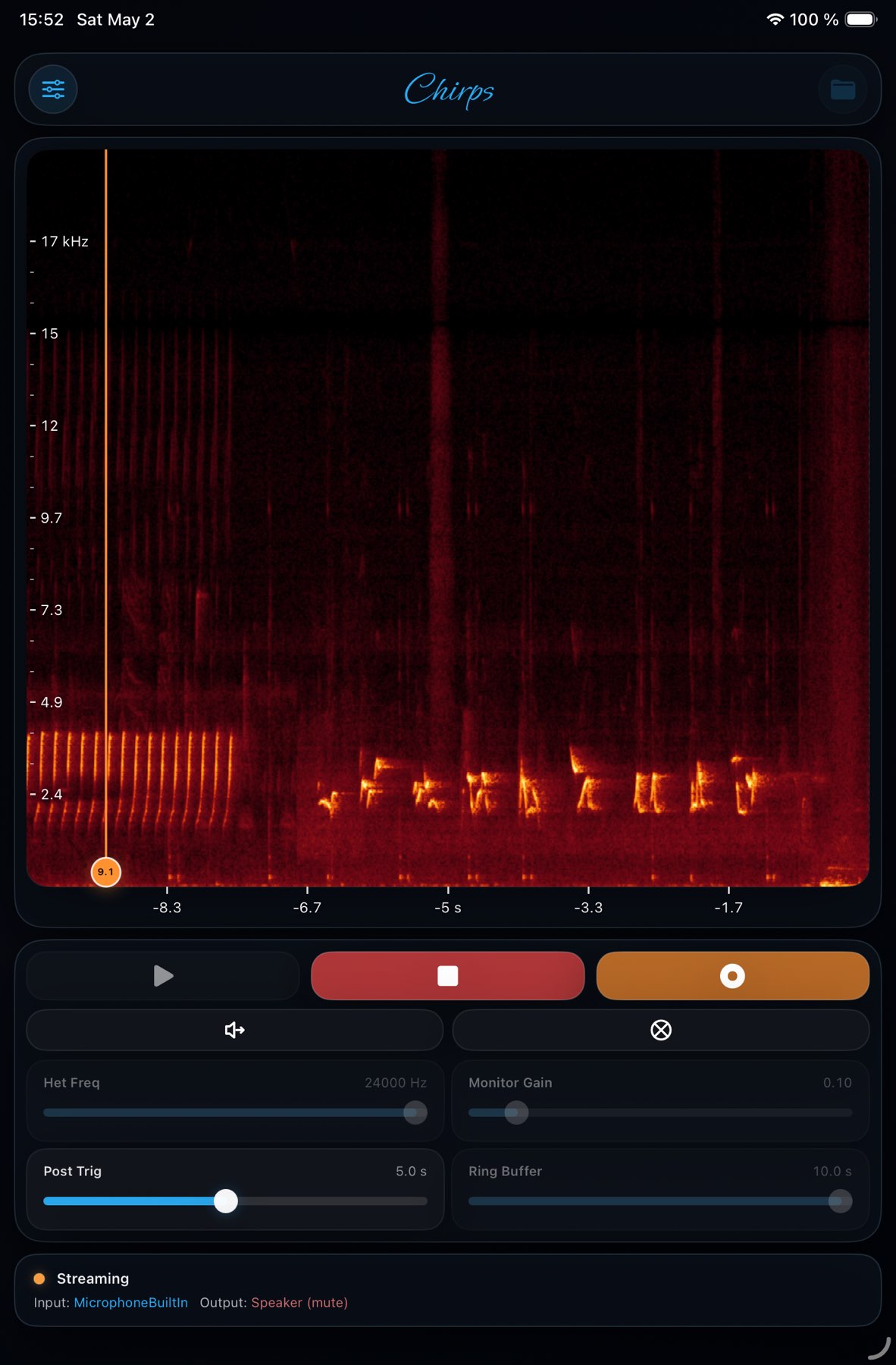
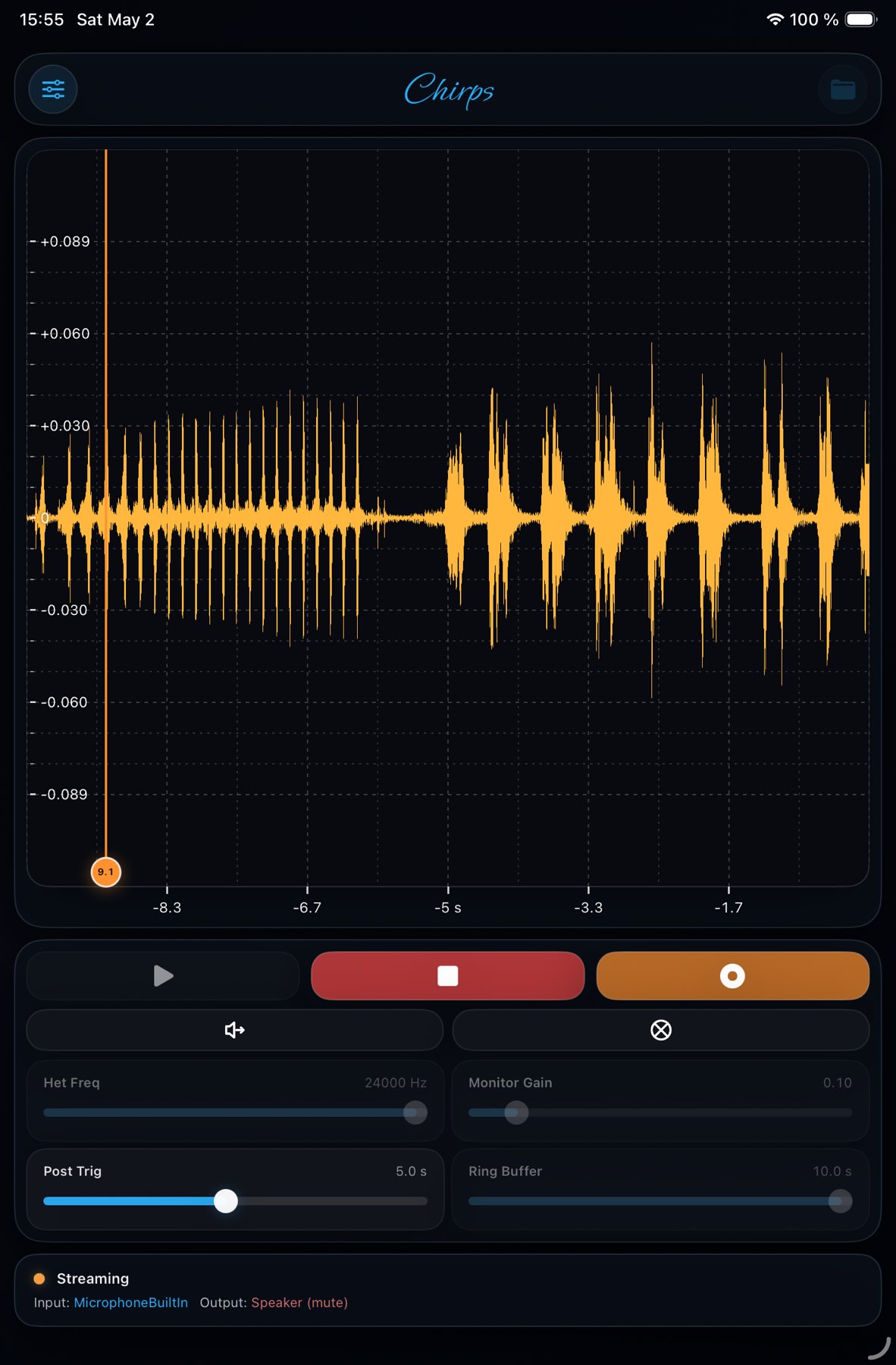
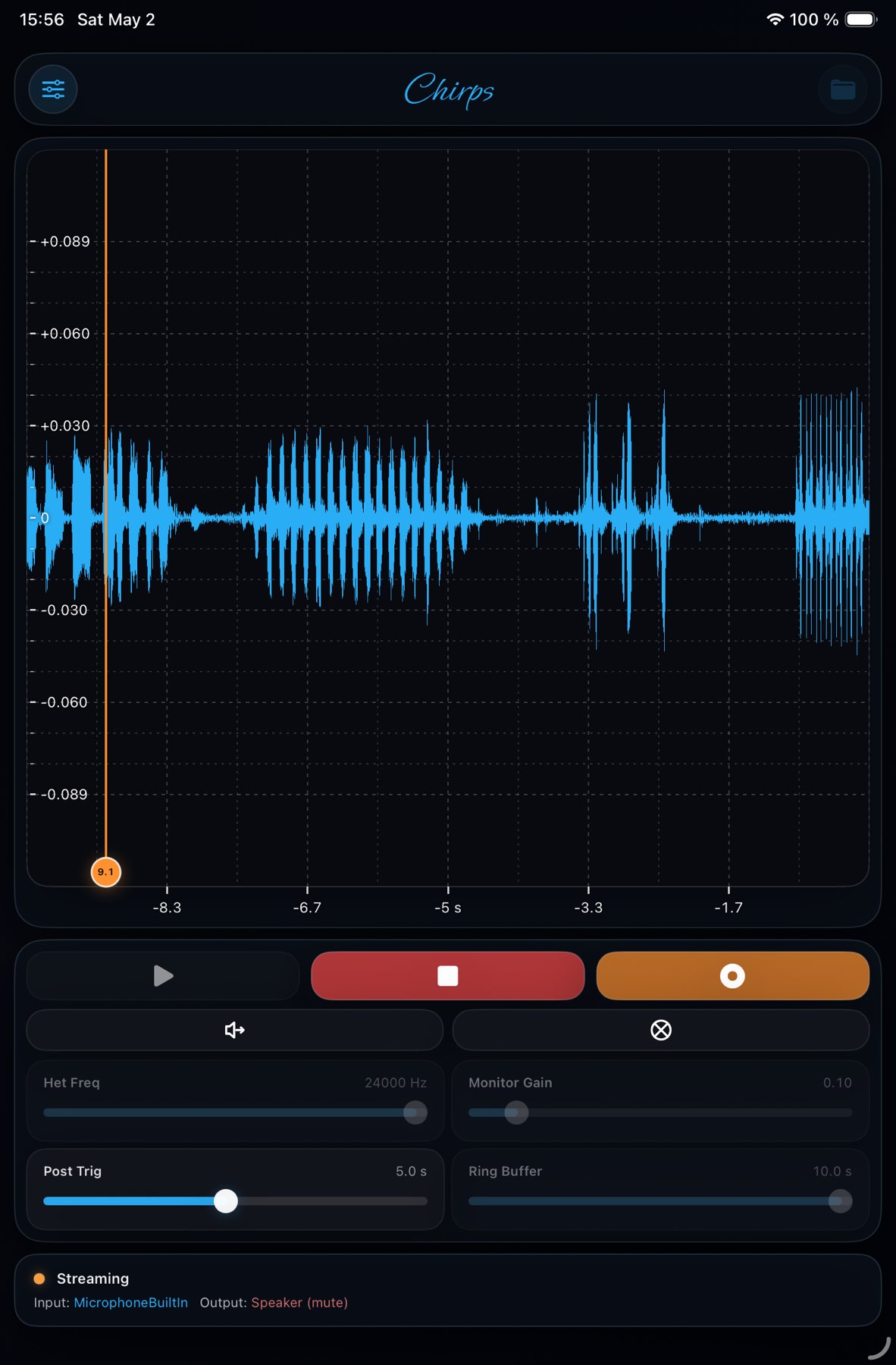
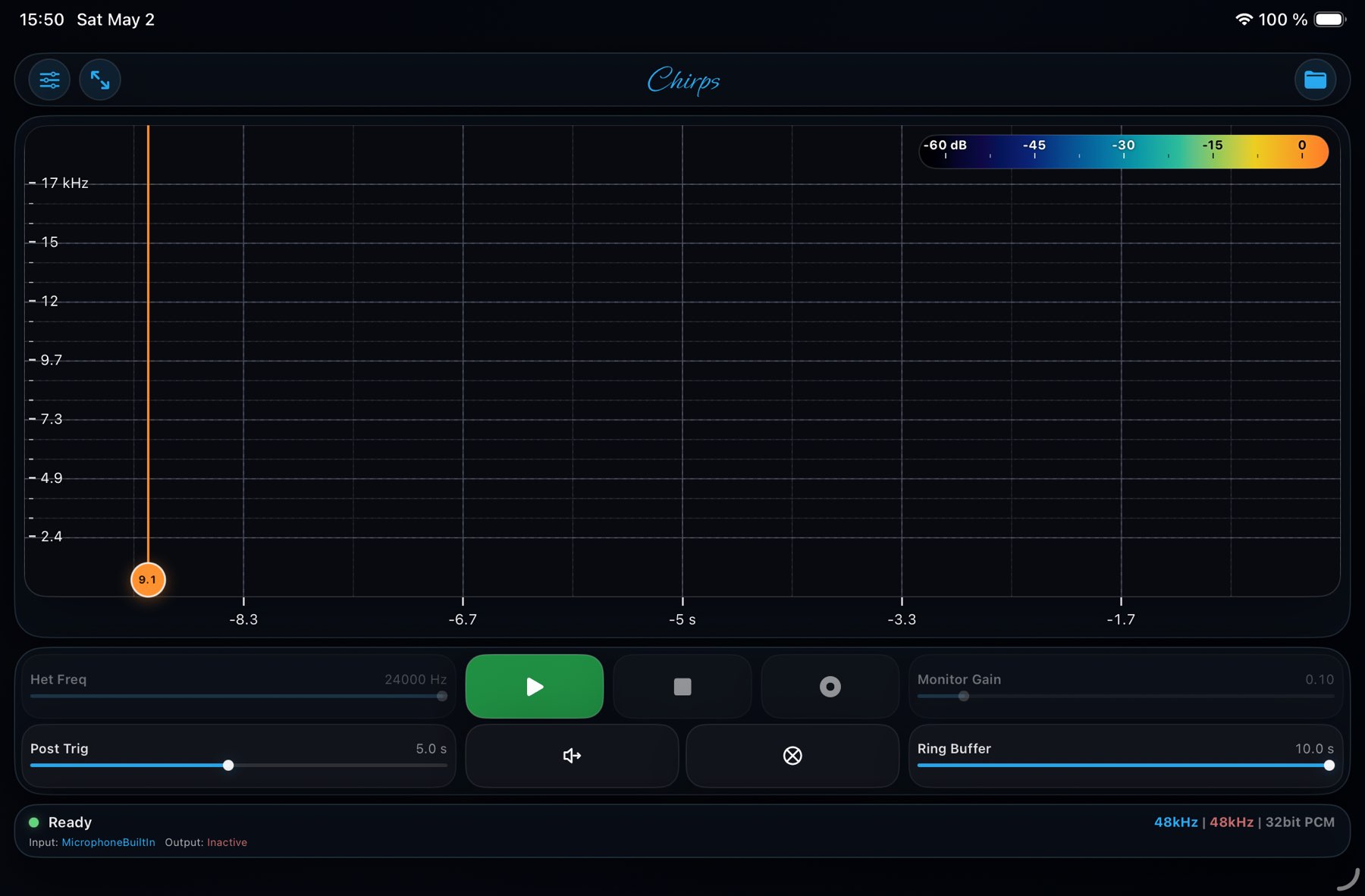
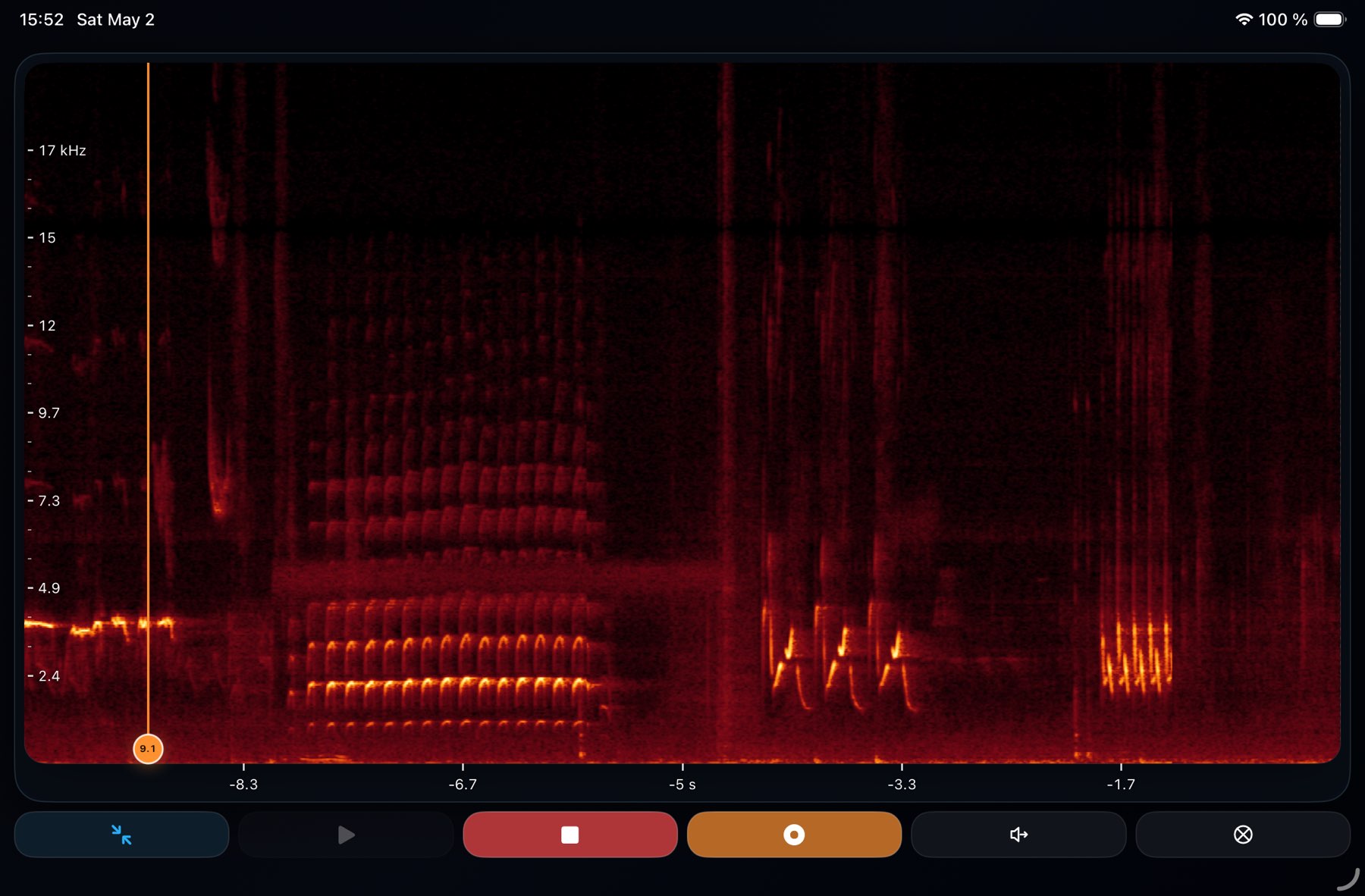
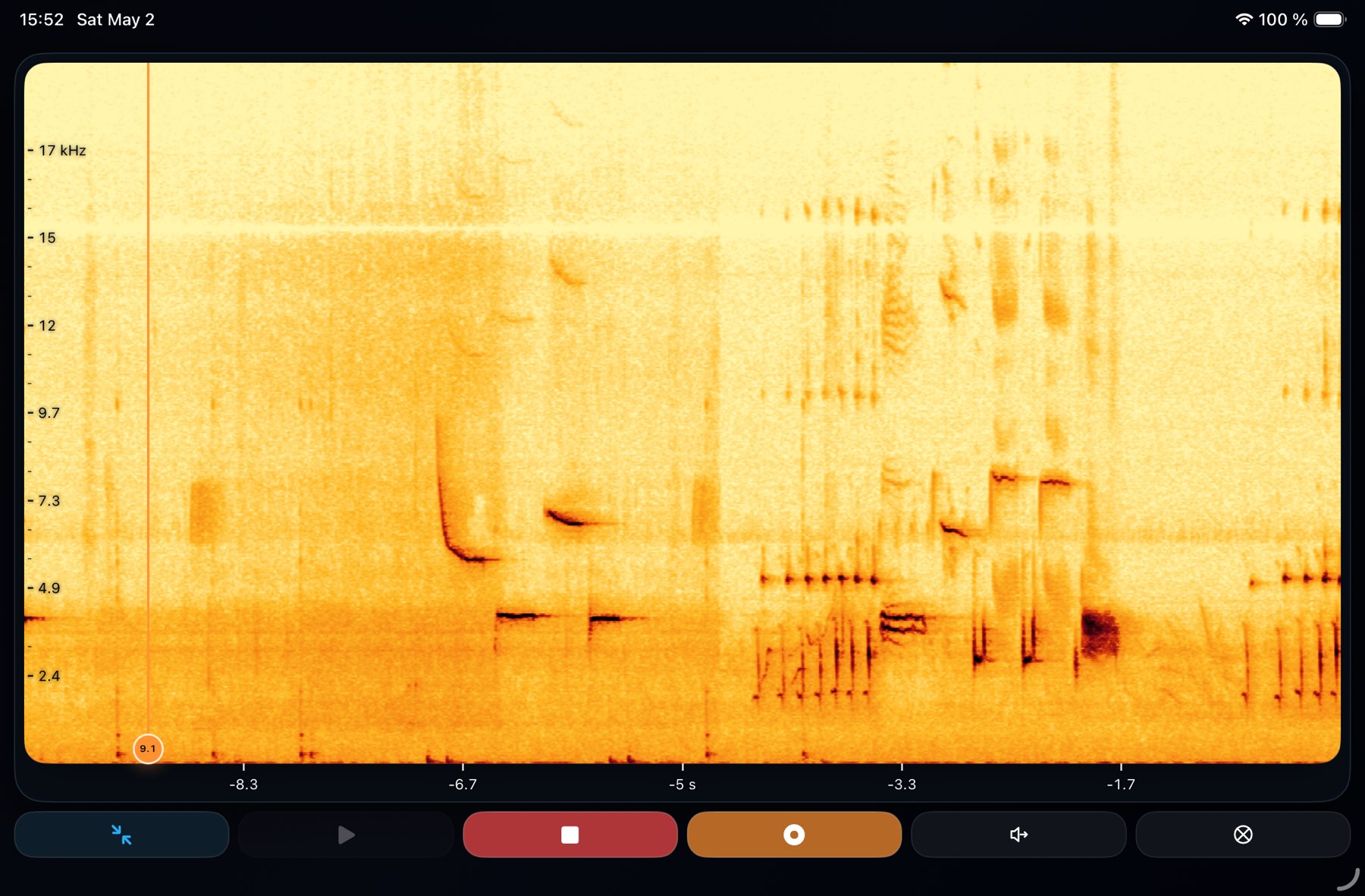
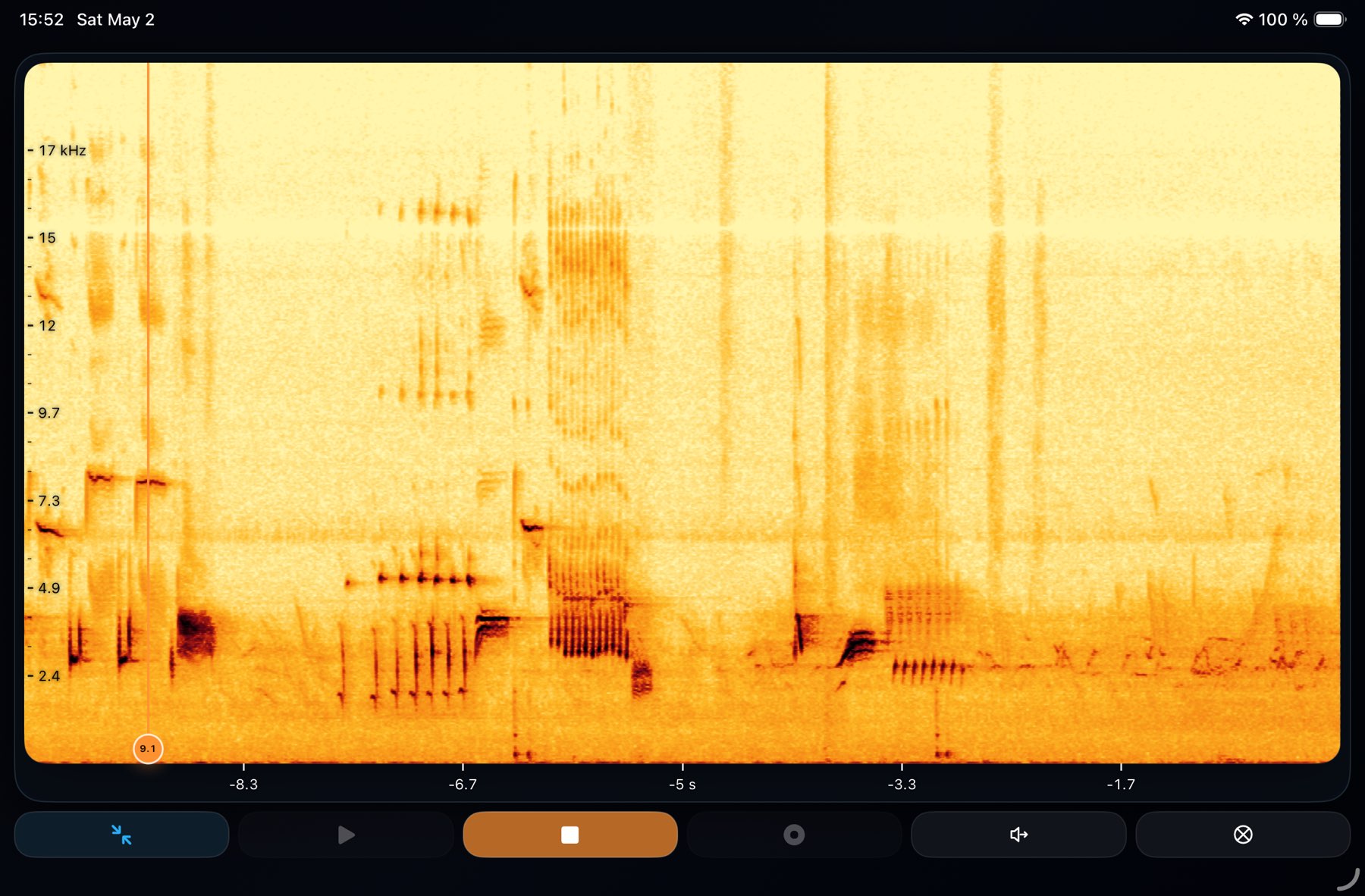
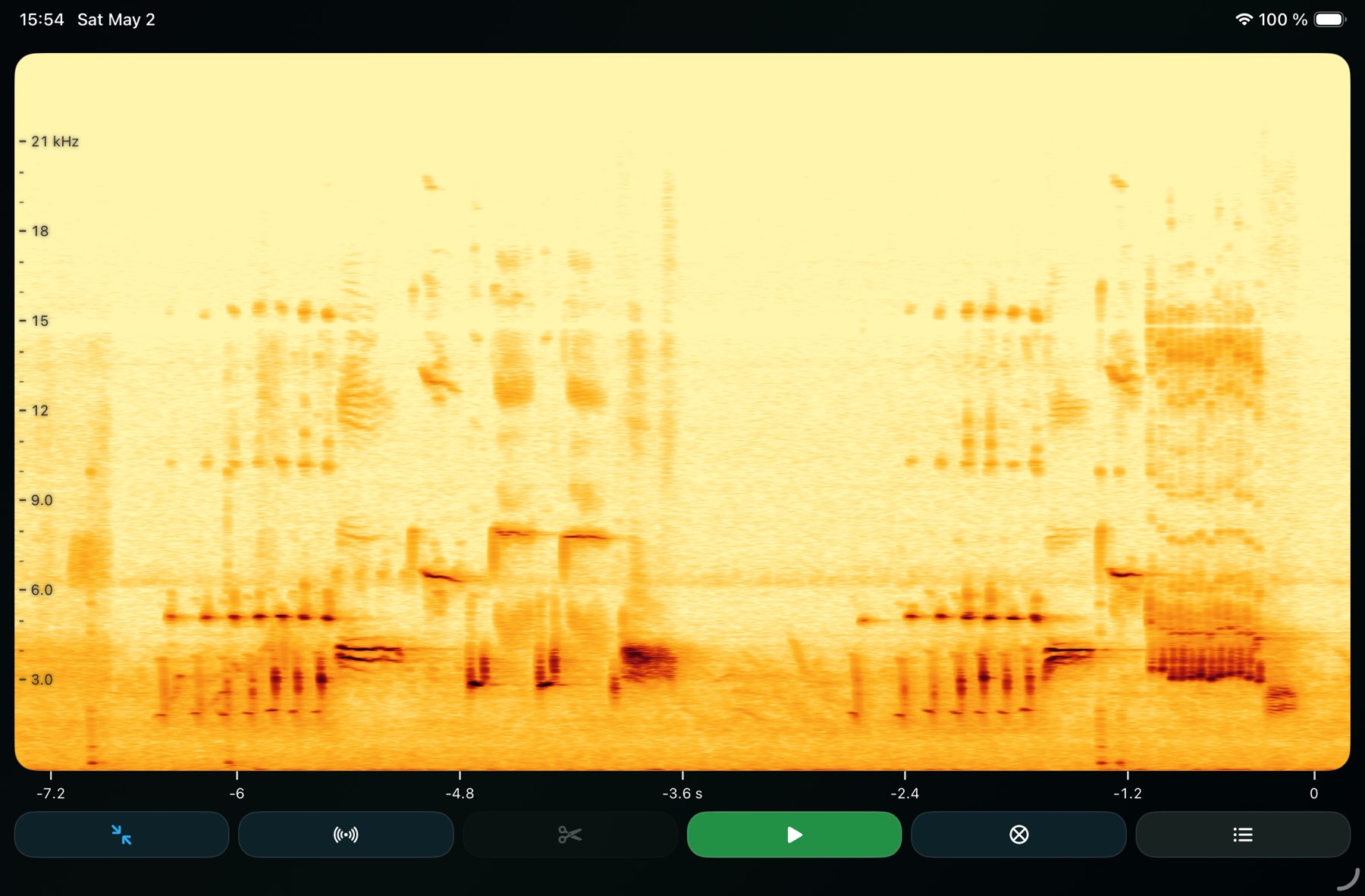
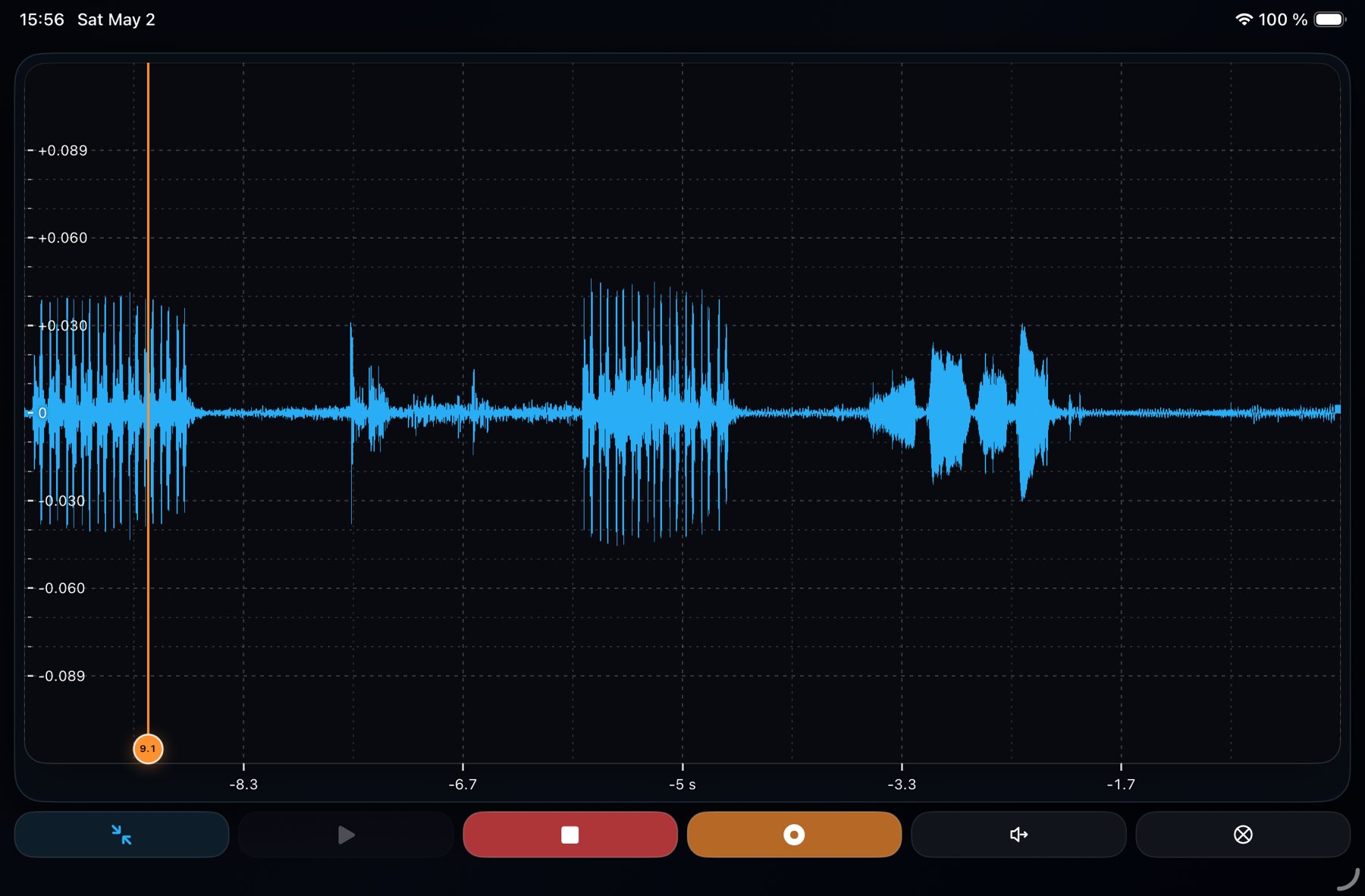
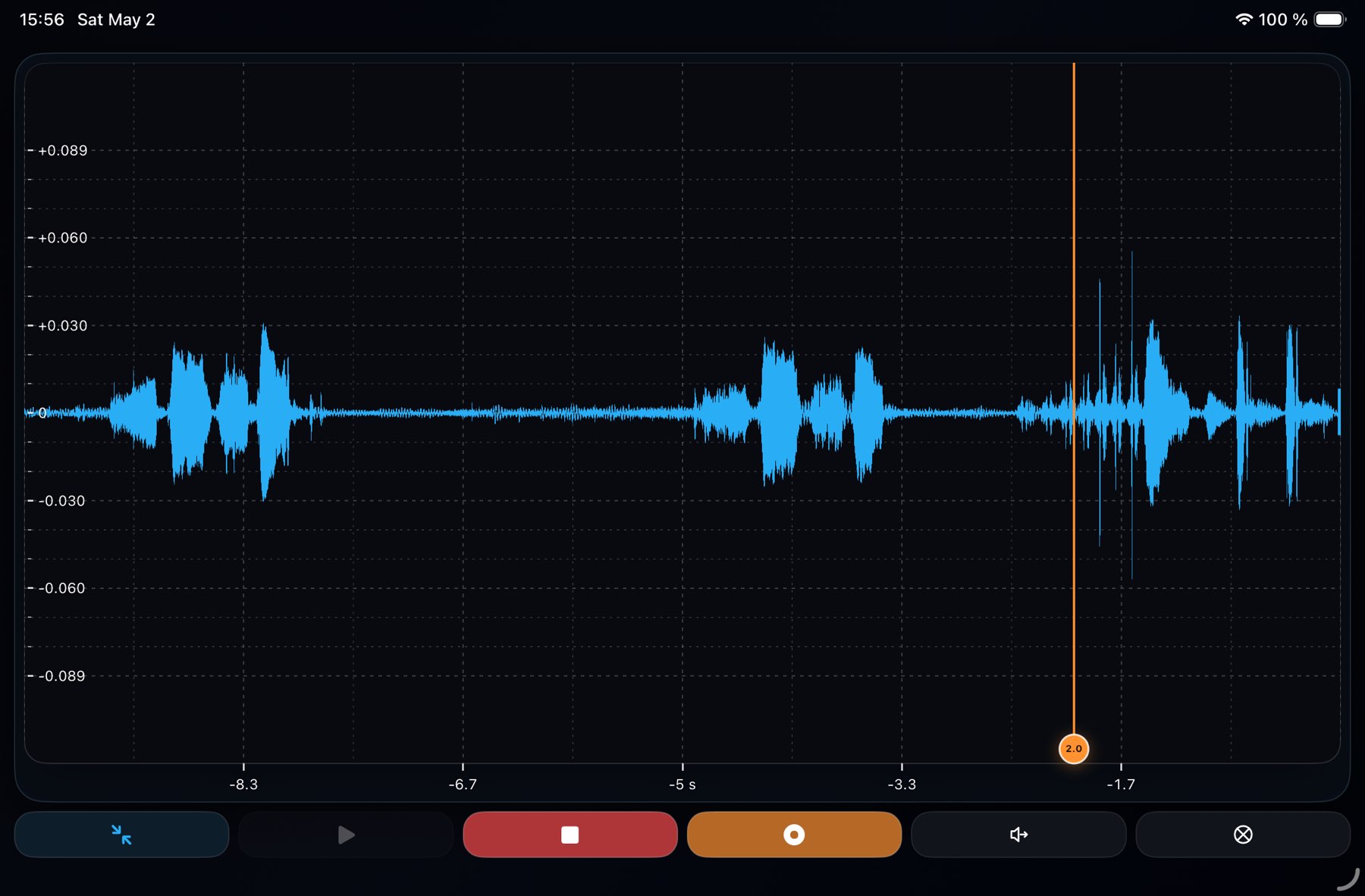
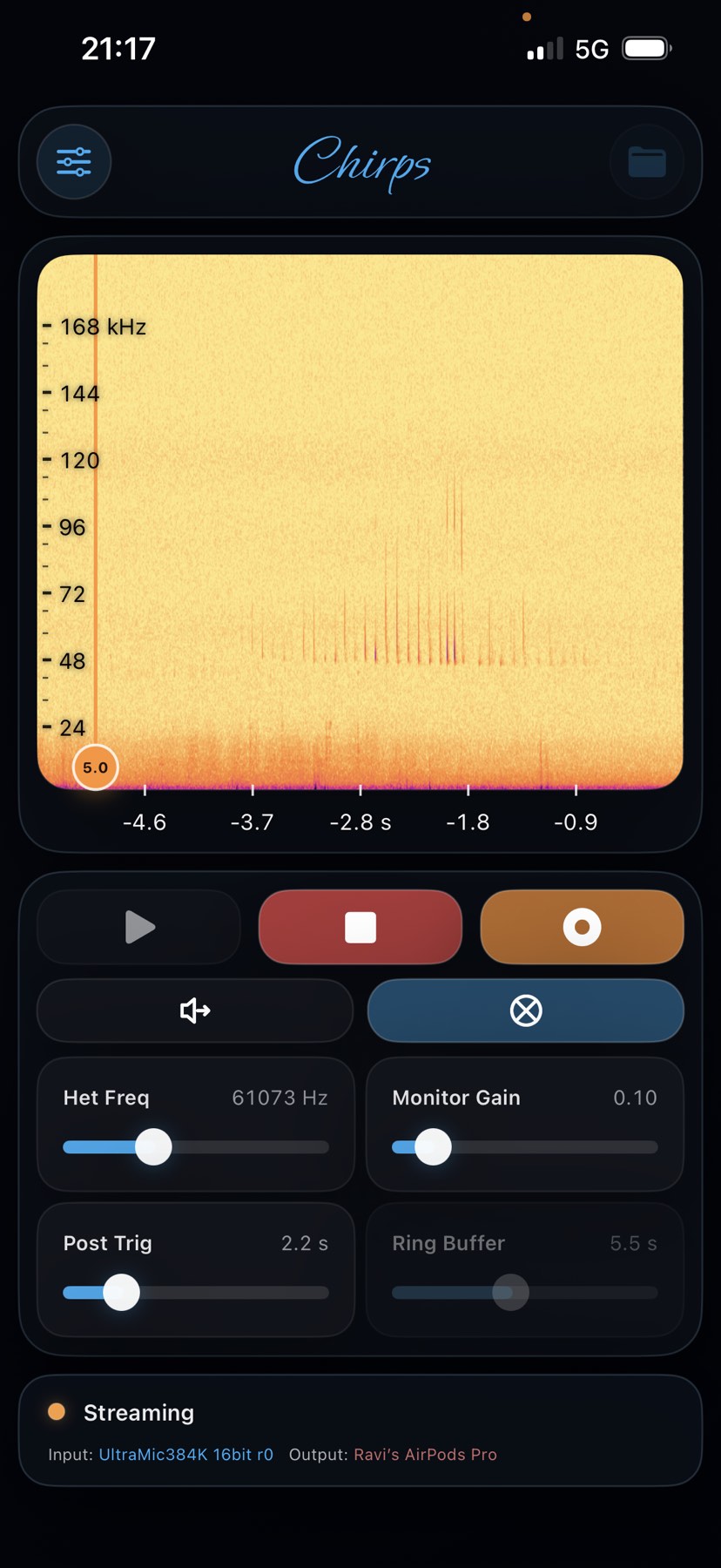
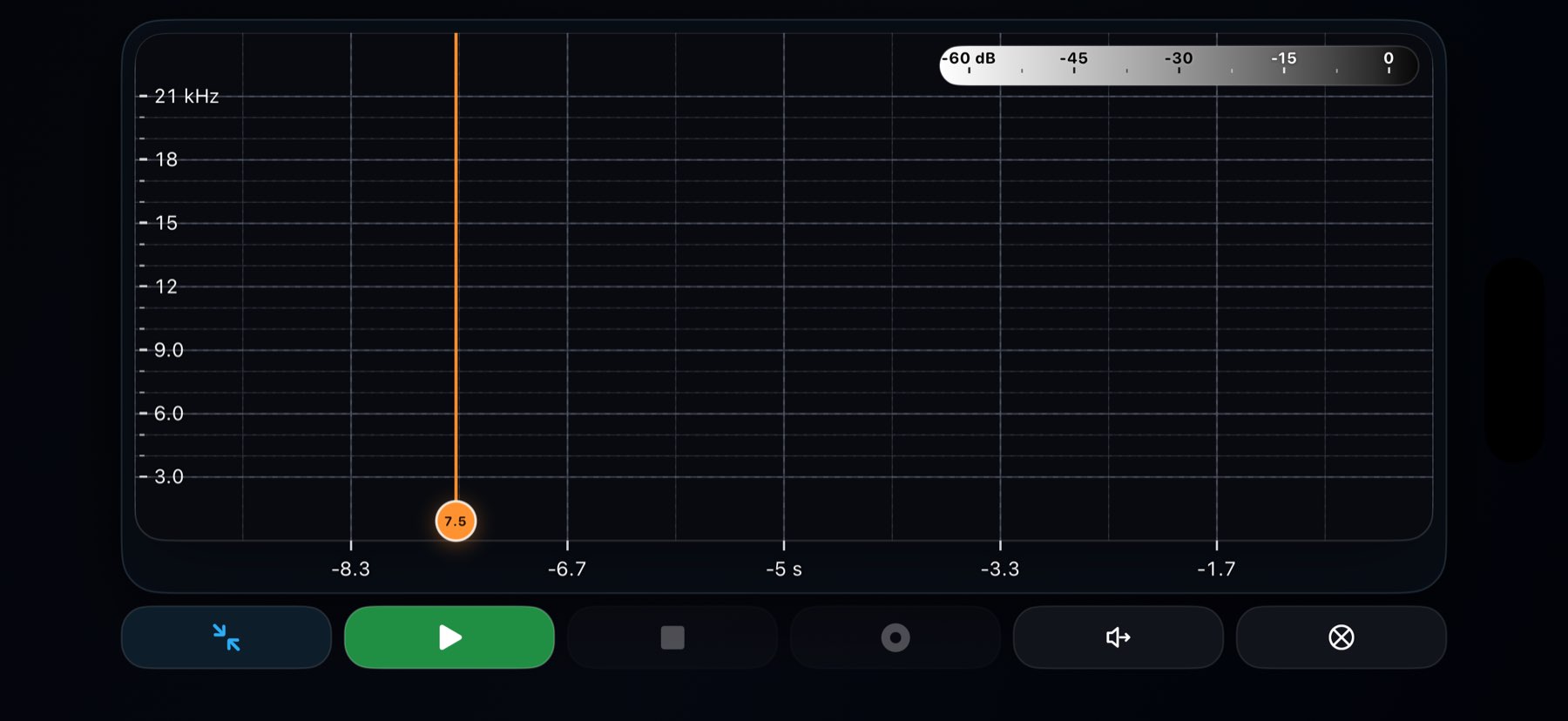
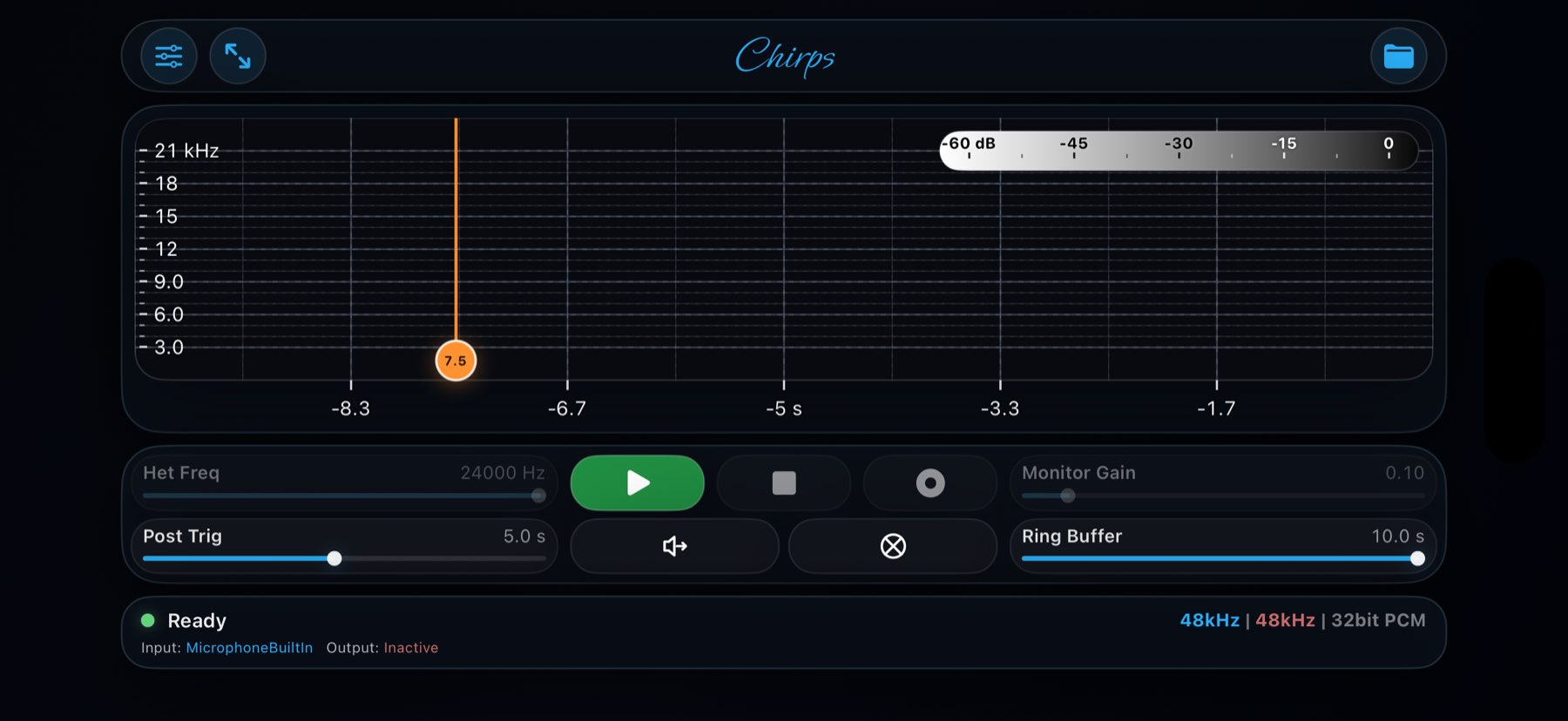
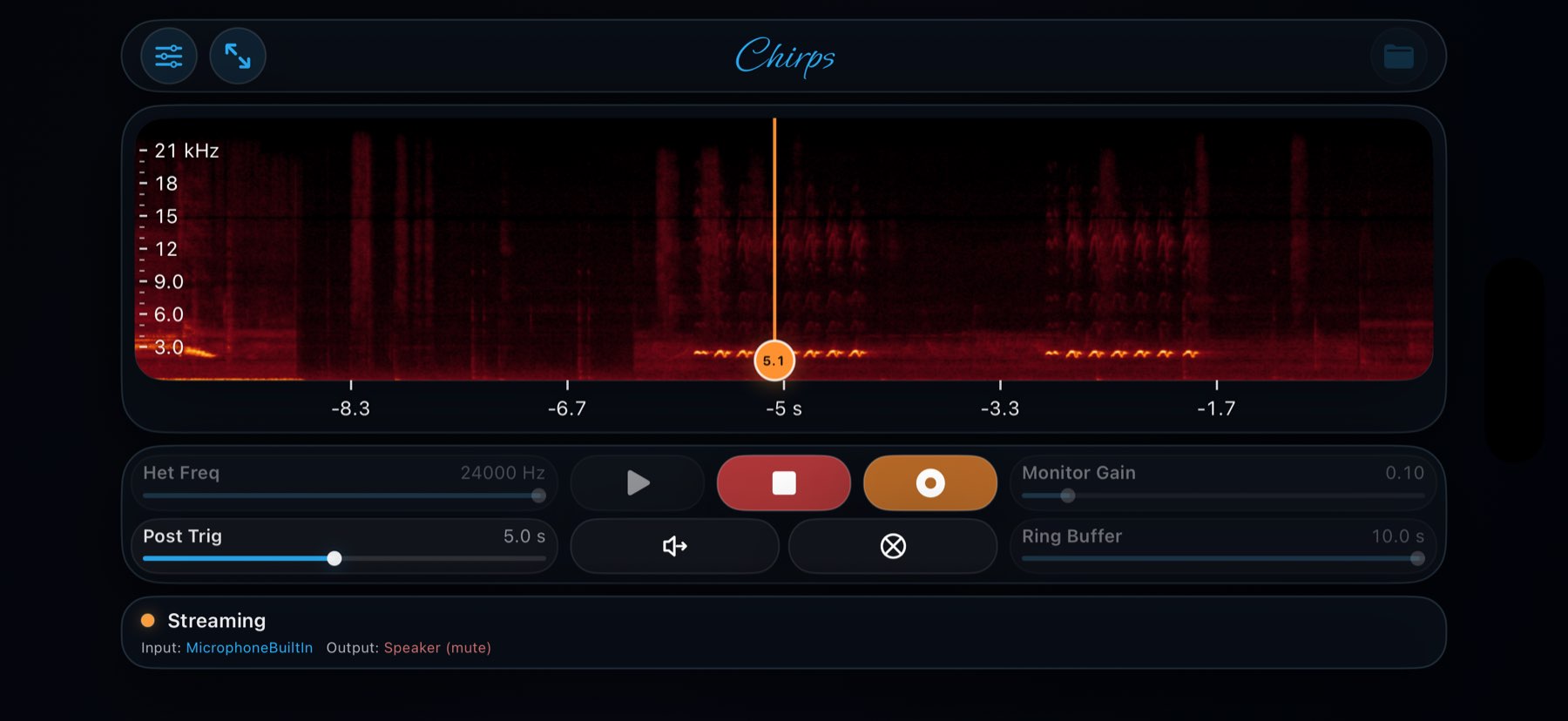
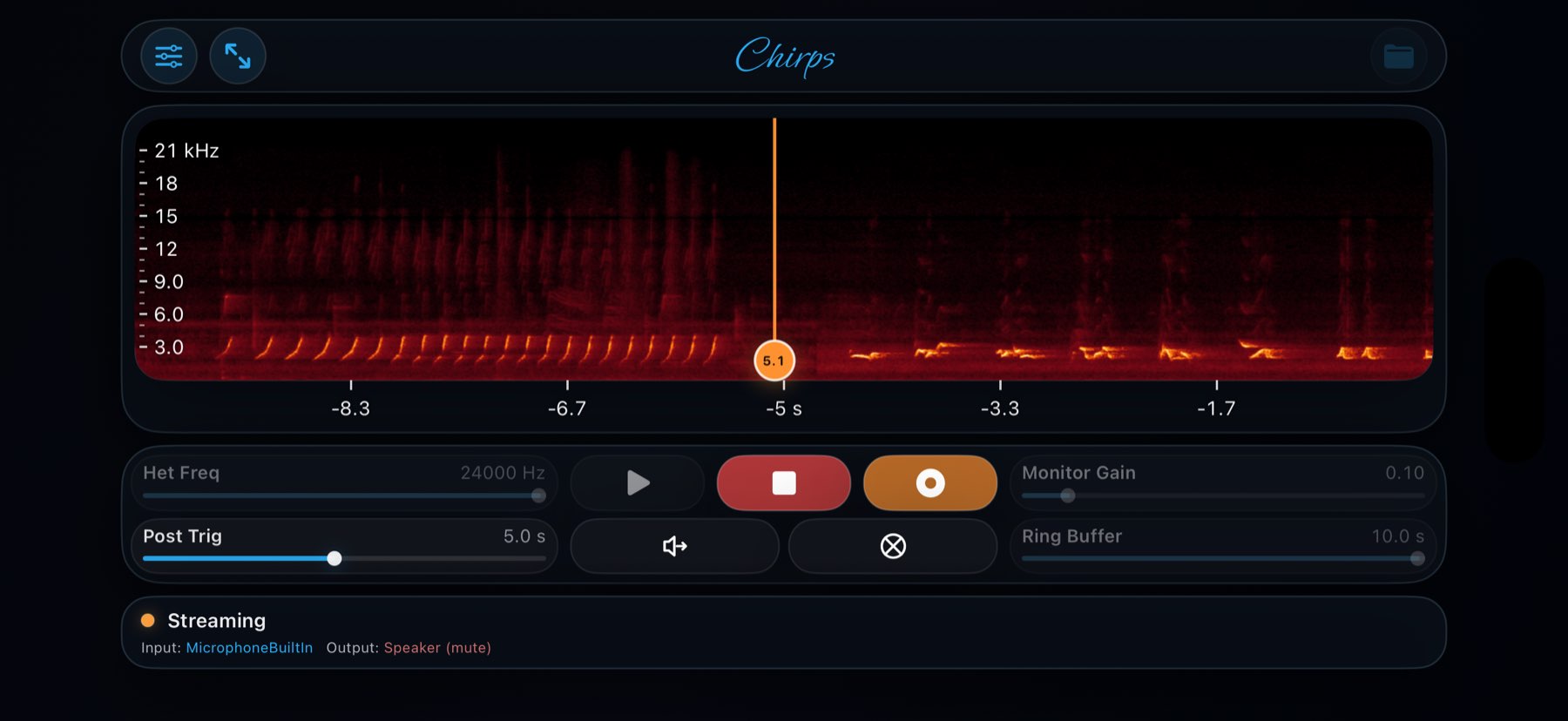
Watch live waveform and spectrogram views update in real time on iPhone or iPad, with responsive controls that stay usable in the field.

Explore feature →

Hardware-aware routing

Work with serious external audio gear

Use USB microphones, interfaces, and sound cards with route probing, cached capabilities, and support for the sample rates iOS actually exposes.

Explore feature →

Monitoring

Monitor live with passthrough or heterodyne

Switch between direct listening and heterodyne monitoring, then retune the centre frequency without breaking the active stream.

Explore feature →

Triggered capture

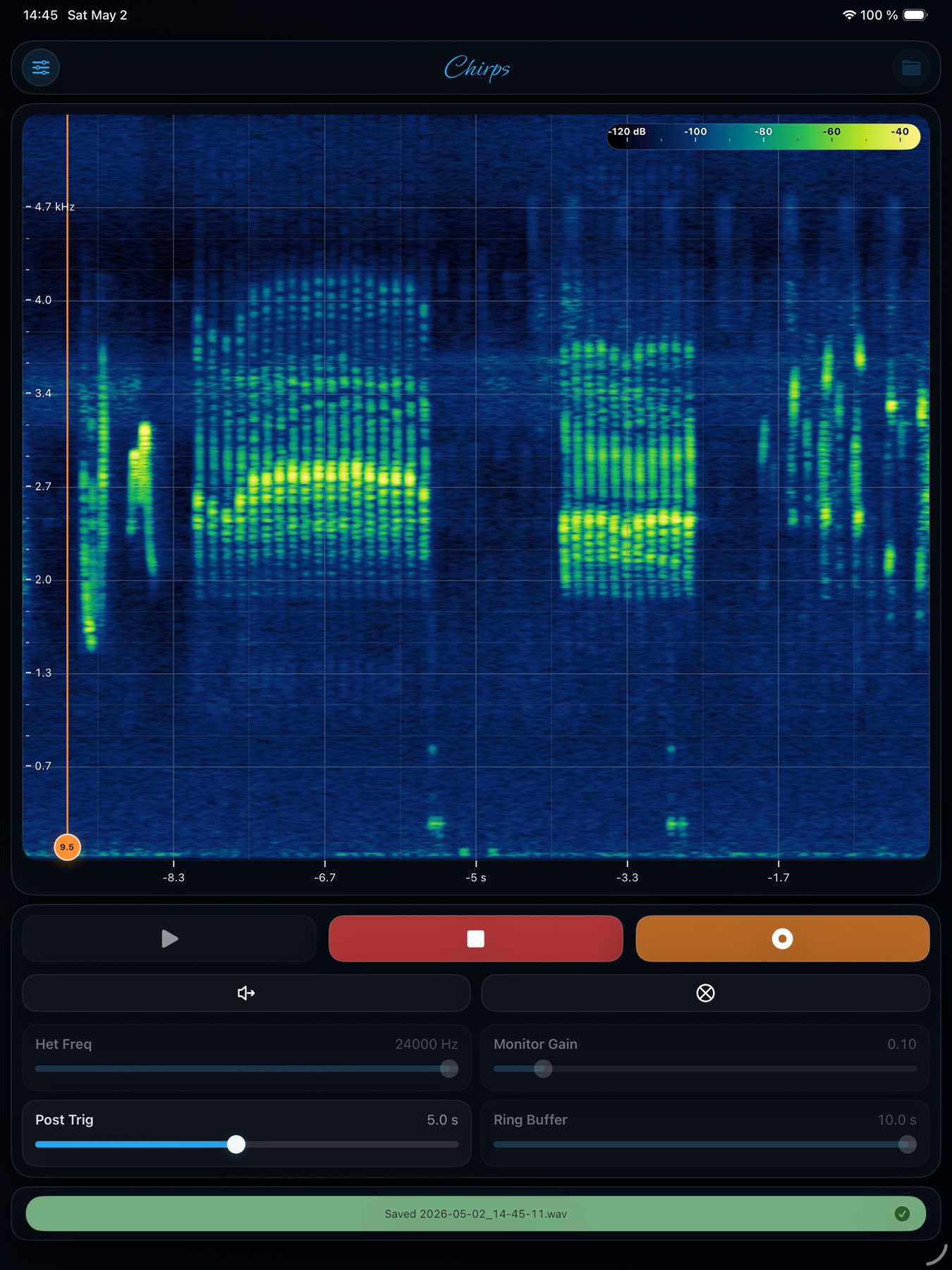
Capture WAV recordings with pre-trigger context

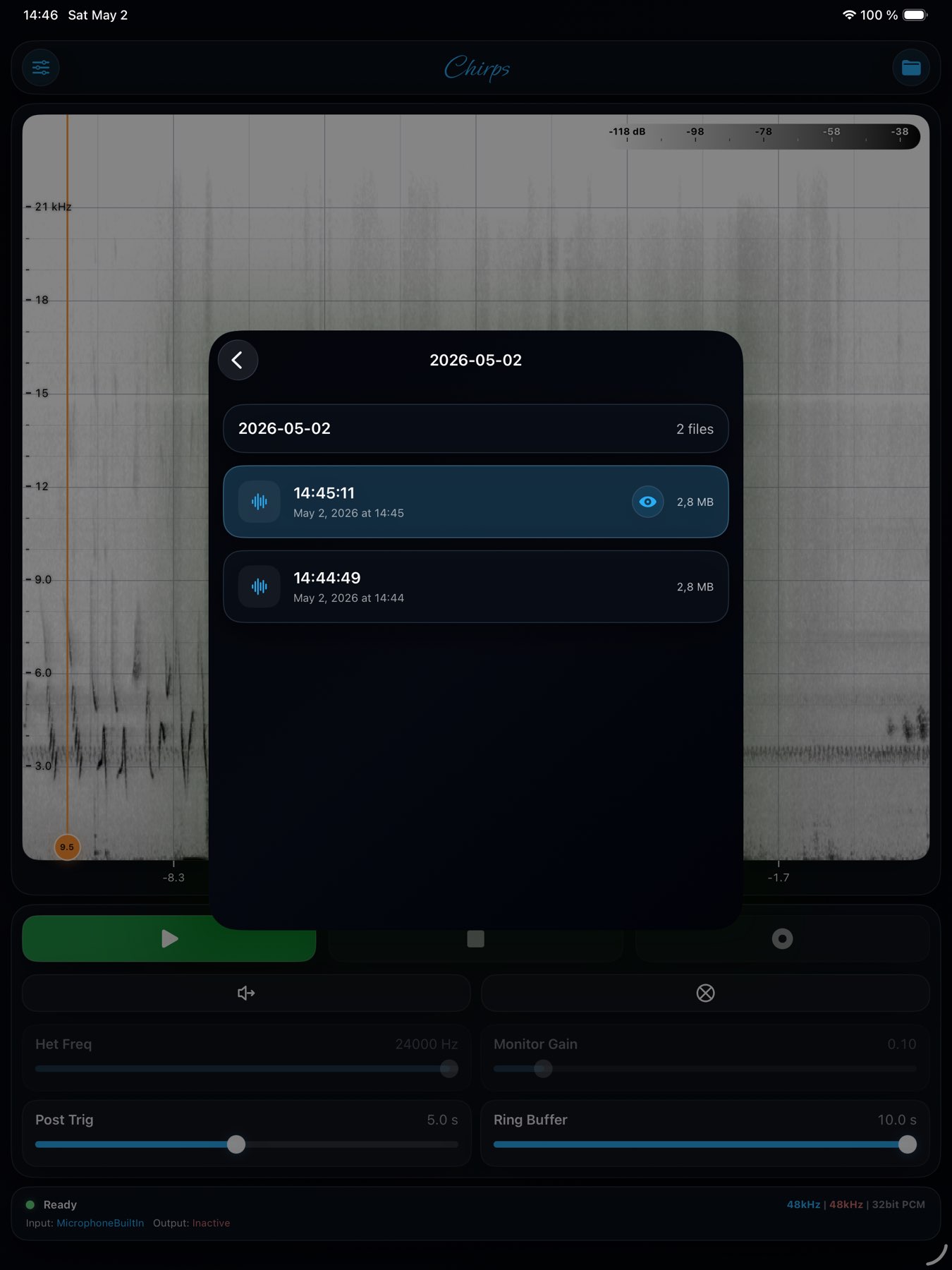
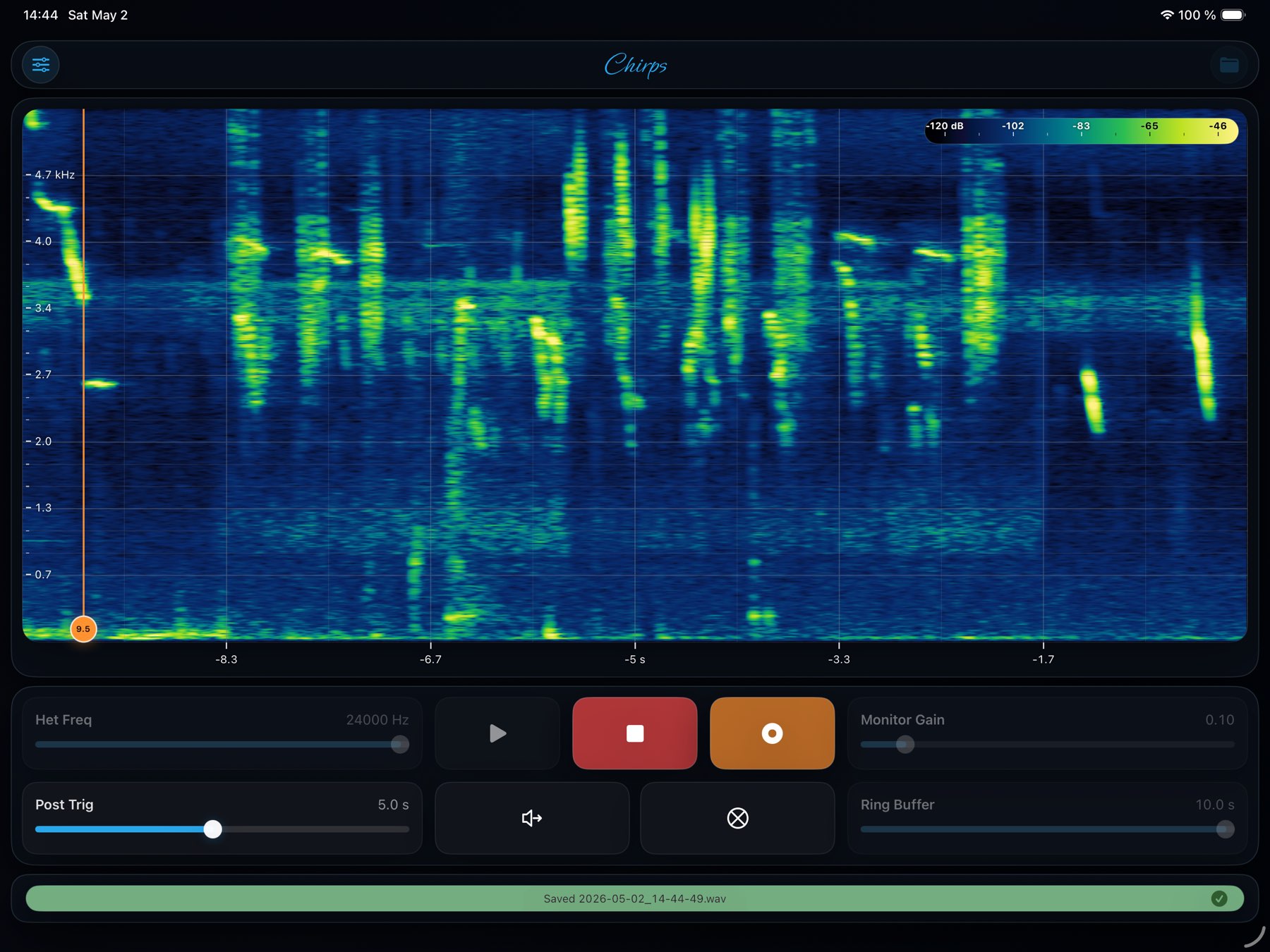
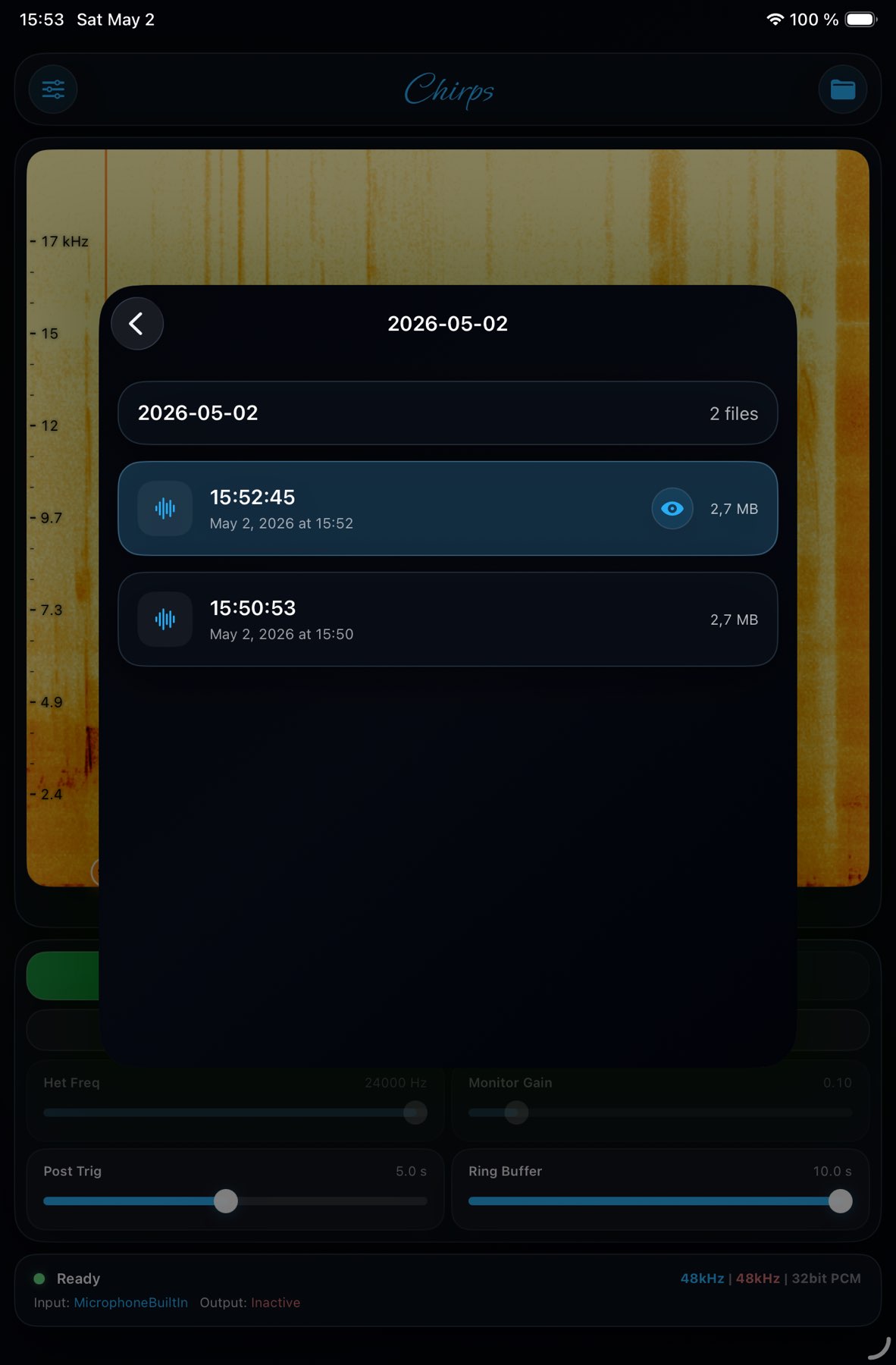
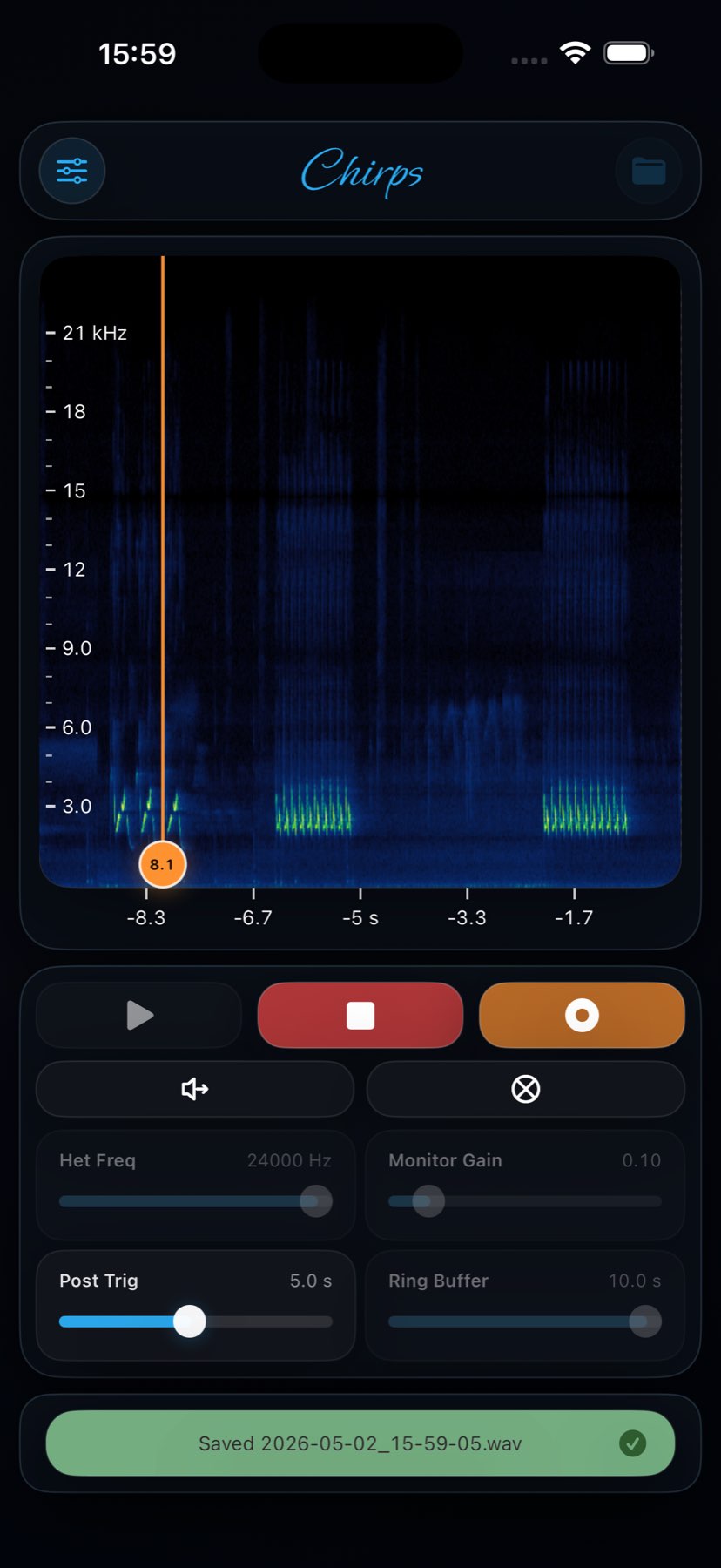
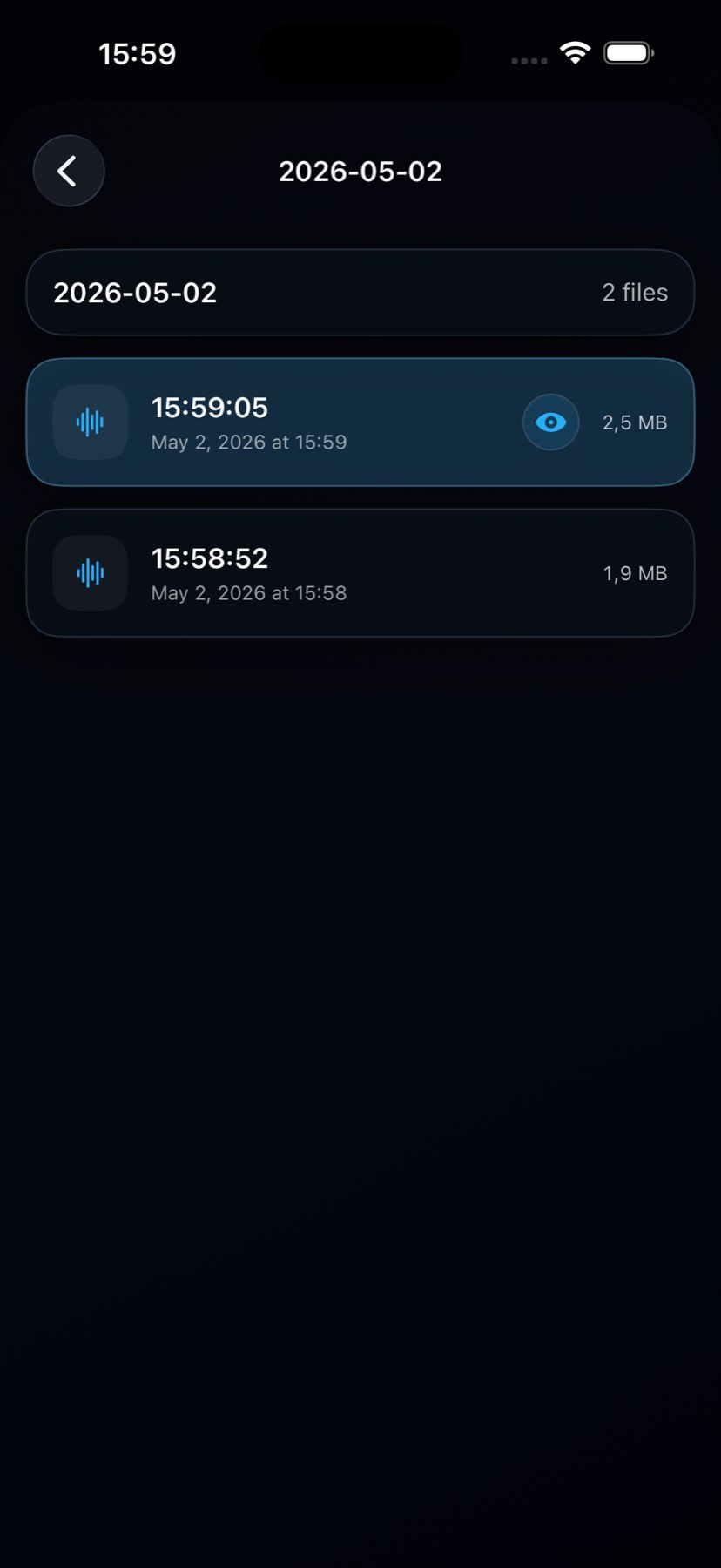
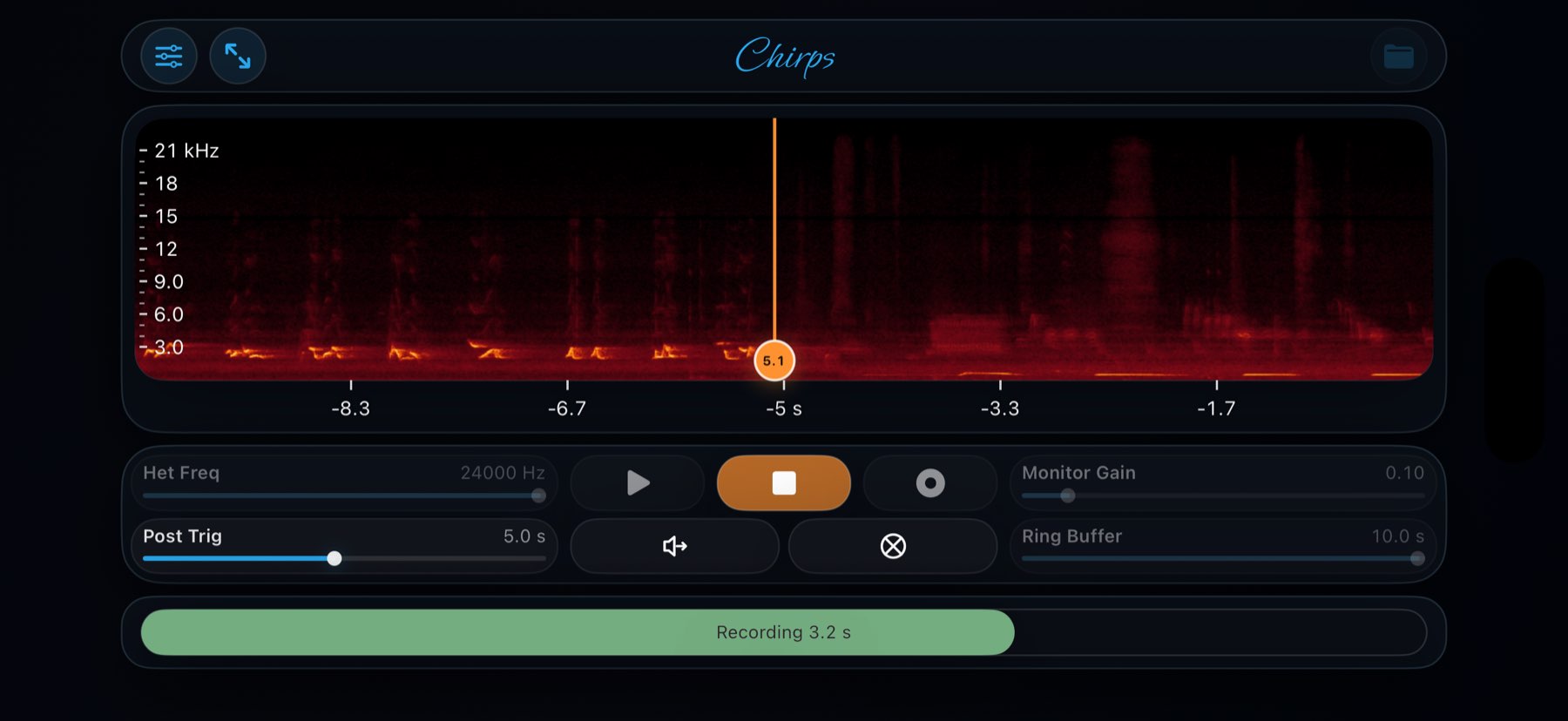
Save directly on-device with adjustable pre-trigger and post-trigger timing, then keep your recordings organised inside dated field folders.

Explore feature →

Offline analysis

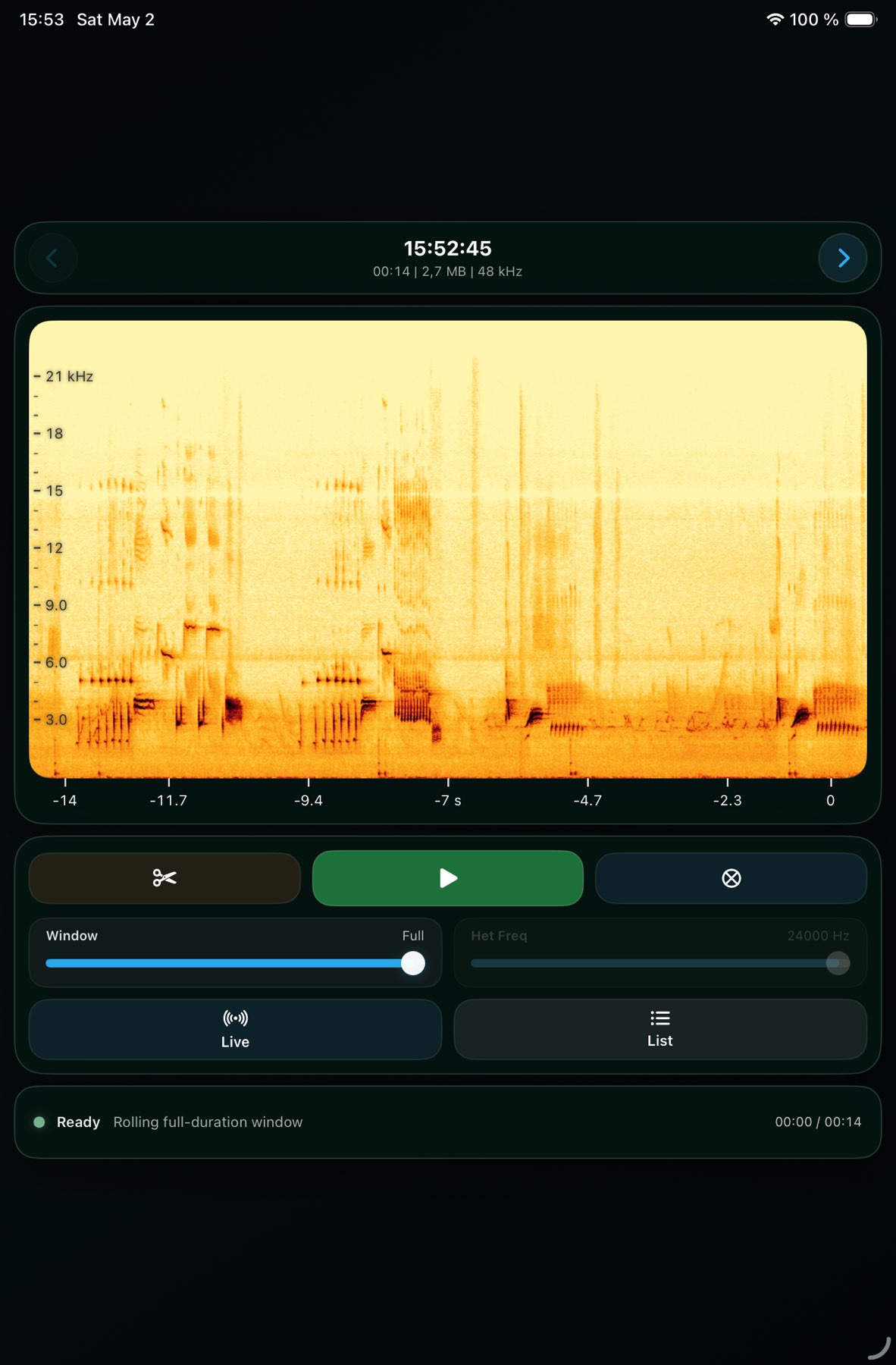
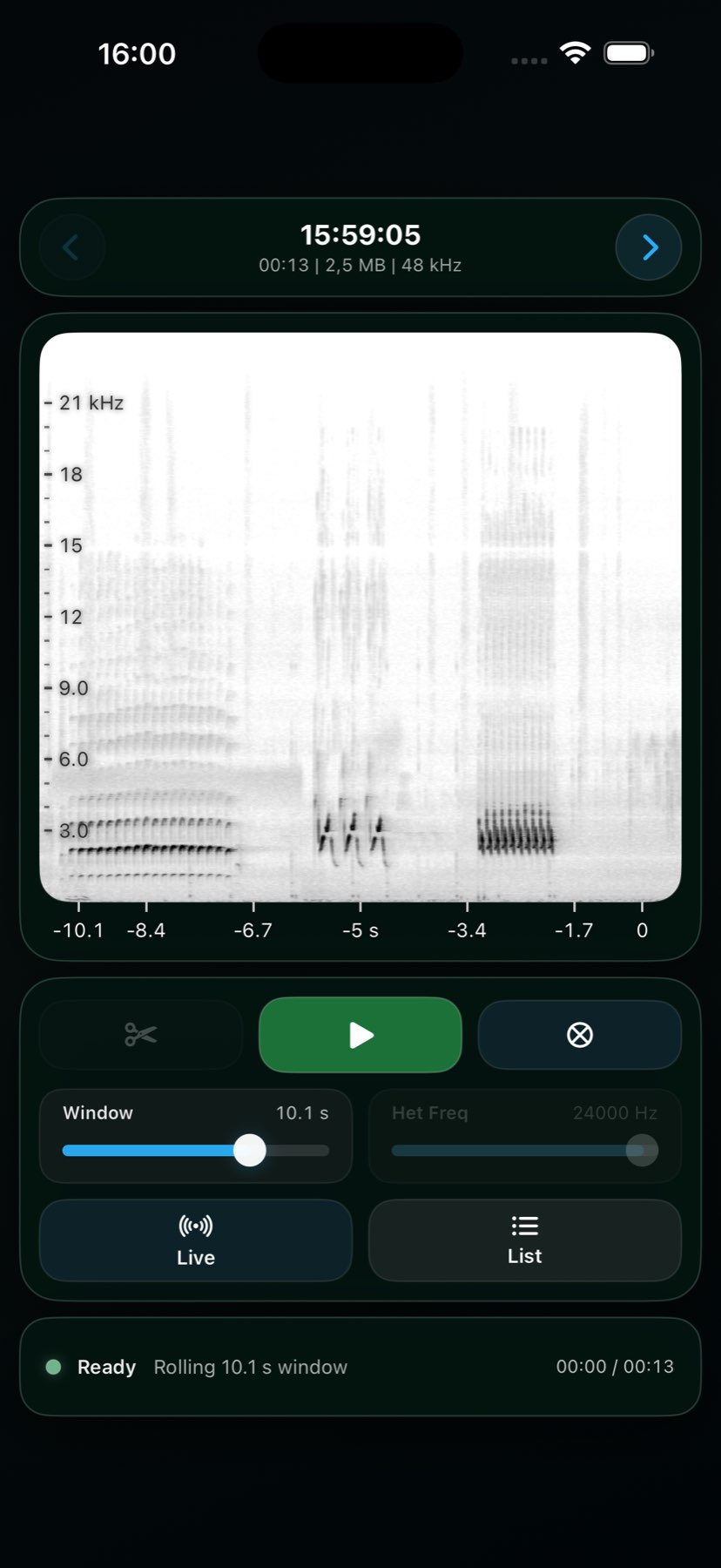
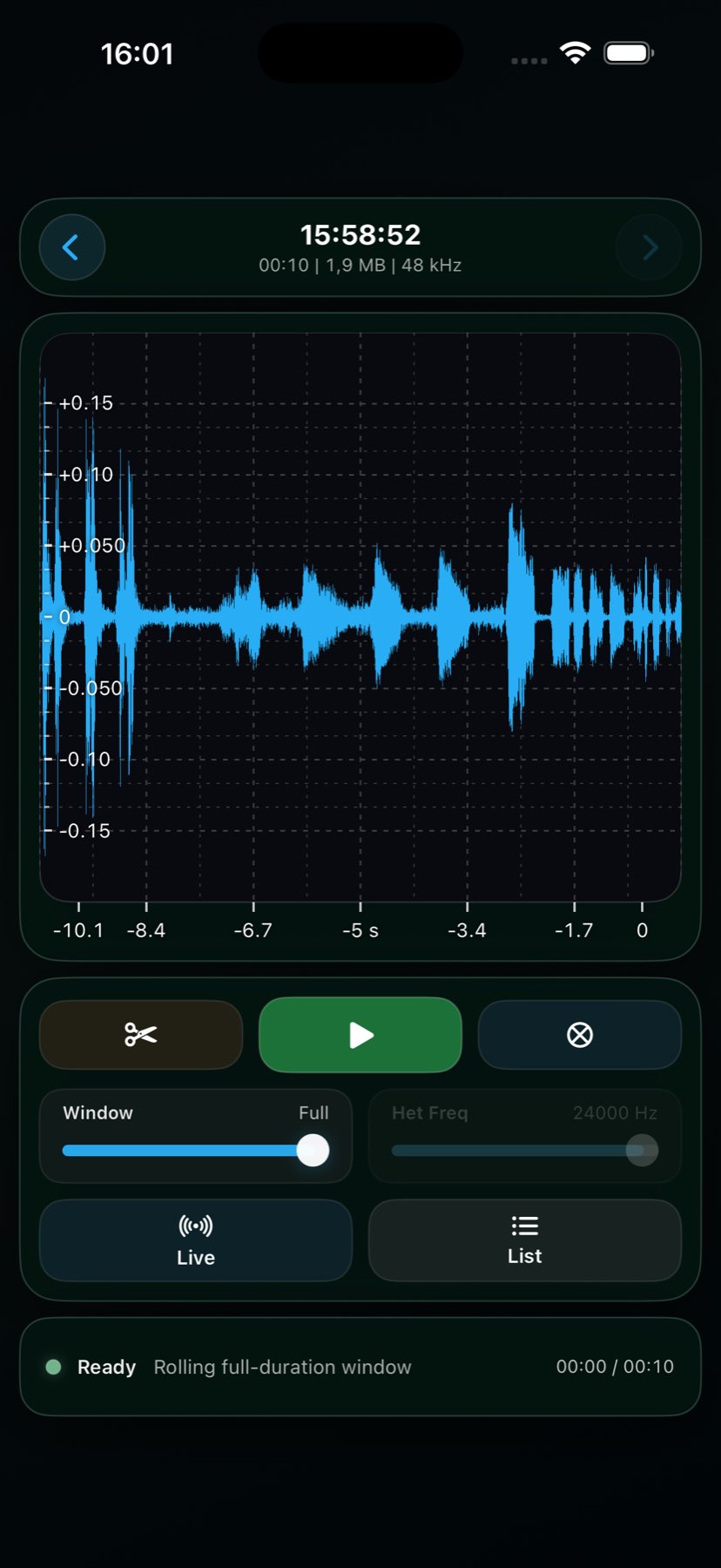
Review recordings without leaving the app

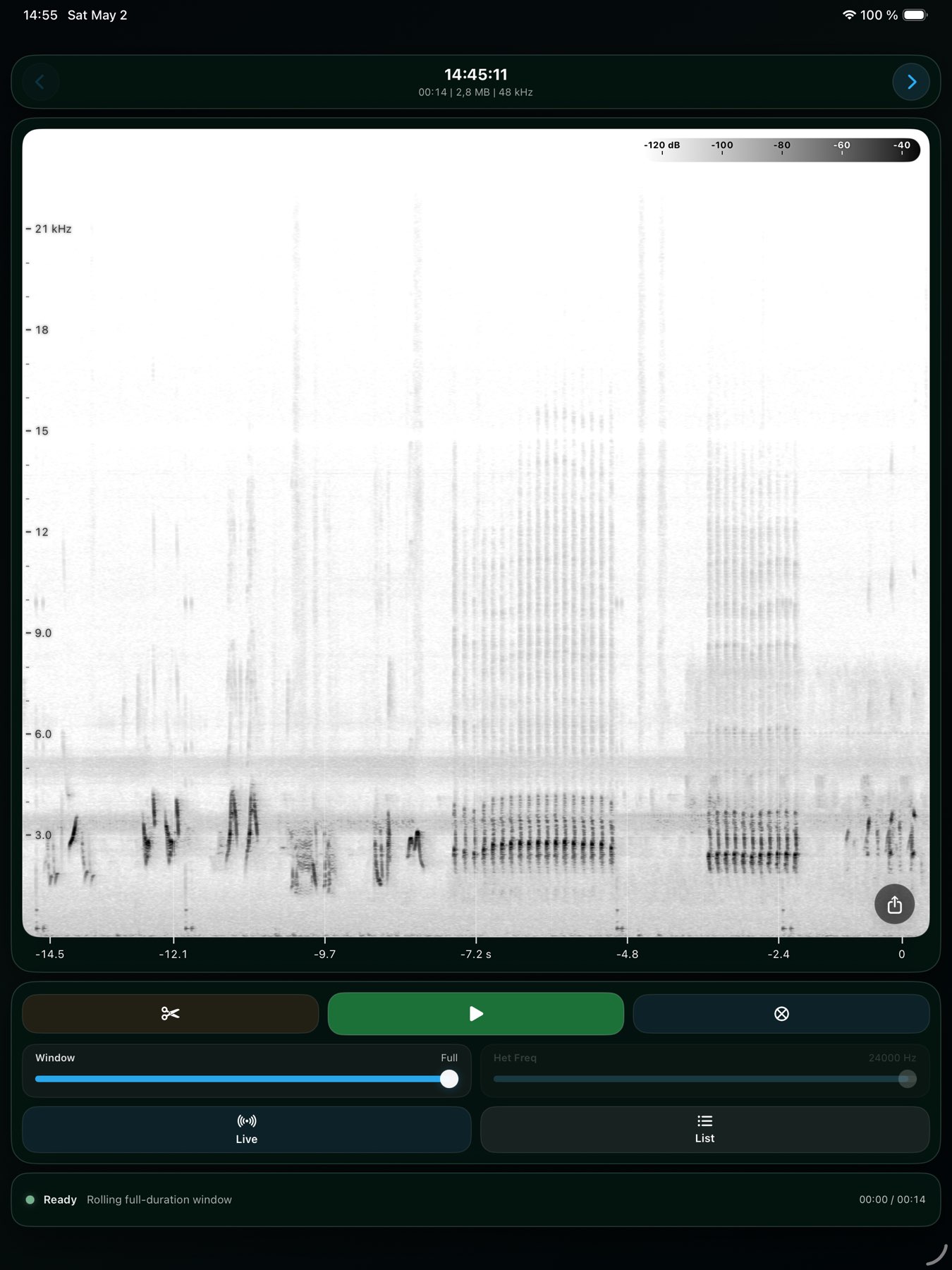
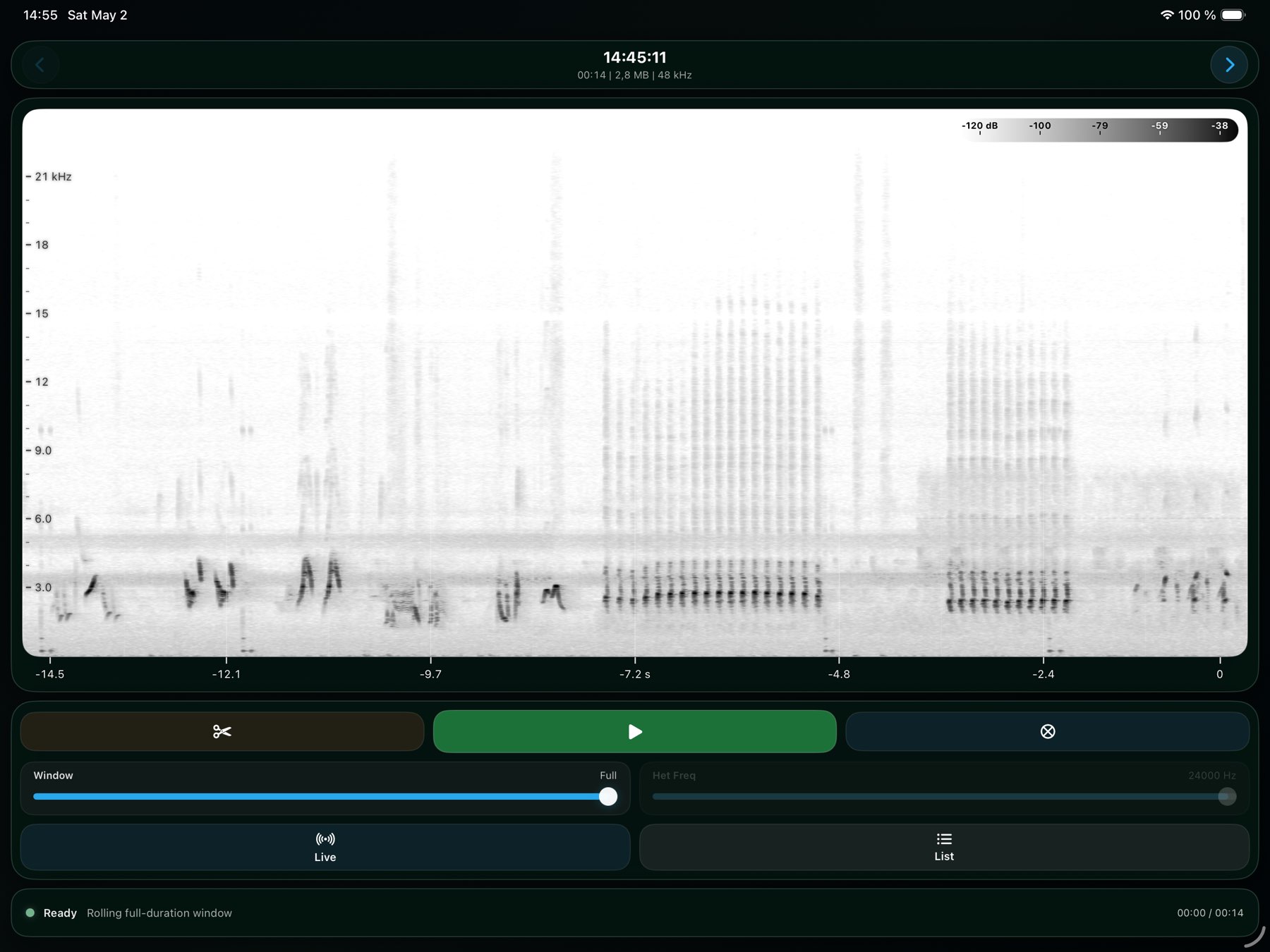
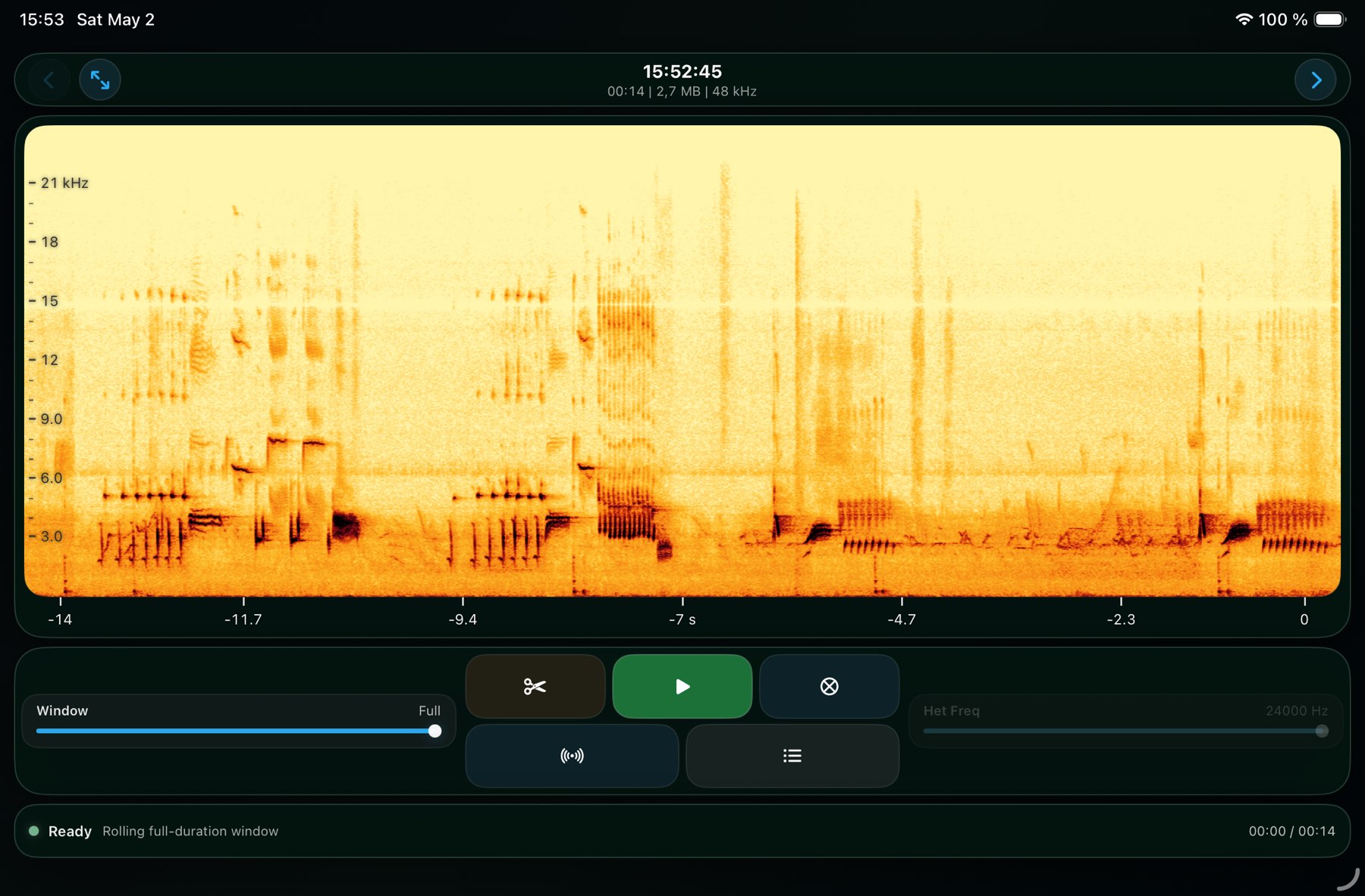
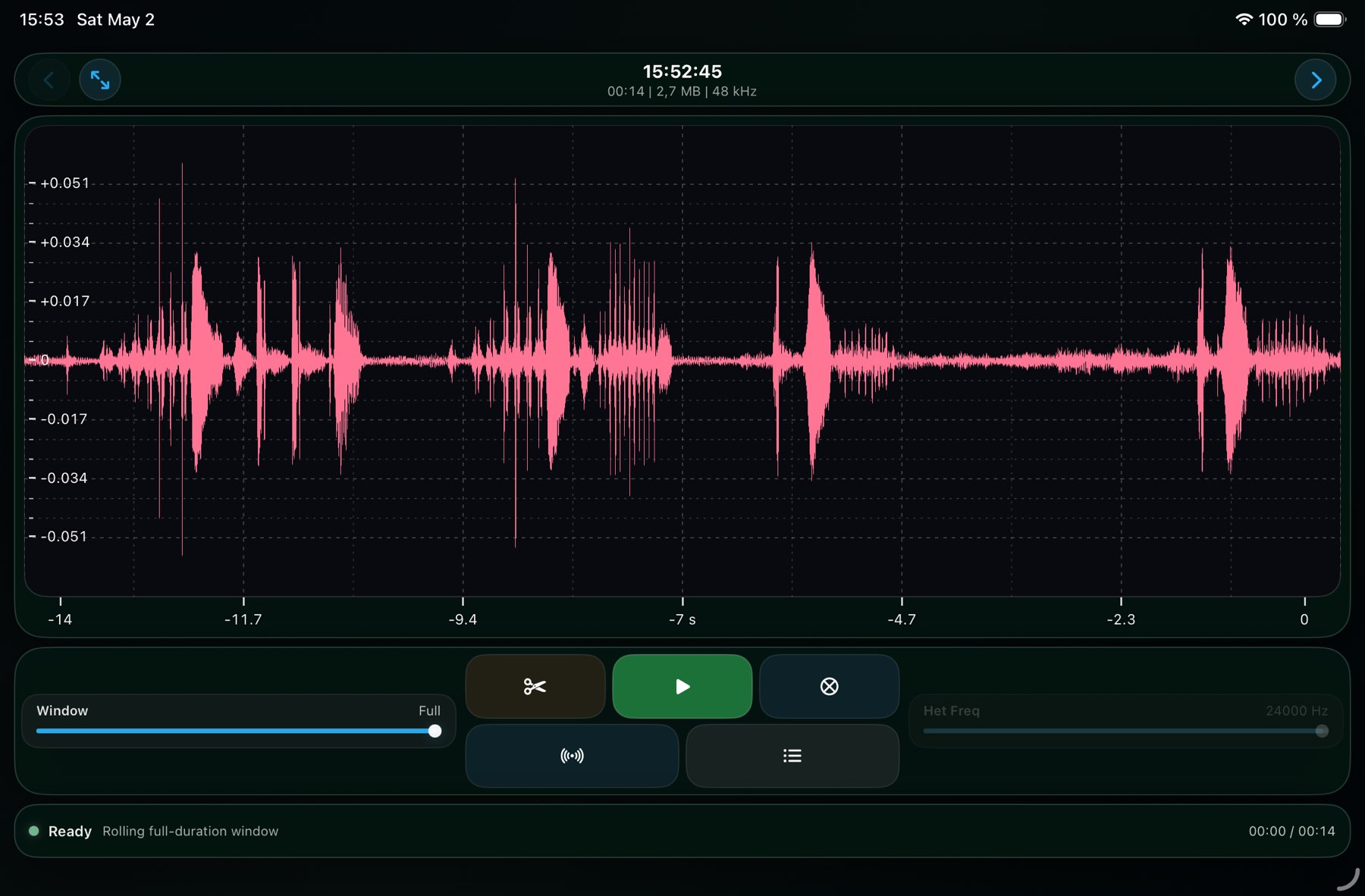
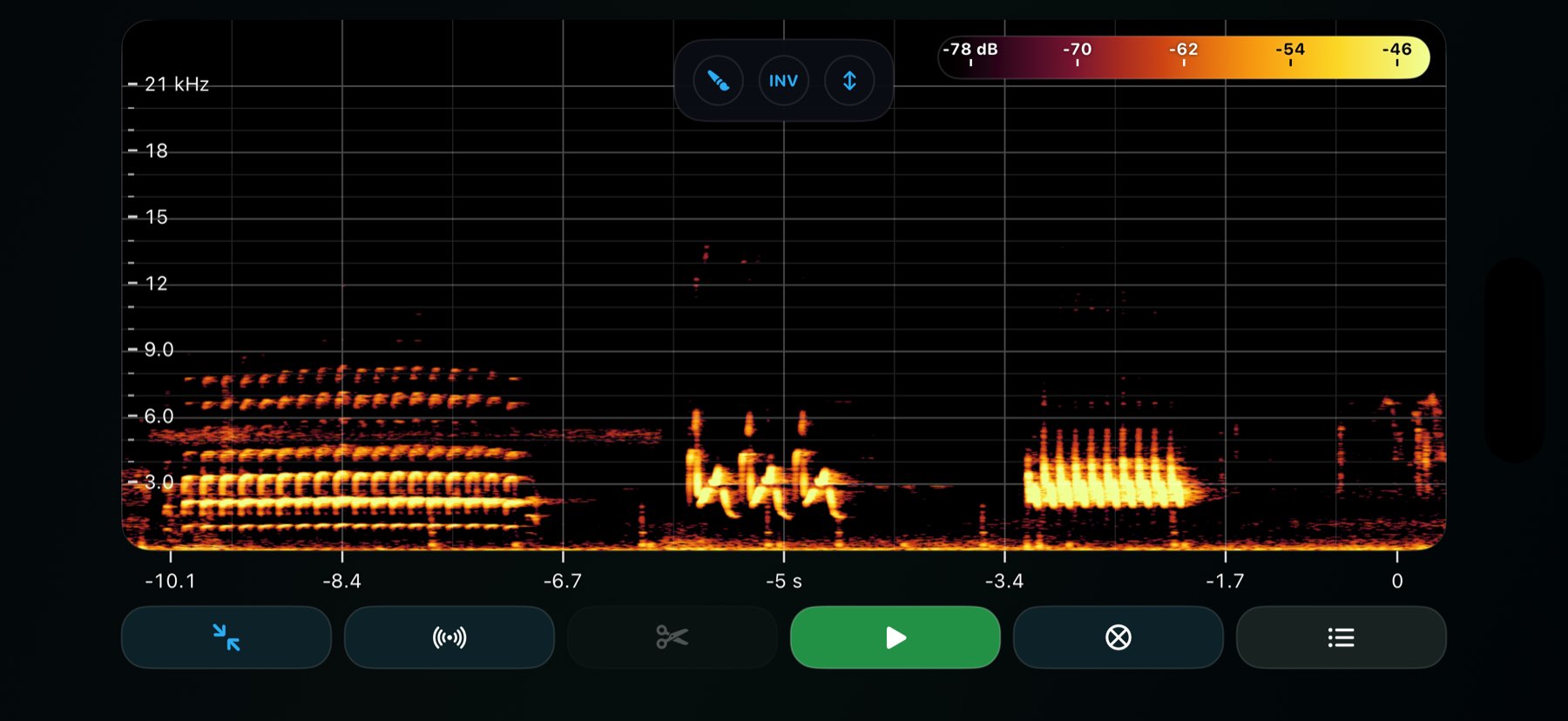
Open the Data Review interface for offline waveform and spectrogram browsing, matched closely to the live view you recorded with.

Explore feature →

Field context

Keep session notes with the recordings themselves

Write markdown field notes inside Chirps, alongside the day folder and file list, so observations, weather, and workflow context stay attached to the session.

Explore feature →

Shareable output

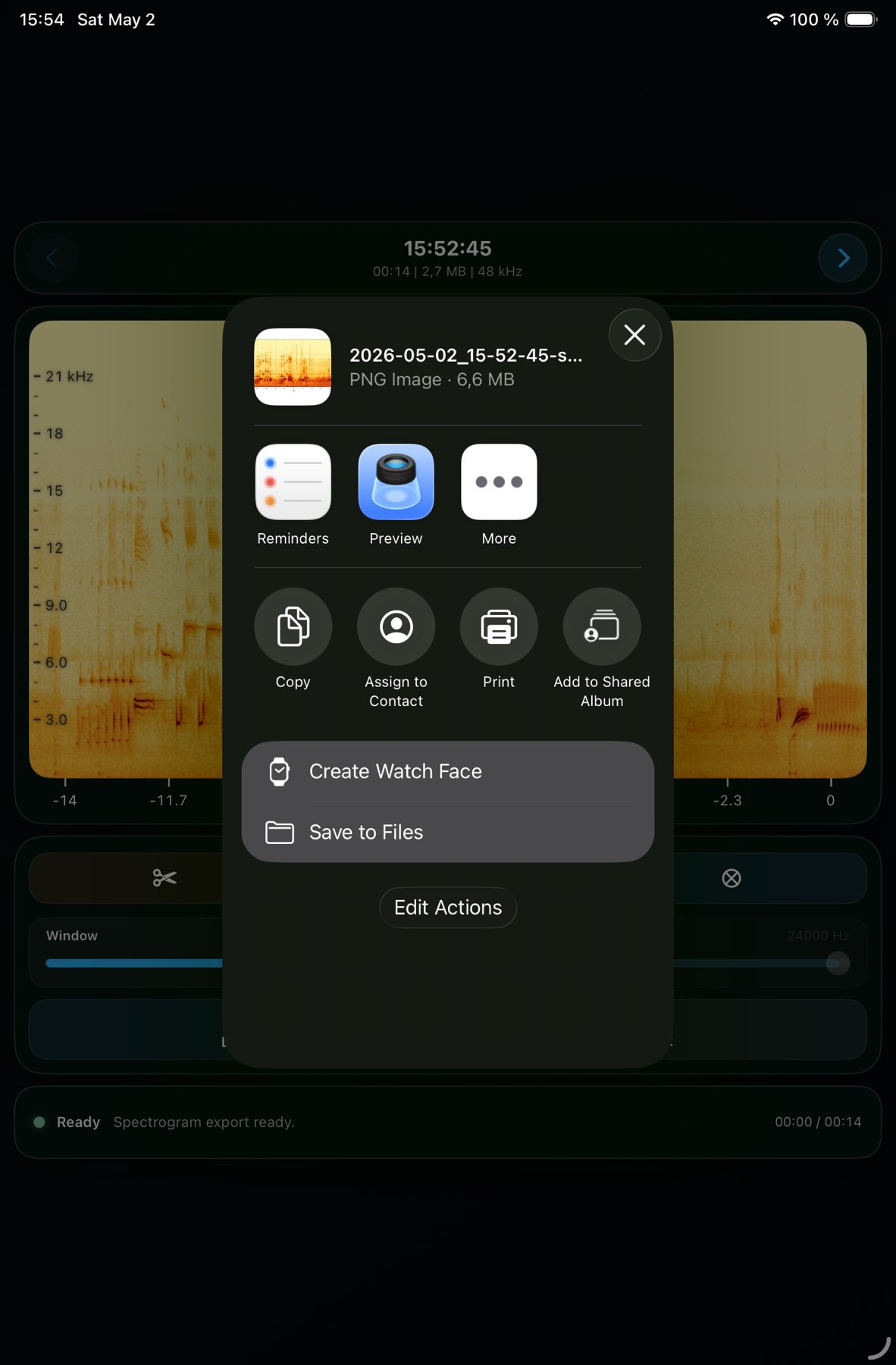
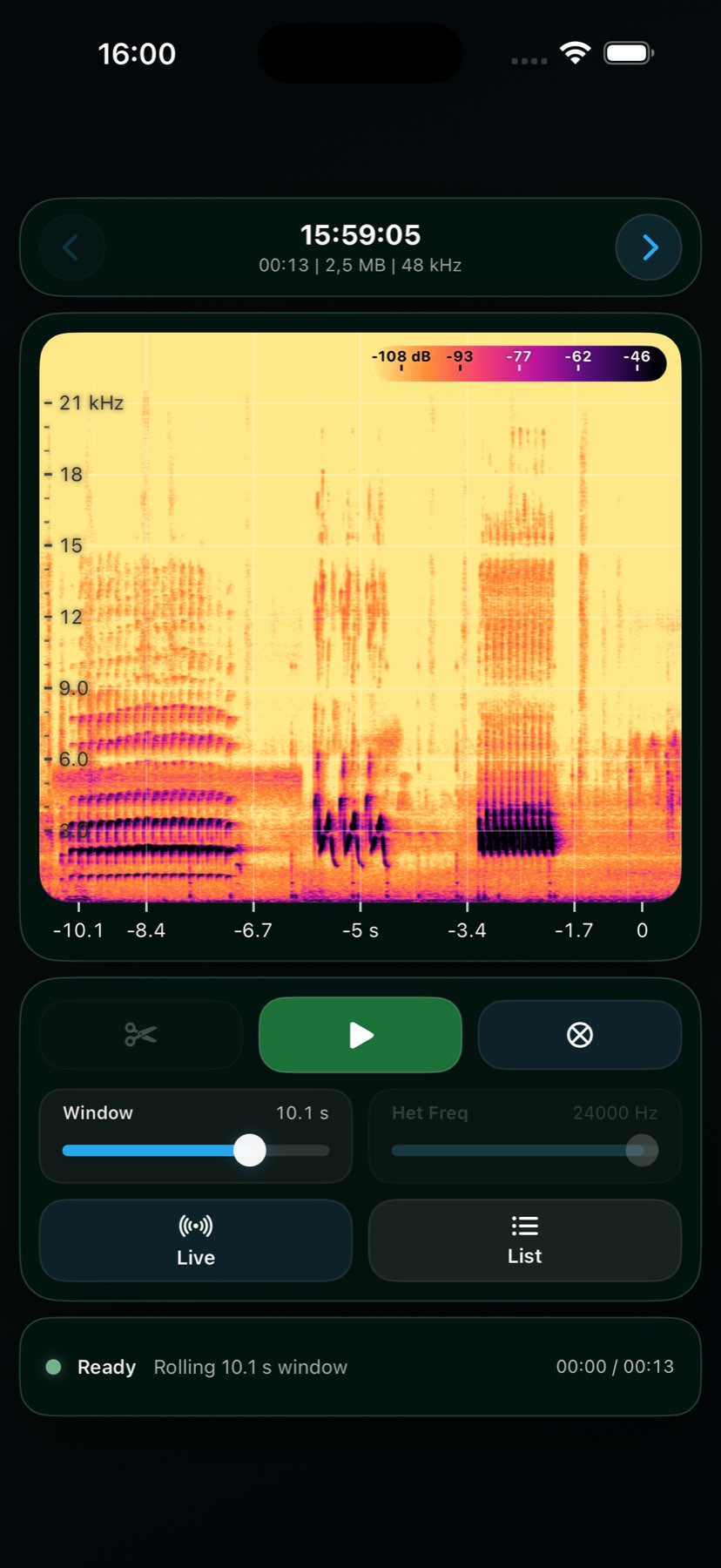
Export spectrogram figures that are ready to use

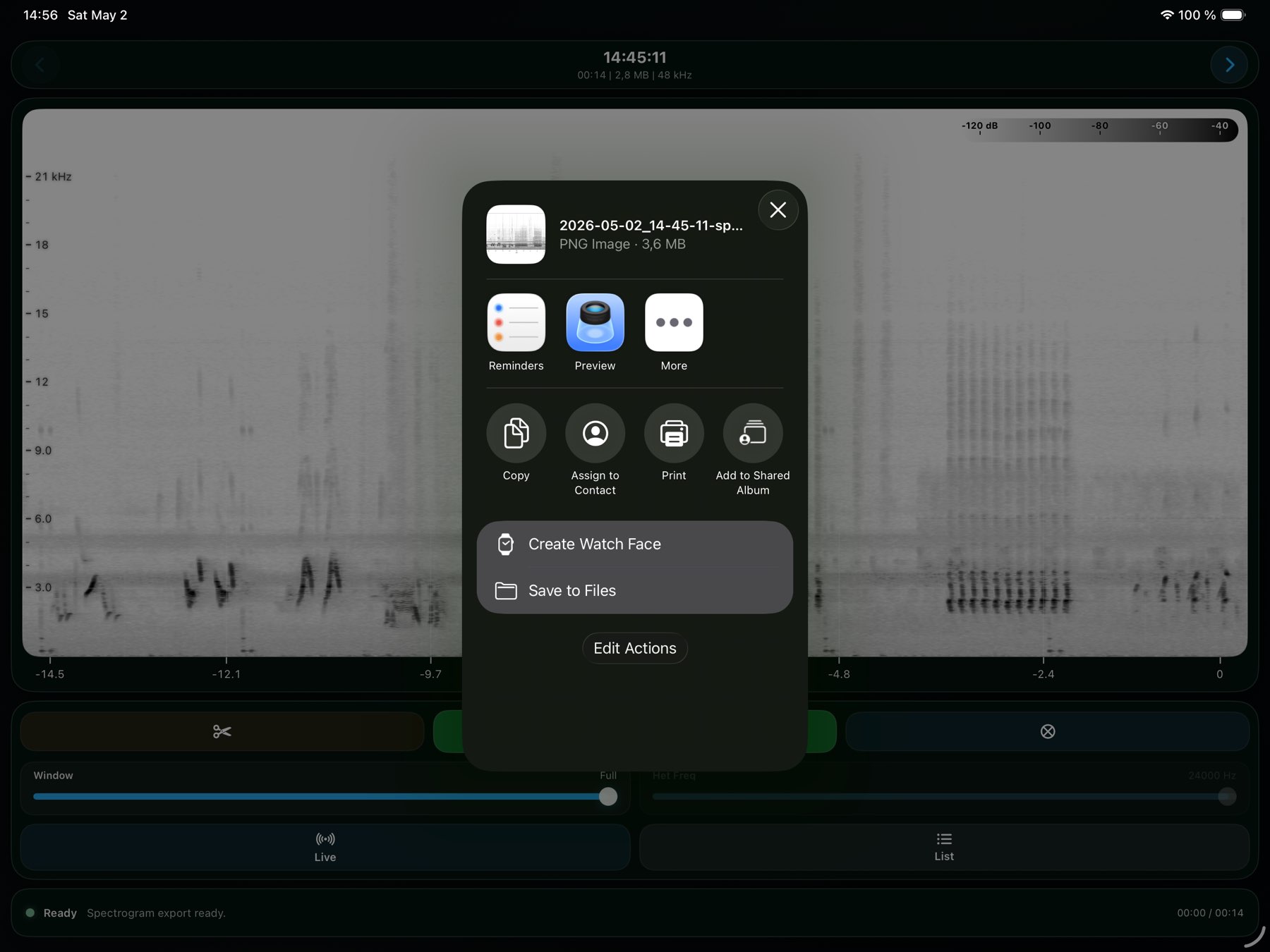
Generate landscape PNG spectrograms with scientific axes, grid lines, legends, and attribution suitable for reports, notes, or collaboration.

Explore feature →

First field run

Get from setup to first stream quickly

Follow the essentials for first launch, route checking, device selection, and the settings that matter before you start a real session.

Explore feature →

Full reference

Look up every setting without guessing

Jump into the full settings reference for input, output, recording, layout, haptics, diagnostics, and the details behind Chirps configuration.

Explore feature →

App views

Discover Chirps on your device.

Carefully designed to fit your workflow.
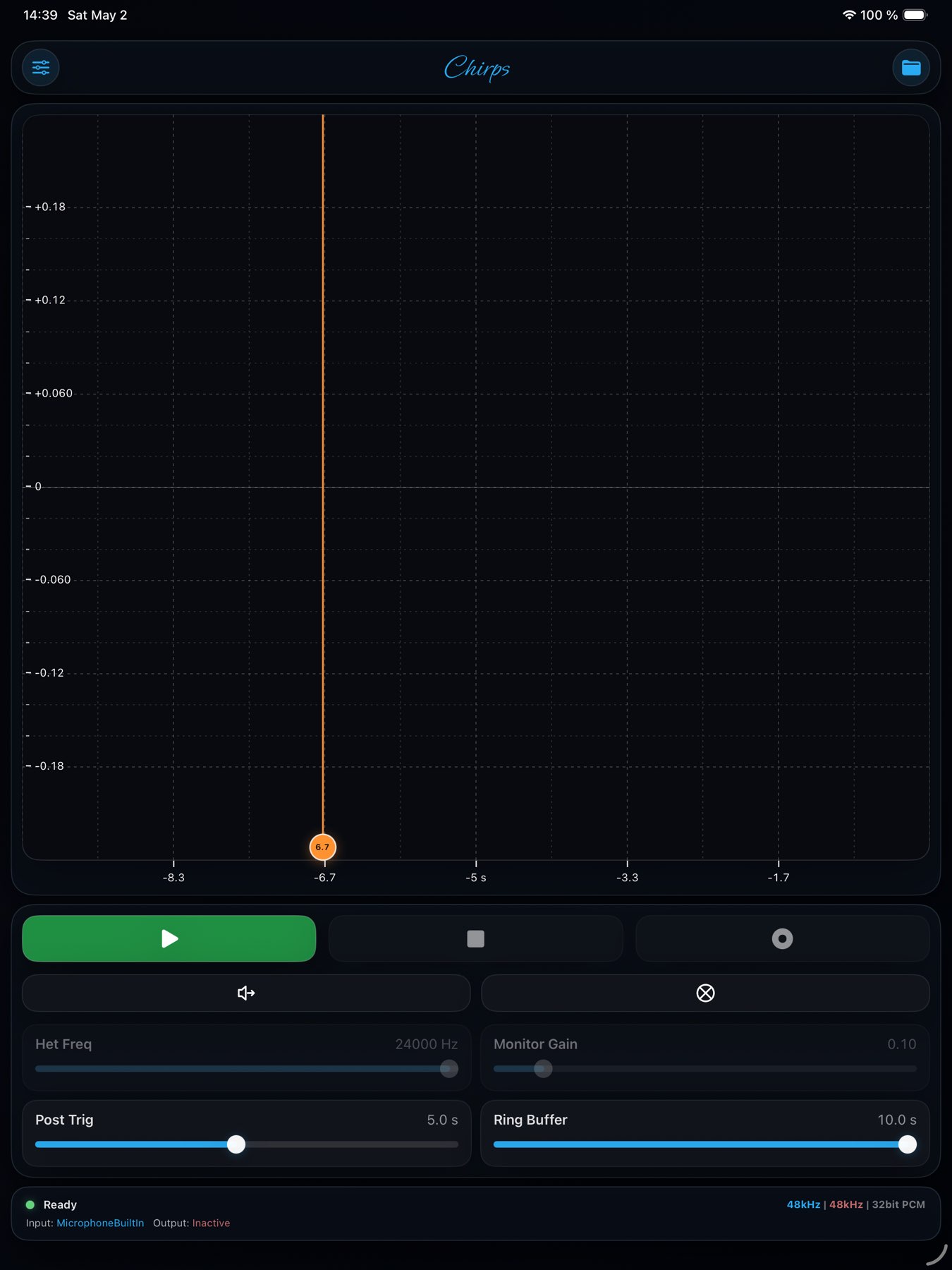
Chirps on iPad Portrait, screenshot 1
Chirps on iPad Portrait, screenshot 2
Chirps on iPad Portrait, screenshot 3
Chirps on iPad Portrait, screenshot 4
Chirps on iPad Portrait, screenshot 5
Chirps on iPad Portrait, screenshot 6
Chirps on iPad Portrait, screenshot 7
Chirps on iPad Portrait, screenshot 8
Chirps on iPad Portrait, screenshot 9
Chirps on iPad Portrait, screenshot 10
Chirps on iPad Portrait, screenshot 11
Chirps on iPad Portrait, screenshot 12
Chirps on iPad Portrait, screenshot 13
Chirps on iPad Landscape, screenshot 1
Chirps on iPad Landscape, screenshot 2
Chirps on iPad Landscape, screenshot 3
Chirps on iPad Landscape, screenshot 4
Chirps on iPad Landscape, screenshot 5
Chirps on iPad Landscape, screenshot 6
Chirps on iPad Landscape, screenshot 7
Chirps on iPad Landscape, screenshot 8
Chirps on iPad Landscape, screenshot 9
Chirps on iPad Landscape, screenshot 10
Chirps on iPad Landscape, screenshot 11
Chirps on iPad Landscape, screenshot 12
Chirps on iPad Landscape, screenshot 13
Chirps on iPad mini Portrait, screenshot 1
Chirps on iPad mini Portrait, screenshot 2
Chirps on iPad mini Portrait, screenshot 3
Chirps on iPad mini Portrait, screenshot 4
Chirps on iPad mini Portrait, screenshot 5
Chirps on iPad mini Portrait, screenshot 6
Chirps on iPad mini Portrait, screenshot 7
Chirps on iPad mini Portrait, screenshot 8
Chirps on iPad mini Portrait, screenshot 9
Chirps on iPad mini Portrait, screenshot 10
Chirps on iPad mini Portrait, screenshot 11
Chirps on iPad mini Portrait, screenshot 12
Chirps on iPad mini Landscape, screenshot 1
Chirps on iPad mini Landscape, screenshot 2
Chirps on iPad mini Landscape, screenshot 3
Chirps on iPad mini Landscape, screenshot 4
Chirps on iPad mini Landscape, screenshot 5
Chirps on iPad mini Landscape, screenshot 6
Chirps on iPad mini Landscape, screenshot 7
Chirps on iPad mini Landscape, screenshot 8
Chirps on iPad mini Landscape, screenshot 9
Chirps on iPad mini Landscape, screenshot 10
Chirps on iPhone Portrait, screenshot 1
Chirps on iPhone Portrait, screenshot 2
Chirps on iPhone Portrait, screenshot 3
Chirps on iPhone Portrait, screenshot 4
Chirps on iPhone Portrait, screenshot 5
Chirps on iPhone Portrait, screenshot 6
Chirps on iPhone Portrait, screenshot 7
Chirps on iPhone Portrait, screenshot 8
Chirps on iPhone Portrait, screenshot 9
Chirps on iPhone Portrait, screenshot 10
Chirps on iPhone Portrait, screenshot 11
Chirps on iPhone Landscape, screenshot 1
Chirps on iPhone Landscape, screenshot 2
Chirps on iPhone Landscape, screenshot 3
Chirps on iPhone Landscape, screenshot 4
Chirps on iPhone Landscape, screenshot 5
Chirps on iPhone Landscape, screenshot 6
Chirps on iPhone Landscape, screenshot 7
Chirps on iPhone Landscape, screenshot 8
Chirps on iPhone Landscape, screenshot 9
Chirps on iPhone Landscape, screenshot 10
Chirps on iPhone Landscape, screenshot 11
No data collected
No internet required
No account needed
Privacy policy →

Common questions

Can I use an external microphone?

Yes. Any iOS-compatible microphone connected via Lightning, USB-C, or a headphone jack adapter works with Chirps.
Does Chirps require a purchase/subscription?

No. Chirps is currently made available at no cost.

Is this project funded by a public agency?

No. This project is self-funded and developed with the aim of facilitating high quality data collection among students and researchers.

Does the app collect any of my data?

No data is collected, stored, or transmitted. See our Privacy page for full details.

All questions →